GEO & AI Search
Google Knowledge Panel: How to Get One and Optimize It
Quick Answer
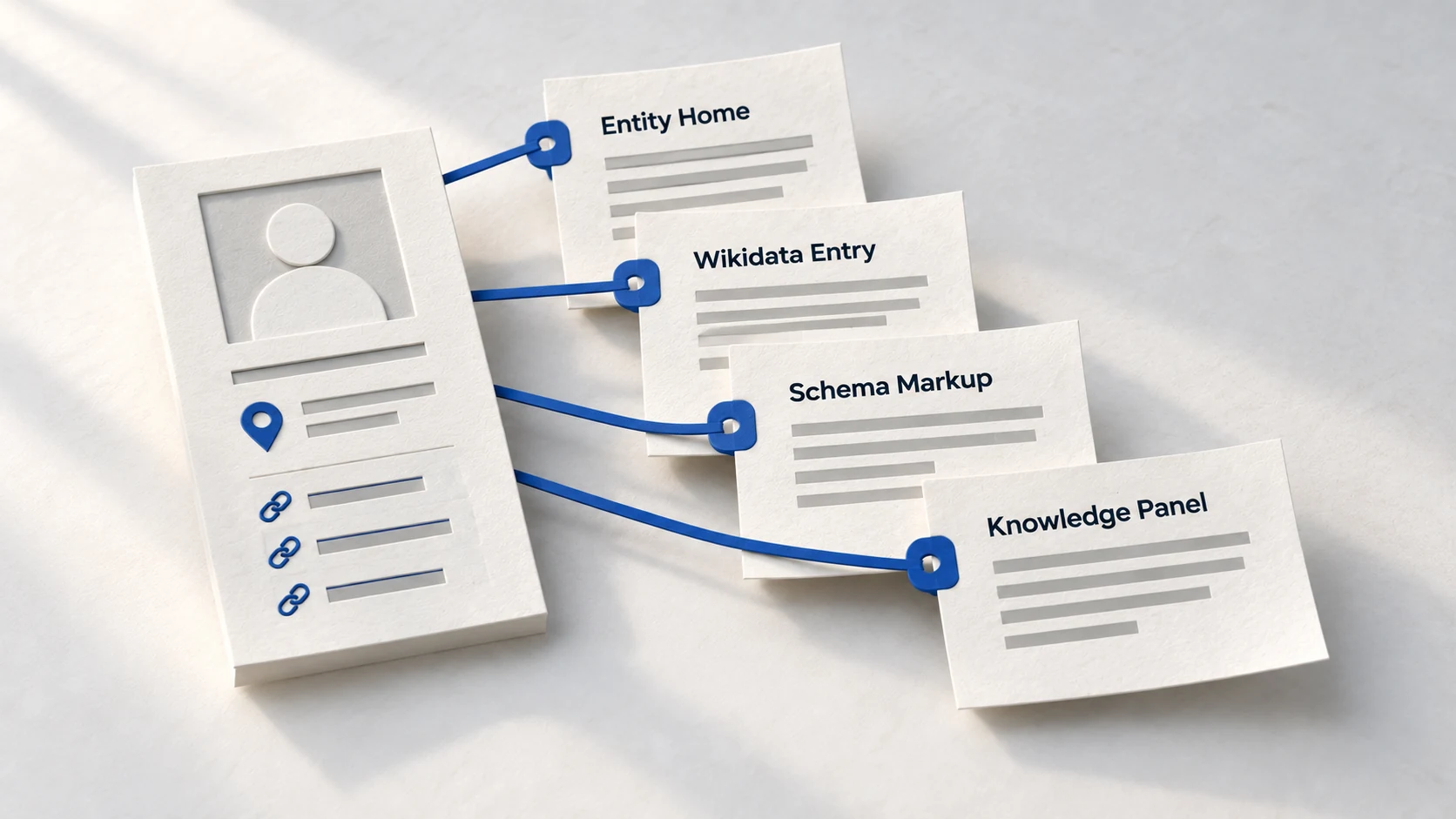
A Google Knowledge Panel is an information box that appears when someone searches your brand name, displaying verified facts about your organization. You cannot buy or directly request a panel-Google generates them automatically when it has sufficient confidence in your entity's existence. To earn one, establish an Entity Home page with factual information, create a Wikidata entry, implement Organization schema, and build consistent third-party citations across authoritative sources.
Search your competitor's brand name on Google. That information box on the right side of the screen-logo, founding date, social links, key facts-that's a Knowledge Panel. Search your own brand name. Nothing. Just organic results.
That asymmetry isn't random. Google has determined that your competitor exists as a verifiable entity worth displaying prominently. Your brand? Just another website. The panel gap reflects an entity recognition gap-and closing it requires understanding how Knowledge Panels actually work.
This guide breaks down the exact process. Not shortcuts or hacks, but the systematic approach to making your brand recognizable enough that Google creates a panel for you.
What Is a Google Knowledge Panel?
A Knowledge Panel is an automatically generated information box that appears on the right side of Google search results (desktop) or at the top (mobile) when someone searches for a recognized entity. It pulls information from Google's Knowledge Graph-a database of over 54 billion verified entities.
What Knowledge Panels Display
- • Logo and official name
- • Description (often from Wikipedia)
- • Founding date and founder(s)
- • Headquarters location
- • Social media profile links
- • Key people (CEO, leadership)
- • Related searches and entities
- • "People also search for" suggestions
Knowledge Panels provide "automatic, permanent placement" in search results-independent of your SEO rankings. When someone searches your brand name, the panel claims the entire right column on desktop, establishing credibility before they even look at organic results.
Why Knowledge Panels Matter for AI Visibility
Knowledge Panels are more than visual credibility-they're proof that Google recognizes you as an entity. And entity recognition extends beyond Google search to AI platforms.
99%
of business leaders lack deserved panels
Most qualified entities don't have Knowledge Panels-not because they're unworthy, but because they haven't built the entity signals Google needs.
Source: Kalicube →65%
of panel descriptions from Wikipedia
Wikipedia dominates Knowledge Panel descriptions. The remaining 35% comes from Wikidata, LinkedIn, Crunchbase, and other authoritative sources.
Source: Kalicube →The connection to AI search: ChatGPT, Perplexity, and Google AI Overviews all rely on entity understanding. When Google's Knowledge Graph recognizes your brand, that entity data feeds into AI systems. A Knowledge Panel is the visible proof that you've achieved entity recognition-and entity recognition is the foundation of AI citations.
Knowledge Panel Evolution
2012
Knowledge Graph Launch
Google introduces Knowledge Panels for entities
2018
Entity Focus
Verification and claiming features added
2023
AI Integration
Knowledge Graph data powers AI Overviews
Source: Kalicube entity research
Requirements for Getting a Knowledge Panel
Google doesn't publish official requirements for Knowledge Panels, but entity SEO research has identified the signals that trigger panel generation.
The Three Pillars of Panel Eligibility
Search Interest
People must be searching for your brand name. Google creates panels for entities that users want to learn about. Zero search volume = no panel incentive.
Third-Party Citations
According to Search Engine Land, Google may require approximately 30 endorsements from trusted third-party sources before considering an entity for a panel.
Unique Identifiers
Consistent markers (NAP, Wikidata ID, social profiles) that connect diverse online mentions to a single entity. Without unique identifiers, Google can't consolidate mentions into one entity profile.
Check Your Eligibility
Question
Are you eligible for a Knowledge Panel?
Yes - Start building
Most common path
Yes - Focus on entity home
Requires consistent naming
Not yet - Build foundation
Focus on entity basics first
Yes - Start building
Most common path
Yes - Focus on entity home
Requires consistent naming
Not yet - Build foundation
Focus on entity basics first
Before You Start
- ✓ Official social profiles (LinkedIn, Twitter)
- ✓ Consistent entity naming across web
- ✓ Basic schema markup implemented
- ✓ At least 3 third-party mentions
What Doesn't Guarantee a Panel
- • Company size - Small businesses can earn panels; large companies can lack them
- • Website traffic - High traffic doesn't trigger panels; entity signals do
- • SEO rankings - Ranking #1 for keywords doesn't mean entity recognition
- • Payment - Panels cannot be purchased from Google
Step-by-Step: How to Get a Knowledge Panel
This process follows the Kalicube methodology-the most validated approach to Knowledge Panel acquisition.
The 5-Stage Process
Foundation
Entity Home
Verification
Wikipedia/Wikidata
Authority
Media Coverage
Technical
Schema Markup
Ongoing
Monitor & Maintain
1 Establish Your Entity Home
Create a dedicated page (typically your About page) that serves as the authoritative source of facts about your organization.
- • Include: official name, founding date, founder(s), headquarters, industry
- • Link to all official profiles (LinkedIn, Wikipedia, social media)
- • Implement Organization schema with sameAs properties
2 Create a Wikidata Entry
Wikidata is the structured data backbone of Wikipedia-and Google pulls from it directly. Most legitimate businesses can qualify.
- • Requires verifiable third-party sources (news, databases, registries)
- • Lower notability bar than Wikipedia itself
- • Include properties: official website, founding date, social profiles
Warning
Never create a Wikipedia article about yourself or your company. It will be flagged and deleted. Let journalists or industry experts create it based on your notability.
3 Build Third-Party Citations
Google needs independent confirmation that your entity exists. Build mentions on sources Google trusts.
- • Industry directories and databases (Crunchbase, industry associations)
- • News coverage mentioning your brand
- • Professional profiles (LinkedIn company page, executive profiles)
- • Target approximately 30 authoritative mentions
4 Ensure NAP Consistency
Your Name, Address, and Phone must be identical across all sources. Inconsistencies signal separate entities.
- • Audit all business listings for exact matches
- • Use identical formatting (no "Inc." in some places, "Incorporated" in others)
- • Connect everything with sameAs schema properties
5 Claim Existing Panel (If Present)
You may already have a Knowledge Panel without knowing it. Search your brand name and check.
- • Click the three dots next to your category
- • Select "Claim this knowledge panel"
- • Verify ownership through Google Search Console or social profiles
- • Once claimed, you can suggest edits to incorrect information
This process typically takes 3-12 months. The timeline depends on your starting point-existing media coverage and established profiles accelerate results.
Optimizing an Existing Knowledge Panel
If you already have a Knowledge Panel, optimization ensures it displays accurate, comprehensive information.
Panel Optimization Checklist
Suggesting corrections: Once verified, click "Suggest an edit" on your panel. Google reviews suggestions and updates panels when sources confirm the correction. Major changes require updating primary sources (Wikipedia, Wikidata, Entity Home) first-then requesting Google re-crawl.
FAQ
How long does it take to get a Knowledge Panel?
Can I pay for a Knowledge Panel?
Why did my Knowledge Panel disappear?
What's the difference between a Knowledge Panel and a Business Profile?
Ready to Become a Recognized Entity?
Knowledge Panels are the visible proof of entity recognition.
Start with your Entity Home, build third-party validation, and watch Google recognize your brand.
Take the GEO Readiness Quiz →60 seconds · Personalized report · Free
Continue Learning
Dive deeper into AI search with these related articles:
Entity Optimization Masterclass: AI Brand Recognition
Master the complete framework for establishing your brand as a recognized entity in AI systems. From Entity Homes to Wikidata to knowledge panels.
The Entity Home Concept: Your About Page as GEO Foundation
Your Entity Home is the single page Google trusts most for understanding who you are. Learn why your About page should become your GEO foundation.
Wikidata for Business: Is Your Brand Notable Enough?
Wikidata feeds Google's Knowledge Graph and AI systems. Learn what notability requirements your brand needs to meet and how to create an entry.