GEO & AI Search
GEO for Non-Technical Marketers: Your AI-Assisted Implementation Path
Quick Answer
GEO implementation doesn't require technical skills-AI tools can generate schema markup, restructure content, and create structured data from natural language instructions. The key is knowing which AI prompts to use, which CMS plugins handle implementation, and which tasks truly need a developer (fewer than you think). Non-technical marketers can achieve 70-80% of GEO optimization independently.
Schema markup. JSON-LD. Structured data. Knowledge graphs. The language of GEO sounds like it belongs in a developer's terminal, not a marketer's workflow. And every guide you read seems to assume you already know how to edit HTML, validate code, and deploy technical changes to production.
But here's what those guides miss: the same AI platforms you're trying to optimize for can help you do the optimization. ChatGPT can generate your schema markup. Claude can restructure your content. Gemini can validate your implementation. The tools have changed, and the technical barrier has dropped dramatically.
This guide is specifically for marketers who feel locked out of GEO because it seems too technical. By the end, you'll have a concrete implementation path-and the confidence that you can execute it without becoming a developer.
The Technical Barrier Myth
The belief that GEO requires technical skills comes from a real place-schema markup is code, structured data follows strict formats, and implementation happens in HTML. But the conclusion that only developers can do this work no longer holds.
83%
of businesses are integrating AI into their SEO strategies
Source: SEO Sandwitch ResearchWhat's driving this adoption isn't a sudden surge in technical talent-it's AI tools that eliminate the technical execution barrier. You describe what you need in plain English, and the AI produces the technical output.
The Old Way vs. The AI-Assisted Way
The tasks haven't changed-you still need schema markup, structured content, and authority signals. But the method of producing them has shifted from writing code to describing what you want.
What 'Non-Technical' Actually Means for GEO
- 1
You won't write code from scratch
AI generates the code. Your job is providing the right inputs (your business info, content, goals) and pasting the output into the right places (CMS plugins, page settings). The syntax errors, formatting issues, and debugging? The AI handles that.
- 2
You won't need to understand HTML structure
CMS plugins abstract the implementation layer. You add information to form fields-business name, address, author credentials-and the plugin generates the HTML. You never see the source code unless you want to.
- 3
You will need to understand GEO concepts
Knowing WHAT to optimize matters more than knowing HOW to code it. Understanding entity establishment, answer-first formatting, and citation signals lets you direct the AI tools effectively. The strategy is yours; the execution is AI-assisted.
How AI Changes the Implementation Equation
AI tools have created what I call the "description-to-output" workflow. You describe what you need, provide context, and receive executable output. This works for every major GEO implementation task.
55%
reduction in manual SEO workload through AI automation
Source: SEO SandwitchGEO Tasks: Technical Requirement Before vs. After AI
| Task | Traditional Method | AI-Assisted Method | Skill Level Now |
|---|---|---|---|
| Schema generation | Learn JSON-LD syntax, write from scratch | Paste content into ChatGPT, request schema | Beginner |
| Content restructuring | Understand SEO patterns, manually rewrite | Ask Claude to add answer capsules | Beginner |
| Entity establishment | Research Knowledge Graph requirements | Use prompts to audit and improve About page | Beginner |
| Schema validation | Read error messages, debug code | Paste into Rich Results Test, fix flagged issues | Beginner |
| Implementation | Edit HTML, deploy to server | Paste into CMS plugin fields | Beginner |
Every row in that table represents a task that used to require developer involvement. Now, each can be completed by a marketer with AI assistance and a CMS plugin.
Pro Tip
The best AI results come from specific prompts with real data. Instead of 'create schema for my business,' use 'create Organization schema for [Business Name], a [type of business] founded in [year], located at [address], specializing in [services].' Specificity in, specificity out.
The Four-Pillar GEO Framework for Non-Technical Marketers
GEO optimization breaks down into four areas. Each has specific AI-assisted implementation methods that don't require coding.
Pillar 1: Entity Establishment
What it is: Making your brand recognizable to AI as a distinct entity-not just a website, but a known business with verified attributes.
Non-technical implementation: Create a comprehensive About page with Organization schema. AI generates the schema from your business information. CMS plugins add it to your site.
AI prompt approach: "Generate Organization schema for [business name]. Include: founding date, location, description, social profiles, and industry classification."
Pillar 2: Content Structure
What it is: Formatting content so AI can extract and cite specific passages-answer capsules, clear headings, structured lists.
Non-technical implementation: Use AI to identify restructuring opportunities and generate improved versions. You paste in your existing content; AI returns answer-first rewrites.
AI prompt approach: "Analyze this content for answer-first structure. Identify where questions are answered and suggest answer capsules (40-60 words) I can add at the start of each section."
Pillar 3: Schema Markup
What it is: Structured data that tells search engines and AI exactly what your content represents-articles, FAQs, products, organizations, people.
Non-technical implementation: AI generates the JSON-LD code. You paste it into your CMS's schema field or use a plugin that accepts custom schema. Validation tools confirm it works.
AI prompt approach: "Generate FAQPage schema for these Q&A pairs: [paste your FAQ content]. Output valid JSON-LD ready to paste into a CMS."
Pillar 4: Authority Signals
What it is: Third-party validation that AI platforms use to verify your expertise-citations, mentions, directory listings, author credentials.
Non-technical implementation: This pillar requires effort but not technical skills. Claim directory listings, respond to journalist queries, get mentioned on authoritative sites. AI can help identify opportunities.
AI prompt approach: "Identify the top 10 industry directories where [type of business] should be listed for GEO authority signals. For each, note the submission process and typical approval time."
86%
of AI citations come from brand-managed sources
Source: Yext 6.8M Citations StudyAI-Assisted Tools That Do the Technical Work
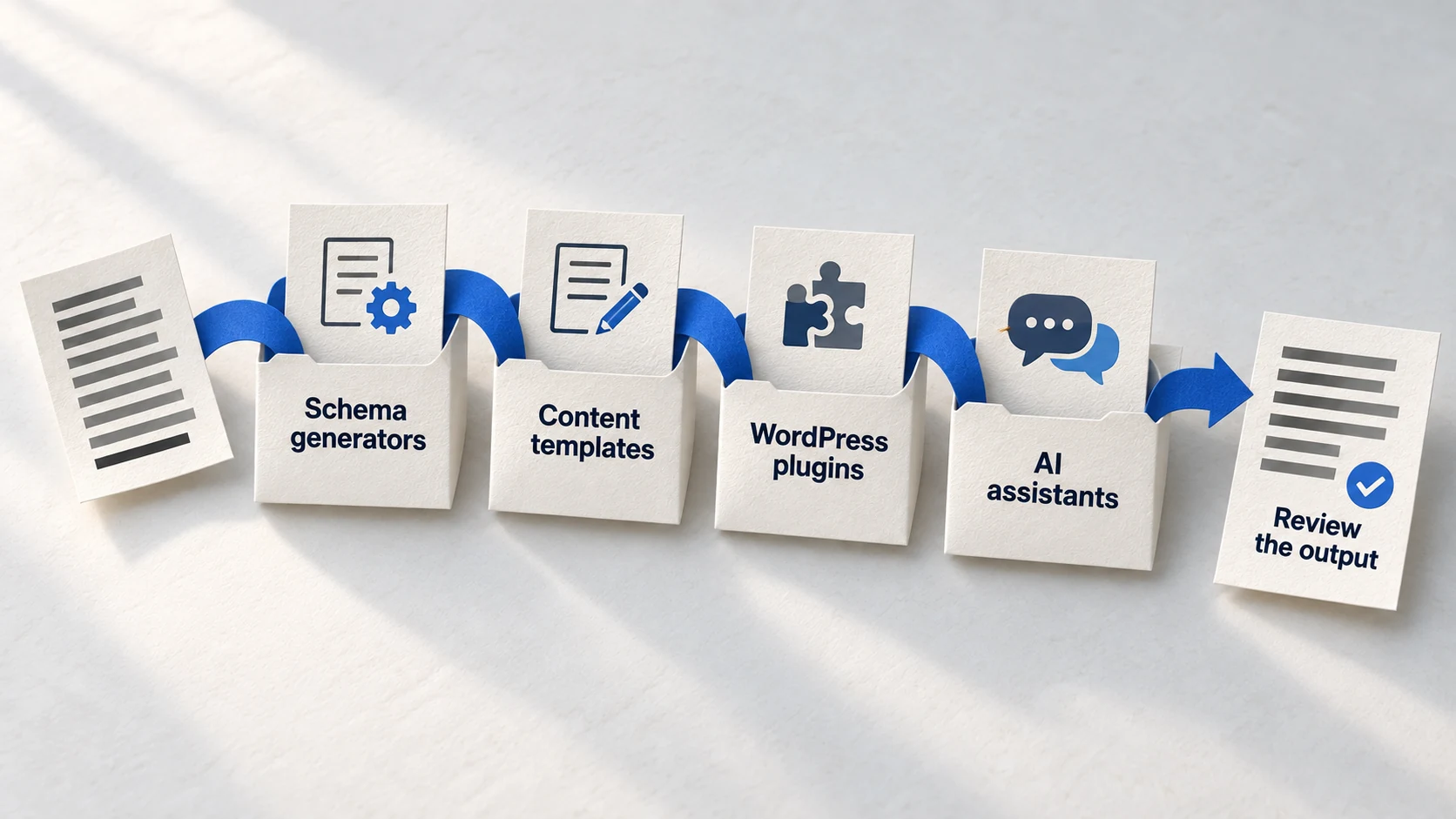
You don't need an expensive tool stack. A free AI chat interface plus your existing CMS handles most implementation. Here's what to use at each stage.
Essential GEO Implementation Tools
ChatGPT / Claude / Gemini
Your primary implementation partner. Use for: generating schema markup, restructuring content, creating answer capsules, auditing pages for GEO gaps, and validating strategy. Any advanced AI model works-choose based on your preference.
Free tiers available
Learn more →Google Rich Results Test
Validates your schema markup before and after implementation. Paste a URL or code snippet to see if Google recognizes your structured data. Catches errors that would otherwise make your schema invisible.
Free
Learn more →CMS Schema Plugins
Yoast SEO, Rank Math (WordPress), built-in features (Shopify, Squarespace, Webflow). These tools add schema fields to your page editor so you can paste AI-generated markup without touching code. Most have free versions sufficient for basic GEO.
Free/Paid options
Google Search Console
Monitors how Google sees your structured data after implementation. The Enhancements reports show which schema types are recognized and flag any errors. Essential for ongoing validation.
Free
Learn more →Pro Tip
Start with free tools. ChatGPT's free tier handles schema generation and content analysis. Paid GEO monitoring tools (Otterly, Peec, Profound) add value once you have baseline implementation-but they're not required to get started.
Your 4-Week Implementation Path
This path assumes 3-5 hours per week of focused work. Each week builds on the previous, and by week four, you'll have a GEO-optimized foundation without writing a line of code.
Week 1: Entity Foundation
Week 1 Tasks
- Audit your About page using AI prompt: 'Analyze this About page for entity establishment signals'
- Generate Organization schema using ChatGPT with your business details
- Install schema plugin on your CMS (Yoast, Rank Math, or platform equivalent)
- Add Organization schema to your About page via plugin
- Validate using Google Rich Results Test
Time estimate: 3-4 hours | Technical skill: Copy-paste only
Week 2: Content Structure
Week 2 Tasks
- Select 3-5 priority pages (highest traffic or most important for conversions)
- Analyze each using AI: 'Identify where answer capsules should be added to this content'
- Generate answer capsule rewrites for each page
- Update pages with answer-first structure
- Add FAQ sections to pages that answer common questions
Time estimate: 4-5 hours | Technical skill: Content editing only
Week 3: Schema Expansion
Week 3 Tasks
- Generate Article schema for blog posts using AI
- Create FAQPage schema for pages with FAQ sections
- Add Person schema for author bios
- Implement LocalBusiness schema if applicable
- Validate all new schema with Rich Results Test
Time estimate: 4-5 hours | Technical skill: Copy-paste into CMS fields
Week 4: Authority Building Setup
Week 4 Tasks
- Identify top industry directories using AI research prompt
- Submit to 5-10 priority directories
- Set up Google Business Profile if local business
- Connect social profiles using sameAs schema properties
- Create baseline AI visibility check (manual queries on ChatGPT, Perplexity)
Time estimate: 4-5 hours | Technical skill: Form submissions only
After 4 Weeks
Overcoming Common Objections
Non-technical marketers often talk themselves out of GEO implementation. Here are the common objections-and why they don't hold up.
"I'll break something on my website"
Schema markup is additive. It doesn't change your page content or design-it adds invisible metadata for search engines. If you add incorrect schema, the worst outcome is that rich results don't appear. Your pages still work normally. And validation tools catch errors before you publish.
"AI-generated code won't be accurate"
For schema generation, AI is remarkably accurate because JSON-LD follows strict, documented specifications. The AI isn't inventing patterns-it's applying known structures to your data. Validation tools verify the output. You're not trusting AI blindly; you're using AI plus validation.
"I still need a developer eventually"
For 70-80% of GEO implementation, no. CMS plugins handle the technical layer. Where you might need developer help: custom schema types not supported by plugins, website changes requiring backend work, or integration with complex systems. But the foundation? That's marketer territory now.
"This seems like a lot of work"
Compared to learning to code? It's dramatically less. The 4-week path above represents 15-20 hours total-less time than most marketers spend on a single webinar series. And unlike webinars, this produces durable assets that continue working for your visibility.
FAQ
Do I need to learn coding to implement GEO?
How long does it take to see results from GEO optimization?
Which AI tool is best for non-technical GEO implementation?
What if I make a mistake with schema markup?
Is GEO worth the effort for a small business or solo marketer?
Ready to Implement GEO Without the Technical Overwhelm?
This guide shows you the path. The GEO Accelerator Course provides the complete system-100 AI prompts, step-by-step walkthroughs, and templates designed for non-technical implementation.
Join thousands of marketers optimizing for AI search without writing code.
Take the GEO Readiness Quiz →60 seconds · Personalized report · Free
Continue Learning
Dive deeper into AI search with these related articles:
Your First ChatGPT Citation in 30 Days: Quick-Start GEO Guide
A week-by-week implementation plan to achieve your first AI citation. From visibility audit to schema markup to content optimization—the complete 30-day GEO quick-start guide.
The Complete Schema Markup Guide for GEO
Master schema markup for AI visibility. Essential types, implementation strategy, and common mistakes.
ChatGPT for GEO: The Essential Prompts
10 copy-paste ChatGPT prompts to audit, optimize, and track your content for AI search visibility. Content audit, competitor analysis, entity building, and tracking prompts you can use today.