GEO & AI Search
Week 2: Foundation Building - Entity and Schema Basics
Quick Answer
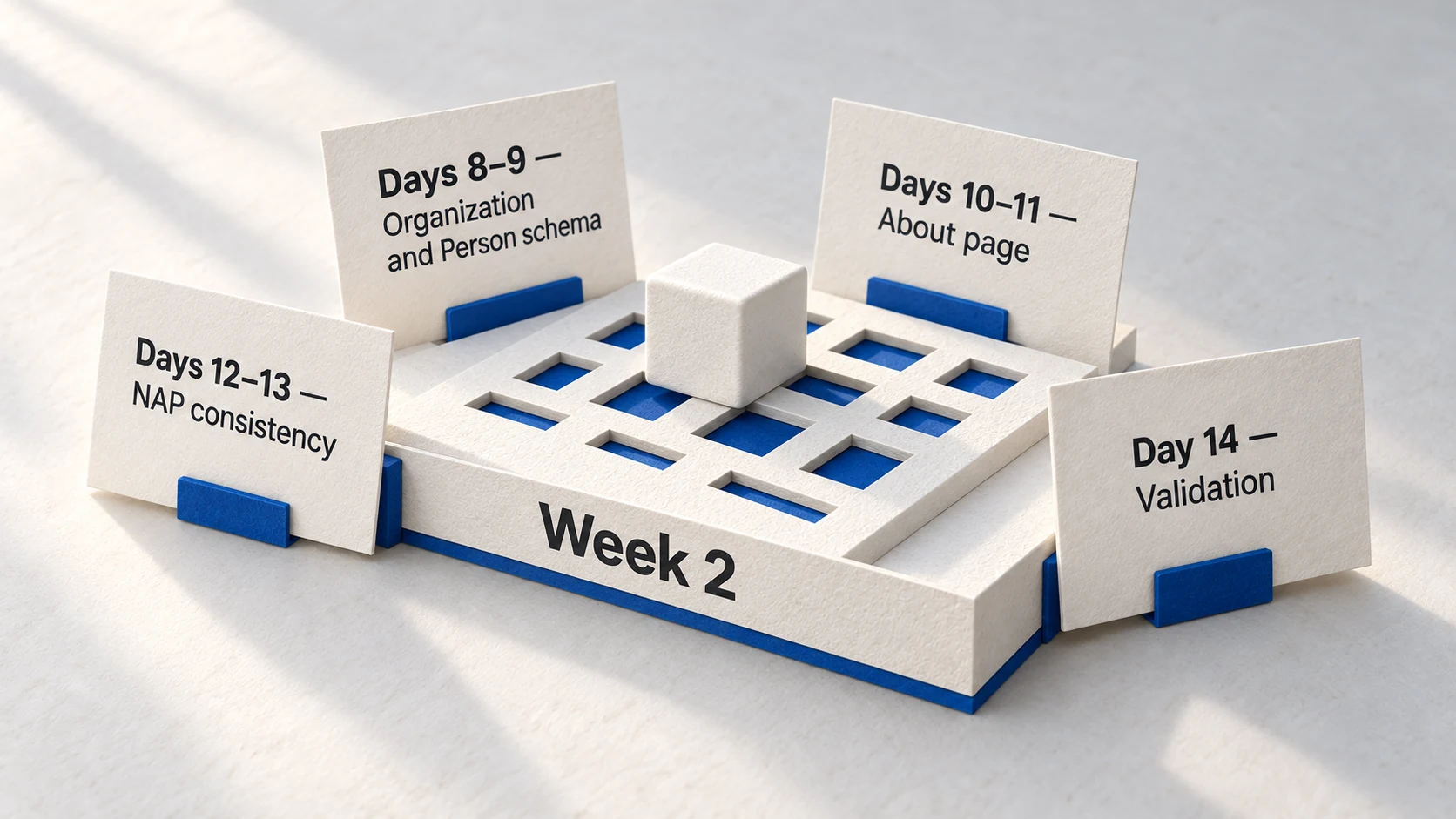
Week 2 builds your entity foundation-the identity signals that tell AI platforms who you are. Days 8-9 implement Organization and Person schema markup. Days 10-11 transform your About page into an entity hub. Days 12-13 audit and fix NAP consistency across platforms. Day 14 validates everything. This is the technical foundation that makes content optimization (Week 3) possible.
Your Week 1 audit revealed the gaps. Now you close them. Week 2 is about identity-telling AI platforms exactly who you are so they can confidently cite you later.
Most sites skip this step. They jump straight to content optimization, wondering why AI platforms don't cite them despite great content. The answer: AI systems won't cite entities they can't verify. Without schema markup, without a comprehensive About page, without consistent information across the web-you're a stranger asking for trust.
Week 2 changes that. By Day 14, AI platforms will have clear signals about your organization, your people, your expertise. That foundation makes everything in Weeks 3-4 possible.
36%
higher citation probability with schema
Pages with comprehensive structured data implementation receive significantly more AI citations.
Source: Geneo →67%
citation reduction from NAP inconsistency
Conflicting business information across platforms dramatically reduces AI citation probability.
Source: Birdeye →86%
of AI citations from brand-managed sources
Your website and profiles are the primary citation sources-the entity foundation you control.
Source: Yext →Why Week 2 Matters: Entity First, Everything Else Second
AI platforms don't just index content-they verify sources. Before citing you, they ask: Who is this? Are they credible? Is this information consistent with what I know about them? Entity signals answer these questions. Without them, even excellent content gets passed over for sources the AI can verify.
Definition
Entity Foundation
The collection of identity signals that establish who you are to AI platforms: schema markup (structured data), comprehensive About page, author credentials, and consistent information across the web. These signals form the trust layer that enables AI citations.
Think of it this way: Week 1 showed you where you stand. Week 2 introduces you to the AI platforms. Week 3 will give them reasons to cite you. Skipping Week 2 is like trying to get quoted in the press without telling journalists who you are.
The Entity Foundation Difference
What You Need for Week 2
- ✓ Access to your website's HTML or CMS header section
- ✓ Your organization's official information (founding date, address, contact)
- ✓ Author photos and credentials for key content creators
- ✓ Social media profile URLs (LinkedIn, Twitter/X, etc.)
- ✓ Google Business Profile access (if applicable)
- ✓ Week 1 audit results showing entity gaps to fix
Day 8: Organization Schema Implementation
Organization schema tells AI platforms who your business is. Name, logo, contact information, founding date, areas of operation, social profiles. This is the single most important piece of structured data for entity establishment-and it belongs on every page of your site.
Organization Schema Implementation Steps
- 1
Gather Information
Collect official business name, logo URL, founding date, contact info, social links
- 2
Generate Schema
Use the template below, filling in your specific information
- 3
Add to Site Header
Place JSON-LD in your site's <head> section (global template recommended)
- 4
Test with Rich Results
Validate syntax using Google's Rich Results Test tool
Organization Schema Template
What it does: This JSON-LD template defines your organization as a verified entity. AI platforms use this structured data to understand who you are, building the trust foundation for citations.
Your input: Replace all placeholder values in [brackets] with your actual business information. Every field matters-incomplete schema reduces effectiveness.
Expected output: When tested with Google's Rich Results Test, you'll see your organization data extracted cleanly with no errors.
What to do next: After adding to your site, wait 48 hours, then run the Rich Results Test on your live homepage. Errors? Fix them. No errors? Move to Day 9.
Copy this Organization schema template:
<script type="application/ld+json">
{
  "@context": "https://schema.org",
  "@type": "Organization",
  "@id": "[YOUR-DOMAIN]/#organization",
  "name": "[YOUR BUSINESS NAME]",
  "url": "[YOUR-DOMAIN]",
  "logo": "[YOUR-DOMAIN]/images/logo.png",
  "foundingDate": "[YYYY]",
  "description": "[2-3 SENTENCE DESCRIPTION]",
  "address": {
    "@type": "PostalAddress",
    "streetAddress": "[STREET]",
    "addressLocality": "[CITY]",
    "addressRegion": "[STATE]",
    "postalCode": "[ZIP]",
    "addressCountry": "[COUNTRY CODE]"
  },
  "contactPoint": {
    "@type": "ContactPoint",
    "telephone": "[PHONE]",
    "contactType": "customer service",
    "email": "[EMAIL]"
  },
  "sameAs": [
    "[LINKEDIN-URL]",
    "[TWITTER-URL]",
    "[FACEBOOK-URL]"
  ]
}
</script> Pro Tip
The @id property creates a unique identifier for your organization. Use your domain + '/#organization' as shown. This ID links your Organization schema to Person schema later, building a connected entity graph that AI platforms trust more.
72%
of first-page Google results use schema
Schema markup has moved from 'nice to have' to baseline requirement. Sites without structured data increasingly lose visibility in both traditional search and AI responses.
Source: BacklinkoDay 9: Person Schema for Author Authority
Person schema connects content to verified humans. AI platforms heavily weight author credibility-content attributed to identifiable experts with credentials gets cited more than anonymous or generic "content team" bylines. Day 9 establishes your people as credible sources.
Author Attribution Impact on AI Citations
| Byline Type | AI Perception | Citation Probability |
|---|---|---|
| Expert with credentials + schema | Verified authority, citable source | Highest |
| Named author without schema | Identifiable but unverified | Medium |
| 'Content Team' or 'Staff Writer' | Anonymous, unverifiable | Low |
| No byline at all | Unknown source, trust impossible | Very Low |
Person Schema Template
What it does: Defines a person as a verified entity with expertise, credentials, and platform presence. This schema goes on author bio pages and links to articles they write.
Your input: Create one Person schema per author. Include real credentials-job titles, areas of expertise, years of experience. The sameAs links prove identity across platforms.
Expected output: Google extracts person data cleanly. Over time, AI platforms associate this person with expertise in specific topics.
What to do next: Add to each author's bio page. Then update Article schema on their posts to reference this Person @id.
Copy this Person schema template:
<script type="application/ld+json">
{
  "@context": "https://schema.org",
  "@type": "Person",
  "@id": "[YOUR-DOMAIN]/about/[AUTHOR-SLUG]/#person",
  "name": "[FULL NAME]",
  "jobTitle": "[JOB TITLE]",
  "description": "[2-3 SENTENCE EXPERTISE SUMMARY]",
  "image": "[YOUR-DOMAIN]/images/[AUTHOR-PHOTO].webp",
  "url": "[YOUR-DOMAIN]/about/[AUTHOR-SLUG]",
  "worksFor": {
    "@id": "[YOUR-DOMAIN]/#organization"
  },
  "sameAs": [
    "[LINKEDIN-PROFILE-URL]",
    "[TWITTER-PROFILE-URL]"
  ],
  "knowsAbout": [
    "[EXPERTISE-AREA-1]",
    "[EXPERTISE-AREA-2]",
    "[EXPERTISE-AREA-3]"
  ]
}
</script>
"Person schema lets machines know that your name represents a verifiable person with expertise and authority-essential for E-E-A-T signals that AI platforms increasingly weight."
Pro Tip
The 'worksFor' property links Person to Organization-this creates the entity relationship AI platforms look for. Make sure the @id in 'worksFor' exactly matches your Organization schema's @id.
Day 10-11: About Page Transformation
Your About page is your "Entity Home"-the central hub where AI platforms go to understand who you are. A placeholder About page with generic mission statements fails. A comprehensive About page with founding story, team credentials, contact information, and expertise areas succeeds.
About Page Transformation Steps
Day 10 Morning
Audit Current State
Review your existing About page. Note what's missing from the checklist below.
Day 10 Afternoon
Write Core Sections
Draft founding story (300+ words), expertise areas, credentials, and contact section.
Day 11 Morning
Add Team/Author Bios
Create 150+ word bios for key team members with photos and credentials.
Day 11 Afternoon
Implement + Validate
Publish updated page. Add Organization + Person schema. Test with Rich Results.
About Page Required Elements
| Element | Why It Matters | Target Length |
|---|---|---|
| Founding Story | Establishes legitimacy and history | 300+ words |
| Mission/Vision | Clarifies what you do and for whom | 100-150 words |
| Team Bios | Person entities with credentials | 150+ words each |
| Areas of Expertise | Topics you're authoritative on | Bulleted list |
| Contact Information | Verifiable location and contact | Complete address + email + phone |
| Social Links | Proves consistent identity | All major platforms |
Warning
Your About page should answer these questions: Who are you? How long have you existed? What's your expertise? Who works here? How can someone contact you? If any answer is missing or vague, AI platforms have less confidence citing you.
Day 12-13: NAP Consistency Audit
NAP stands for Name, Address, Phone-the core business information that should be identical everywhere. When your website says "Founded 2015" but LinkedIn says "Founded 2014," AI platforms see conflicting data and lose confidence. Days 12-13 eliminate these inconsistencies.
NAP Audit Process
- 1
Define Canonical Version
Decide the exact formatting: 'Street' vs 'St.', phone format, founding year
- 2
Audit Key Platforms
Check 10+ platforms: website footer, GBP, LinkedIn, Yelp, Crunchbase, directories
- 3
Document Discrepancies
Log every difference in a spreadsheet-no inconsistency is too small
- 4
Update All Platforms
Change each platform to match canonical version exactly
Google Business Profile
Primary source for local AI queries. Update business info, hours, categories, photos.
LinkedIn Company Page
Professional authority signal. Match founding date, location, and description exactly.
Crunchbase
Business database often cited by AI. Verify funding, founding date, and key people.
Yelp Business
Local citation source. Ensure NAP matches and categories are accurate.
67%
citation reduction from inconsistencies
NAP inconsistency confuses AI systems. Conflicting founding dates, addresses, or business names dramatically reduce the probability that AI platforms will confidently cite you.
Source: BirdeyeDay 14: Testing and Validation
Day 14 validates everything you built in Week 2. Schema syntax errors, broken links, missing properties-catch them now before moving to content optimization. This is your quality check before Week 3.
Validation Checklist
- 1
Schema Validation
Run homepage + About page through Google Rich Results Test. Fix all errors.
- 2
Cross-Link Check
Verify Person schema links to Organization, Article schema links to Person
- 3
Platform Spot-Check
Visit 5 platforms from NAP audit. Confirm all now match canonical version.
- 4
Baseline Retest
Query AI platforms with your brand name. Document any improvements from Week 1.
Validation Tools
What it does: These free tools validate your schema syntax, check for errors, and show exactly what search engines extract from your structured data.
Your input: Enter your page URLs. Each tool shows errors, warnings, and extracted data.
Expected output: Green checkmarks, no errors. All your Organization and Person data extracted correctly.
What to do next: If errors appear, fix them immediately. Common issues: missing quotes, wrong URLs, invalid date formats. Re-test until clean.
Validation tool URLs:
Google Rich Results Test: https://search.google.com/test/rich-results
Schema.org Validator: https://validator.schema.org/
Structured Data Linter: http://linter.structured-data.org/
Pro Tip
Don't expect AI platforms to show your schema changes on Day 14. Schema propagation takes 1-4 weeks. The validation step confirms your technical implementation is correct-the visibility improvements come later.
Week 2 Completion Checklist
Before moving to Week 3, confirm all Week 2 deliverables are complete. Missing any item weakens your entity foundation and reduces the effectiveness of content optimization.
Week 2 Deliverables
| Deliverable | Location | Validation Method |
|---|---|---|
| Organization Schema | Site-wide (header) | Rich Results Test - no errors |
| Person Schema (per author) | Author bio pages | Rich Results Test - no errors |
| About Page (500+ words) | /about or /about-us | Contains all 6 required elements |
| Author Bio Pages | /about/[author-name] | 150+ words each with credentials |
| NAP Consistency | 10+ platforms | Spreadsheet shows all matching |
| sameAs Links | Schema + page content | All social profiles linked |
FAQ
Do I need coding skills to implement schema markup?
What's the difference between Organization and Person schema?
How quickly will AI platforms recognize my schema changes?
Should I add schema to every page or just key pages?
What if my NAP information is inconsistent across platforms?
How do I know if my schema is working correctly?
Ready for Week 3?
You've built the foundation. AI platforms now know who you are. Week 3 transforms your content into the format they prefer to cite.
Week 3 focuses on answer-first content transformation-turning existing pages into citation-worthy assets.
Take the GEO Readiness Quiz →60 seconds · Personalized report · Free
Continue Learning
Dive deeper into AI search with these related articles:
Your First ChatGPT Citation in 30 Days: Quick-Start GEO Guide
A week-by-week implementation plan to achieve your first AI citation. From visibility audit to schema markup to content optimization—the complete 30-day GEO quick-start guide.
Week 1: GEO Audit - Assessing Your Current AI Visibility
The complete Week 1 implementation guide for your GEO audit. Test platform visibility, calculate citation frequency baseline, check entity signals, and identify gaps.
The Complete Schema Markup Guide for GEO
Master schema markup for AI visibility. Essential types, implementation strategy, and common mistakes.