Agentic AI · 8 October 2026
Will AI agents replace my job? The dispatcher who forgot the manual way
Will AI agents replace jobs? An agent can finish familiar work quickly, while you still need to explain what happened. Keep a manual route, require a change summary, and check that summary against the actual files.
Will AI agents replace jobs?
I cannot tell you what will happen to your job. I cannot reduce a career to one forecast.
AI agents can change tasks and what a manager expects from them. The harder question is whether you can still see what happened inside the work.
Replacement makes the headline. An agent can finish familiar work, the queue can move faster, and you may need to explain the result to someone else.
The manual steps matter because you cannot easily spot a skipped step when you cannot recover the old path.
You do not need to refuse the tool, but the tool cannot become the only route you know.
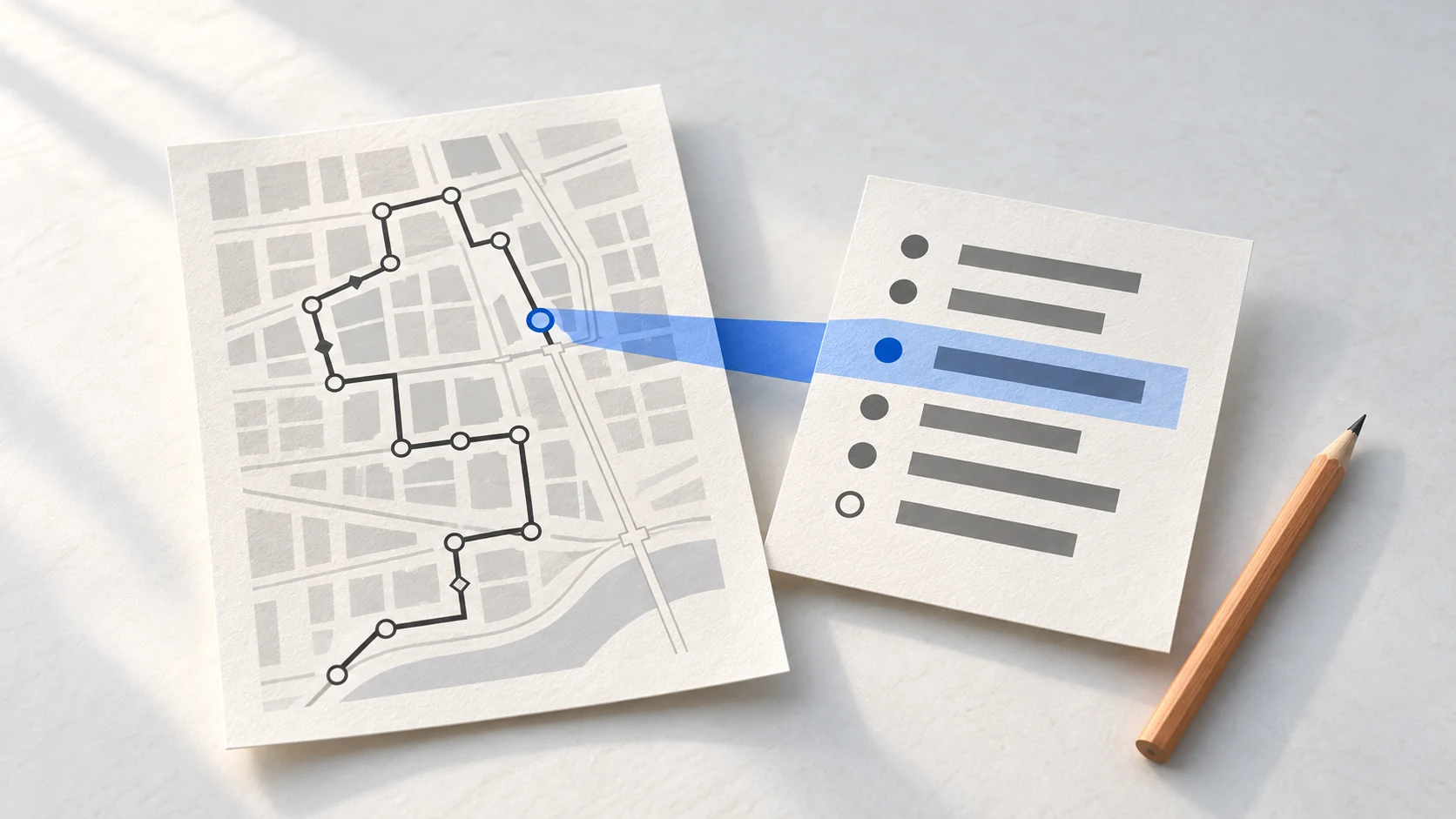
The dispatcher who forgot the manual way
A dispatcher was asked to train a junior and had forgotten parts of the manual process.
The missing parts were ordinary work, including searching boards and writing a broker email from scratch. Those steps had faded after months away from them.
One dispatcher cannot predict what happens to every dispatcher. The smaller fear still deserves attention.
When an agent handles familiar work, the person using it can lose the route back. The problem appears when a result needs checking and the original steps no longer come easily.
AI can make a person feel more productive and less secure about their career at the same time.
Work that used to have days can now be expected in 5 minutes. No post can tell you whether your employer will make that demand.
Prepare with work you can inspect, rather than with a grand plan.
The habit that keeps the work visible
The habit has 4 parts. Start with a small folder of made up notes. Name the change you allow. Require a summary of every change. Then compare the summary with the before copy and the diff.
A diff is a list of differences between two folders. It shows the files that changed. Your before copy lets you check the files that were meant to stay unchanged. The summary records the work in plain language. Comparing all 3 tells you whether the summary matches the folder.
I used invented material in a folder named fictional-dispatch-desk.
Claude Code is Anthropic's tool for asking Claude to work with files in a project folder. If you do not have it yet, read Anthropic's setup guide before this exercise.
If you use Claude Code, make a plain text file named CLAUDE.md in the practice folder. It is the instructions file Claude Code reads before it works. Mine asked for a changes.md file that named every created or modified file, said what changed, and said what stayed unchanged.
Before the task, I saved a separate copy of the 3 original files. For your practice, duplicate the folder and name the copy before. You can do that in Finder or File Explorer. Keep it separate from the folder Claude Code works in.
Then ask Claude Code for one small job, such as reviewing made-up notes against made-up rules. Ask it to make a review file and changes.md, then show you the diff. For my trial, the diff named exactly 2 new files: changes.md and review/dispatch-review.md.
Give the practice a stopping rule: one folder, made-up files only, one review file, and no real customers or bookings. The point is to practise the check, not to make the job bigger.
The summary named both new files and said the 3 original files stayed unchanged. Its new-file list matched the diff, and its unchanged-file list matched the before copy.
That result proves one narrow thing. The check only tells you whether a required summary matches the files that changed. It cannot show that a task is safe, reliable, fast, or ready for real work.
| Keep | Why it matters |
|---|---|
| The prompt | You can see what the task was asked to do. |
| The input files | You can check what the task started with. |
| The output files | You can inspect what the task produced. |
| The diff | You can see every file that changed. |
| A stopping rule | You keep the practice task contained. |
Run the test in a fictional folder
Do this in a fictional folder, not inside a real project.
Put 3 short made-up notes inside the folder. If you use Claude Code, add a plain text CLAUDE.md file. Tell Claude Code to make one review file and a changes.md summary, and to leave the original notes alone.
Duplicate the folder first and name the copy before. Keep that copy separate. It gives you a clean starting point when you check the original files later.
Choose a contained task, such as reviewing invented notes against invented rules. Keep the task away from real customers, bookings, or private work. Set a stopping rule: one folder, one review file, then stop.
When Claude Code finishes, ask it to compare the before folder with the practice folder, show every difference, and change nothing. Read changes.md beside the result. Start with the new files the summary names and check that the diff shows the same files.
For files the summary says stayed untouched, compare each current file with the copy in before. When the summary, diff, and before copy disagree, stop there. Read the original rule and the changed file before deciding what to do next.
This exercise gives you a manual check without asking you to change real project rules. You are practising the part where you can explain what changed and where it happened.
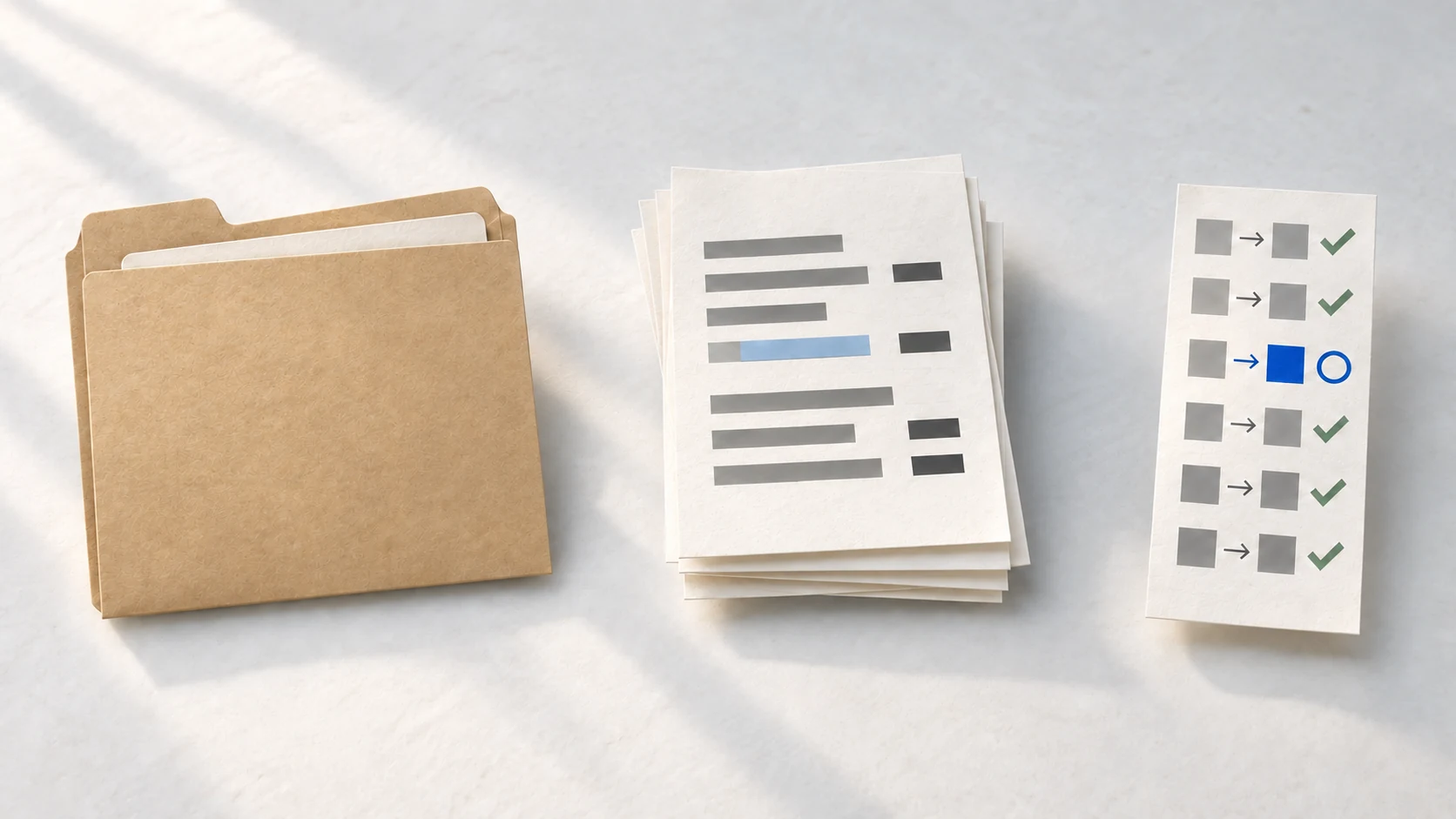
What to keep practising
The manual path matters because it lets you check a result that moves faster than you expected.
Judging a costly decision, understanding customer context, setting security boundaries, and deciding whether an output should ship all still need attention.
Those are not a list of replacement-proof skills. They are reminders that work can need a human check after an agent finishes its part.
Ask a smaller question: “Can I explain this result, check its changes, and recover the manual route if I need it?”
Recover the manual path. Read the original files and write down the steps you would take without the agent.
Save a before copy. Duplicate the made-up notes before you ask the agent to work.
Write the boundary. State which files may change, which files must stay untouched, and where the task stops.
Check the summary. Compare
changes.mdwith the diff, then compare the before copy with the original files before you accept the work.
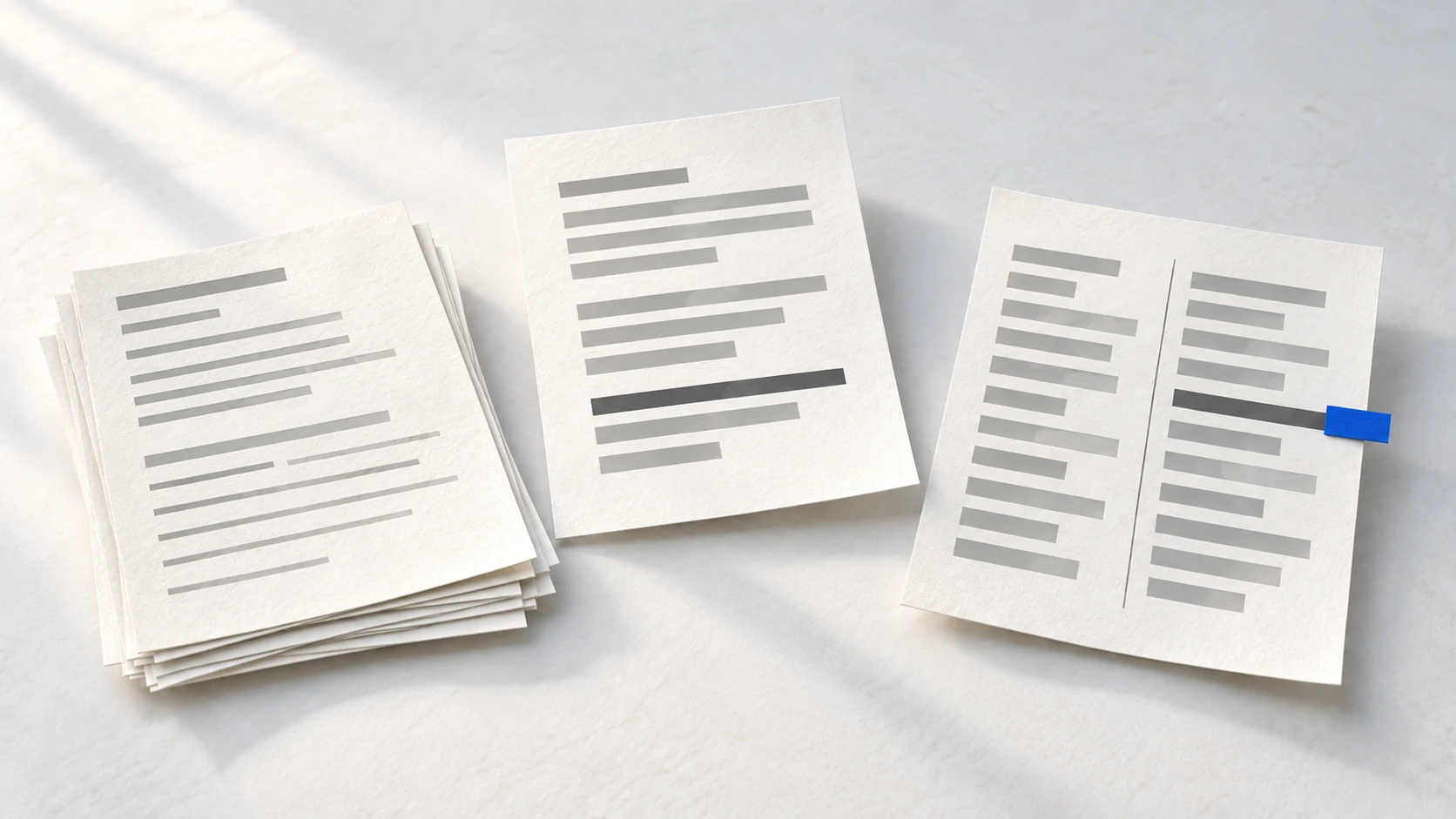
The whole thing on one card
Use agents for the work they can help you finish. Keep a manual route for the work you need to check. In a fictional folder, save a before copy, require a summary, and compare it with the diff.
Learn the part you need next
If you want a free place to begin, start with Claude Code 101.
If you want the next learning route from me, you can join the AI Agents course waiting list.
You do not need a promise about your job before you practise one small check. Set up the fictional folder, save a before copy, and compare one summary with its diff.
Questions people ask next
answered in one line eachWill AI agents completely replace jobs?
I cannot make that prediction. AI agents can change tasks and expectations, but a career does not reduce to one forecast.
What jobs is AI really replacing?
This post does not name jobs, employers, or dates. It focuses on a practical risk: losing the manual route needed to check fast work.
How do I keep manual skills while using AI?
Use a fictional folder. Save a before copy, then preserve the prompt, inputs, outputs, and diff. Require `changes.md`, then compare its summary with the diff and before copy.