Agentic AI · 23 September 2026
Your boss said use AI. The one job to start with
AI training for employees usually teaches the tool and leaves you to find the job. Start with drafts based on files you already trust, then check every number before anything leaves your desk.
Somebody above you said the company was going to start using AI. The instruction arrived in an all-staff email, at the end of a meeting, or as a license in your account. Nobody attached a job to the instruction.
So the license waits. In some companies, nobody opens it. In most of the others, one person has taken to AI and does everything by hand. Everybody else waits to see whether the company keeps using it.
Employees at insurance brokerages and consulting firms describe a quieter worry. A tool invents a figure, the figure reaches a customer, and the employee's name appears at the bottom.
Why AI training for employees often begins with the wrong job
One employee described spending 2 hours getting a pivot table out of Copilot while colleagues cheered.
Training teaches the tool, then leaves you to choose the job. The wrong first job feels obvious. A customer asks something, you type the question into a chat box, and you paste its answer back. A wrong number can now reach the client's file.
There is a safer first job, and the safety comes from the shape of the work.
Your manager needs something real too
The manager who sent the email has returned from a seminar or a board meeting. Everybody else's company sounded further ahead, and your manager needs something real to point at.
Inside an IT team, the request can become something with blinking lights for the next board meeting, without anybody specifying what useful result it should produce. That does not make the manager foolish. The manager faces the same pressure from one floor above.
You need something different. You need a way of working you can defend on the day an answer goes wrong. Pick one job well, and both sides get what they need. Your manager gets real work, while you can show exactly what you checked.
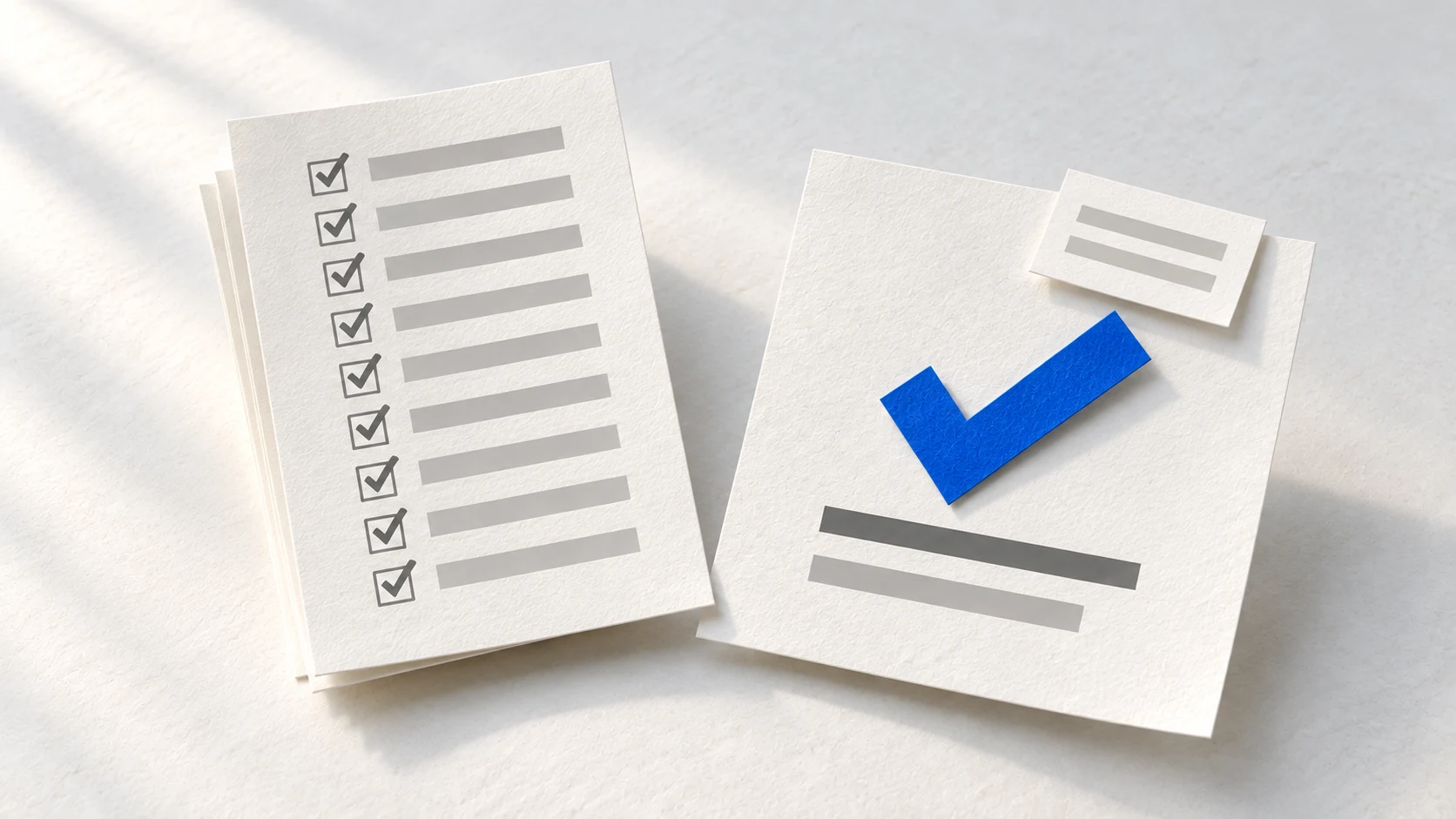
A confident answer can still be wrong
Someone I know at an insurance brokerage tested ChatGPT for client emails. The drafts kept giving confident answers about coverage limits, and the limits were wrong.
The danger did not look like a broken system because the emails read well and the answers sounded certain. A person reading quickly could mistake that confidence for evidence, then attach their own name to a number that had never come from the client's file.
They raised the problem in a team meeting. A senior colleague laughed and mentioned answering a client's policy question from the tool. She had not wanted to dig through the file. The polished language had made the shortcut look safer than it was.
Then the brokerage checked its files and found about a dozen carrying wrong numbers. The mistake was no longer a bad answer sitting in a chat window. It was now inside the files the team relied on, under the names of people who had believed the answer was ready to use.
One response to that story gave me a line I have not forgotten: "The problem with AI is it makes dumb people look smart and make smart people feel dumb."
A consulting firm faced the same problem with oversimplistic or outright wrong answers going to clients. The person who raised it felt responsible for getting colleagues into trouble. A lawyer also filed a court brief with fabricated quotations without checking them, and the court fined her.
Polished language did not make any of those answers safe to use. The insurance files, the consulting replies and the court brief all needed their claims checked against the source before they went out.
Give it the morning's messages
Start with the morning's messages in a workspace that has no connection for sending email or using a browser. Ask the tool to sort them into piles and draft the replies. The job is boring and daily, and you send each reply manually after checking it.
The tool behaves like a very quick new colleague who wants to finish. A quick colleague completes most of the work and quietly takes a shortcut on one part. Source lines and visible blanks make those shortcuts easier for you to inspect.
Put the rules in a plain text file beside the messages and the files the replies depend on.
It only drafts. Use a workspace with no email, browser or other sending connection, then send each checked reply yourself.
Every number needs a source. Under each draft, the tool lists the file and line containing every number.
Missing information stays blank. The tool leaves a blank and says what it looked for where the answer belongs.
The customer's number never wins automatically. When a message disagrees with a file, the draft uses the file and names the difference.
What happened at my desk
On 21 September 2026, I created an ordinary morning for an office administrator at a refrigeration service company. The folder held 9 messages. Beside them were 3 files: a price list, the week's engineer schedule, and the open invoices. The rules sat in the same folder.
I opened Claude Code on the folder and asked it to process the inbox using those rules. After 30 seconds, I had 8 drafts and a sorted list. This demonstration workspace had no sending connection, so nothing had been sent.
> Every number in a draft has to come from one of the three sheets. Under each draft, add a section headed "Where every number came from" and list the file and the line for each number you used.

If a customer's message contains a number and it does not match the sheet, do not agree with the customer's number. Say what the sheet says and point out the difference.

If you cannot find a number in the three sheets, write [CHECK WITH ME: what you looked for] where the number would go. Never guess a number. 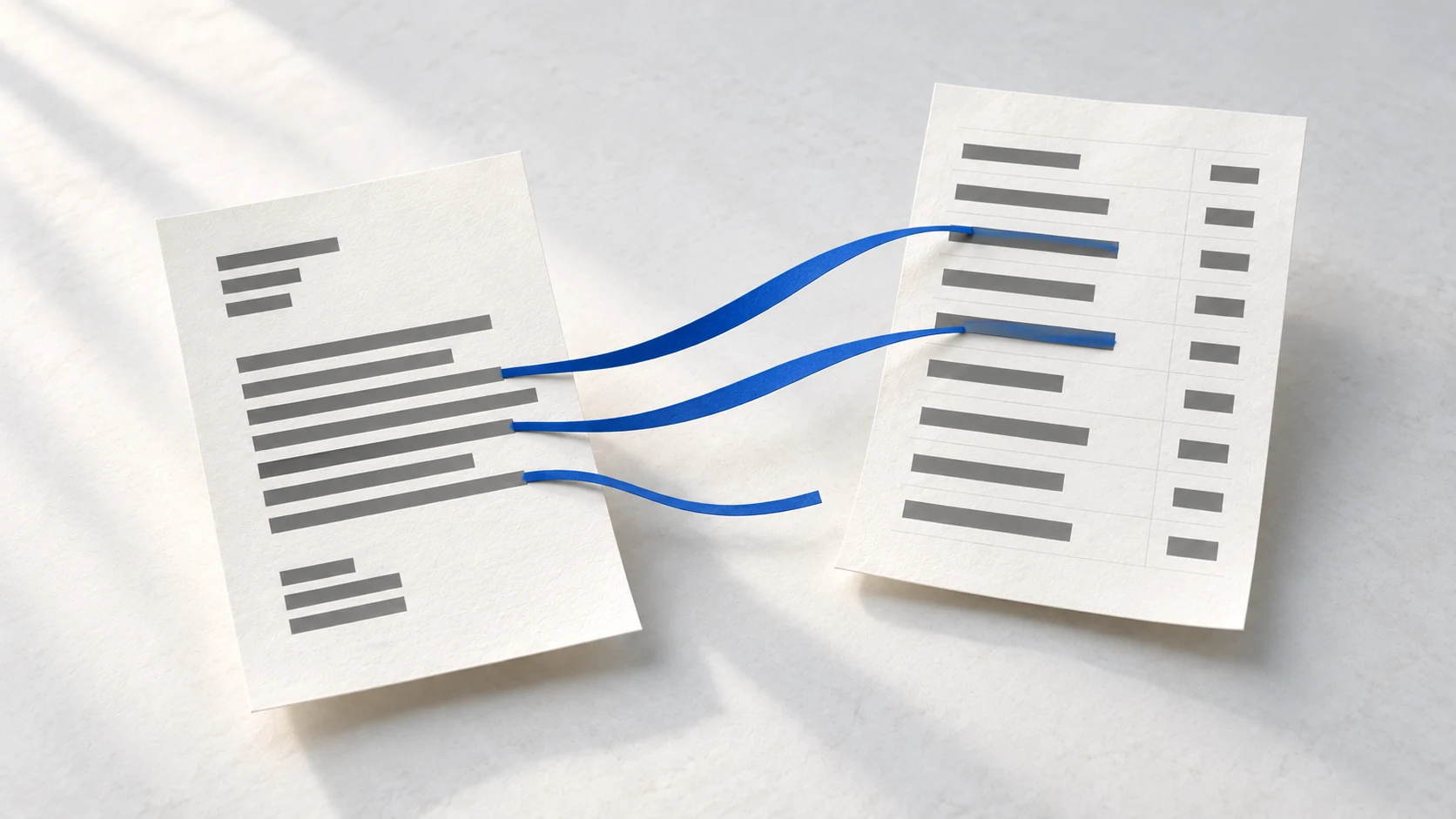
A restaurant owner said we had quoted $1,840 for a compressor last month. He wanted to give that figure to his accountant. The price list said $1,960. The draft used $1,960, named the $120 gap, and refused to agree with his email.
By hand, I would have opened the price list and searched for the compressor. Then I would have compared the two figures and written the reply without letting the customer's confidence pull me towards the wrong one. The draft had already done that work and left the disagreement visible for me to judge.
A dairy asked what it owed on an invoice. The draft found the $612 invoice and an $85 credit note raised the week before. The answer was $527, with both lines listed underneath. I had never mentioned the credit note.
If I had handled the message myself, finding the invoice would have been the easy part. I would also have needed to notice the separate credit note, connect it to the same account and calculate what remained. Missing that second document would have produced an answer that looked reasonable and was still wrong.
A corner shop wanted a price for an ice cream cabinet missing from the price list. A nursing home wanted a service report missing from the folder. Both drafts left a blank where the answer belonged and explained what they had searched. The blank stopped the work at the exact point where the evidence ended.

A customer's cold room had failed for the second time in a week. She had $4,000 of stock warming inside. Her message went to the top of the sorted list, and her holding reply contained no figures. The tool brought the message forward without promising a time or a cost the files could not support.
Last month you told me the 2HP walk-in compressor supplied and fitted would be $1,840. Is that still the price?
Our current price list has the 2HP walk-in cold room compressor, supplied and fitted, at $1,960.00 before tax. That is $120.00 above the $1,840 you were quoted, so please give your accountant $1,960.00 rather than the earlier figure.
$1,960.00: price list, line 11. $120.00: the $1,960.00 on line 11 of the price list, minus the $1,840 in the customer's message.
Open line 11 of the price list and confirm the compressor price before the reply leaves.
The 9 messages, the draft's work, and the employee's check
| Message | What the draft did | What the employee checks |
|---|---|---|
| Supplier newsletter | Filed it as marketing and wrote no reply. | No check needed because no draft was created. |
| Cold room failed again | Moved it to the top and wrote a holding reply with no figures. | Arrange an engineer and decide what to say about the stock. |
| Restaurant compressor quote | Used the price-list figure, showed the gap, and did not repeat the customer's figure as correct. | Open the cited price-list line and confirm the compressor price. |
| Pharmacy call-out charges | Drafted the call-out fee and hourly labour rate from the price list. | Open the two cited price-list lines and match both figures. |
| Bowling club visit | Offered the free Thursday afternoon slot and listed the call-out and labour rates. | Check the schedule slot and the two cited price-list lines. |
| Dairy invoice balance | Subtracted the credit note from the invoice and cited both entries. | Open the invoice and credit-note lines, then check the subtraction. |
| Nursing home service report | Left a check marker because the report was missing from the folder. | Find the signed report before attaching or sending anything. |
| Mini-market cabinet price | Confirmed the booked condenser clean and left the missing cabinet price blank. | Check the booking and cleaning rate, then get the cabinet price from the supplier. |
| Hotel booking change | Found both engineers booked on Friday morning and offered two free alternatives. | Open the cited schedule lines and confirm each offered slot. |
By hand, I would have moved between the inbox and the files while keeping track of which reply depended on which line. I would have sorted the messages, searched for each source and drafted each answer. Then I would have gone back through my own work looking for a missed credit or a copied figure. The tool prepared the pile, leaving me to inspect the places where a wrong answer could hurt somebody.
The useful part was not the speed. Each draft carried a small list showing where its numbers came from. I could open a named file, read a named line, and decide whether the reply could leave.
Check the list before you read the draft
Read the list under the draft first. Then read the whole reply before you send it, because checking the figures does not check the names, wording, omissions or promises.
Match every number. Every number in the draft needs a file and line underneath. A number without a line does not go out.
Open the named lines. Check the source for every number in every outgoing draft.
Own every blank. Fill each blank from the real source or remove the sentence. Never ask the tool to fill the gap.
You can now answer your manager plainly. I use AI for drafts, and I check every number against the file before anything goes out.
Do employers check if you use AI?
Start with your employer's tool, monitoring and disclosure rules. A manager can focus feedback on the work itself, while the company can still monitor its systems and require you to disclose or avoid AI use.
Two things attract attention. Raw output pasted into an email still carries headings, bullet points and a tidy summary. The recipient sees something resembling a search-result screenshot, and the paste feels rude.
The second problem is a wrong number. A false figure reaching a client or a protected file leaving the company can lead to discipline. The drafting rules help you check the figure, while the next list helps you decide what belongs in the tool.
Keep these 3 things out
Some information should never enter an AI tool.
Follow the data rules. Use only data your company has approved for that service and that specific job. Keep card and bank details out unless the policy explicitly permits them.
Keep access details out. Never enter passwords or any key that opens one of your systems.
Use the stranger-email test for your first job. If your company would refuse to email the information to a stranger, leave it out. Only include it when the policy clearly approves that data and purpose.
Use the service your company approved for the job. A useful company policy provides a service employees can use and says which data belongs in it.
The risk reaches every level. The acting head of CISA, the US government's cyber security agency, uploaded sensitive contract files to public ChatGPT in summer 2025. The incident became public in January 2026.
Was that an agent?
The tool made choices while it worked. It chose a pile for each message, held the urgent failure, and left two answers blank instead of guessing.
Software can make choices while it runs, but the person who owns the work still checks the draft before sending it. If you need the plain language for the tool on your computer, start with what Claude Code does and what it can open.
Begin with a folder, written rules and a check you can explain. When the company training feels distant from the work on your desk, turn one lesson into a job you can use.
Start with message sorting and reply drafts
Start with message sorting and reply drafts, make every number point to a file, and check the source list before sending.
Not the first job: a customer question in a chat box.
A polished answer can hide an invented number.
Not the first job: something built for the board.
A demonstration with no specified useful result gives the team no working job.
The first job: the morning's messages.
The tool sorts and drafts while you control what leaves.
The workspace has no sending connection, and you send each checked reply yourself.
Every number points to a file and line.
Missing information stays blank.
A customer's figure never overrides the source file.
Read the source list before the draft.
I use AI for drafts, and I check every number against the file before anything goes out.
Try it on messages you already answered
Choose a folder of messages you have already answered and checked. Add the matching source files, then compare the new drafts with those replies and sources. Write the 4 rules beside them.
Anthropic's Claude 101 starts with a Claude account on any plan, including Free. A few lessons cover paid features, so you may not be able to try every exercise hands-on with a Free account.
The job does not require Claude Code. Codex and other tools can also work on a folder. I use Claude Code because I find it easiest for someone who has never opened a terminal.
When your manager asks what the company does with AI, you can show one real job and the checks underneath it.
If you want the wider vocabulary, my course Introduction to Agentic AI and AI Agents teaches it in 2 hours, with no code and no terminal.

Where do you stand?
15 short situations about handing a job to an AI tool. In each one you pick what you would do next.
- ▸Whether you sized the job right
- ▸What you handed over
- ▸How you checked what came back
- ▸When you stopped
About 5 minutes. You see your score, your weakest area and the reasoning behind every answer before anybody asks you for an address.
Questions people ask next
answered in one line eachIs it okay to use AI at work?
Use AI when your company allows that tool, data and purpose, and follow any disclosure rule. Keep passwords and system keys out, check every number against its source, and read the whole reply before sending.
Can I be fired for using AI at work?
Your employer's policy, your role and local employment law matter. Ask which tool, data and disclosures are allowed, then say, "I use the approved tool for drafts. I follow the data rules, verify every number and read the reply before sending."
Do employers know if you use AI?
Employers can monitor company devices and networks, and some require disclosure. Follow the policy, then make sure the work itself contains no raw pasted output or unsupported numbers.
Why are companies forcing employees to use AI?
Managers face pressure to show that the company has started using AI. One safe daily job gives them something real to show without turning employees into a demonstration team.
Can I refuse to use AI at work?
Ask, "Show me the approved tool, the data rules and who checks the answer before it leaves." If nobody can answer, ask to keep the work in draft until a person takes responsibility. Then follow your workplace's process for raising the concern.
What is the first job to give an AI at work?
Let it sort a morning's messages and draft replies from files you already trust. Nothing should leave until you check every number against the source list.