Free guide · Claude Code
Test the token savings on your own project
A viral Short says two free tools cut Claude Code tokens by about 70%. Published results vary a lot, and your project is not anyone else's. This guide shows you how to run the same jobs twice, with and without the map, and compare the numbers yourself.
 Arun Nagarathanam · 14 Oct 2026
Why this helps
Why test it yourself
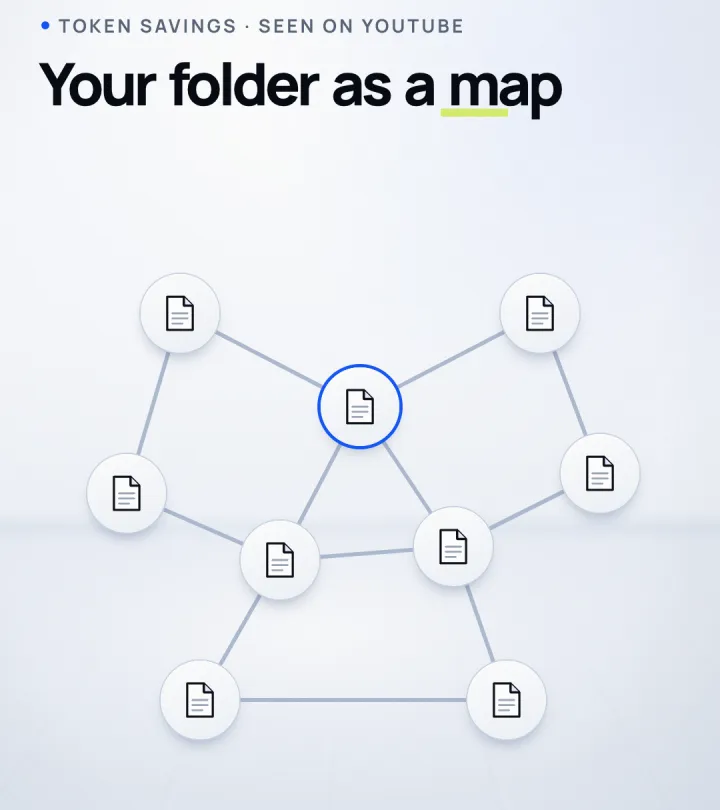
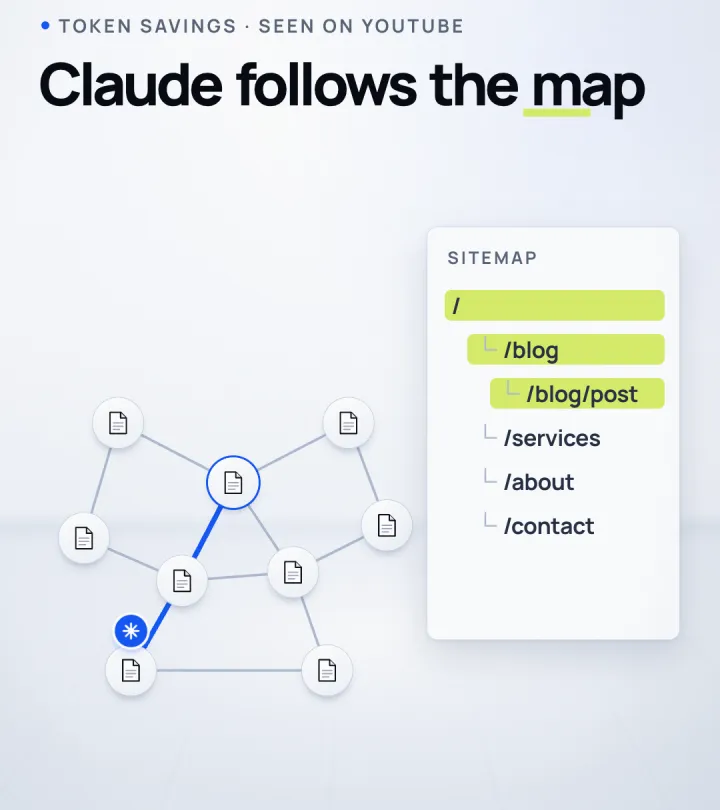
Sebastian Hardy's YouTube Short claims that with Graphify and Obsidian, Claude Code uses "about 70% fewer tokens", so "a $20 plan does the work of the $200 one". Graphify is a free, open-source tool that turns a project folder into a map of how the files connect, called a knowledge graph. Claude Code can look things up in the map instead of opening file after file.
Whether that saves you much depends on your project. Graphify's own earlier worked examples ranged from about 1x on a small 6-file project to 71.5x on a 52-file mix of code, papers and images, and its README says "6 files fits in a context window anyway". Building the map is not always free either: code is mapped on your computer without an AI model, but documents, PDFs and images go through your assistant's model. And Claude still has to open a file to edit it. So the honest answer to "will it save me money?" is your own test.
Prepare
Write down three real jobs
A fair test uses the same words both times. Pick three jobs you actually do in this project and write them in a note, so you can paste the exact same text into both runs. Swap the parts in angle brackets for your own.
Job 1 (a question): Explain how <a part of my project> works and list the files involved.
Job 2 (a search): Find where <a thing, such as the signup form or the invoice total> is handled and tell me which file and section.
Job 3 (a small edit): Change <one small, specific thing> in <the file or page>. Show me the change before you save it.
A good test project is
- 01A real folder you work in, with more than a handful of files. A tiny project fits in Claude's memory anyway.
- 02Something you can copy. You will run the test on two copies, never on the original.
- 03Something you know well, so you can tell if an answer is wrong, not just short.
Do it today
Run the test in eight steps
You need Claude Code in the terminal, plus Python 3.10 or newer and uv, which Graphify's README lists as its requirements. Plan about an hour.
The eight steps
- Make two copies of your project folder. Name them project-plain and project-map. Work only in the copies.
- Install Graphify with the two commands below, in a terminal. If your computer says graphify is not found, the README's install section explains the fix.
- Open a terminal in project-map, type claude and press Enter. Then type /graphify . and wait until the map is built.
- Still in that session, type /usage. Write down the token numbers on the line under Usage by model. That is what building the map cost. Then type /exit to leave Claude Code.
- In the same project-map folder, run graphify claude install. It tells Claude Code to check the map before reading files one by one, for this project only.
- Open a terminal in project-plain, start claude, paste Job 1 and let it finish. Type /usage and write down the numbers. Type /clear before the next job, which starts a new session and resets the count.
- Do the same in project-map: start claude, paste the same Job 1, let it finish, type /usage, write it down, then /clear.
- Repeat steps 6 and 7 for Job 2 and Job 3. Keep everything else the same: same model, same words, nothing else open in Claude.
uv tool install graphifyy
graphify install
/graphify .
graphify claude install
On a Pro or Max plan, the dollar figure in /usage is not your bill: the Claude Code docs say it "isn't relevant for billing purposes" for subscribers. Compare the token counts instead.
Decide
Read your results
Copy this sheet into a note and fill it in as you go.
Job | Plain folder (tokens) | Map folder (tokens) | Both answers right?
Build the map | not needed | ______ | not needed
Job 1 | ______ | ______ | yes / no
Job 2 | ______ | ______ | yes / no
Job 3 | ______ | ______ | yes / no
Total | ______ | ______ |
Four questions before you change plans
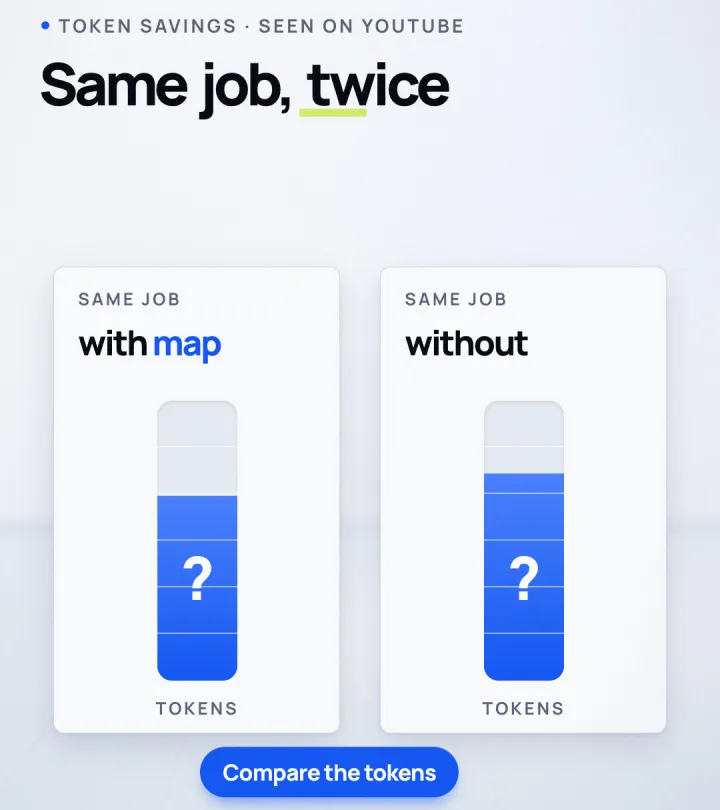
- 01How big is the gap? Add up input, output and cache numbers for each column, then compare the totals.
- 02Did you count the build? If the map took more tokens to build than it saved on three jobs, you need many more jobs before it pays back.
- 03Were both answers right? A cheaper answer that misses a file is not a saving.
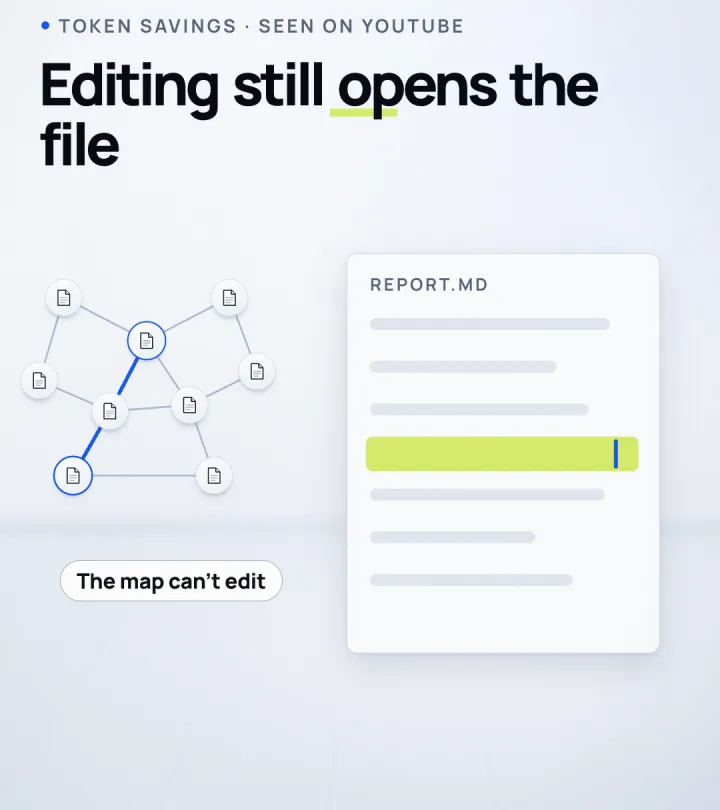
- 04What about the edit? The map helps Claude find things, but it still opens the file to change it, so edits may save less than questions.
Afterwards
Keep it or remove it
If the numbers are worth it, keep using the map in your real project, and remember it needs rebuilding as your files change. If not, remove it: graphify uninstall takes it out of your assistants, and adding --purge also deletes the graphify-out folder. Either way, you now decide with your own numbers.
Files and links
- Graphify on GitHub (README and install)https://github.com/Graphify-Labs/graphify
- Official docs: track your costs with /usagehttps://code.claude.com/docs/en/costs
- Official docs: Claude Code quickstart (terminal)https://code.claude.com/docs/en/quickstart
- Sebastian Hardy's Short on YouTubehttps://www.youtube.com/shorts/eTIdkQuHQTg
Keep building
More from Aruntastic
Practical courses for people who want to build useful things with AI.

AI SEO Course 2026: From Zero to Page-One Results
Research search demand, structure useful pages, and work through technical and off-page SEO.
Open the course →
AEO, GEO, AI SEO: Get Cited by ChatGPT, Google, Perplexity
Study how AI search finds information, and make your pages clear enough to be cited.
Open the course →
Microsoft PowerPoint Presentation 2026 for Professionals
Learn visual hierarchy, slide composition, typography and animation through practical work.
Open the course →
AI Agents for Leaders Who Have No Time to Learn AI
If you can delegate to a person, you can delegate to an AI agent. You keep the judgment. For managers and founders.
Open the course →
Introduction to Agentic AI and AI Agents
Learn how to direct an AI agent at work, with agentic workflows, RAG and MCP explained from a real first run.
Open the course →Toolkits and programme
Go deeper

Toolkit
SEO Accelerator Toolkit
150+ copy-paste AI prompts for audience research, keywords, content, technical SEO and link building.

Toolkit
GEO Accelerator Toolkit
100 detailed AI prompts for GEO audits, entity building, content structure and client reporting.

Programme
GEO Authority Accelerator
A complete GEO programme on our learner platform: nine modules and a 30, 60, 90 day roadmap. The GEO Accelerator Toolkit is included.
Claude certification practice
Preparing for a Claude certification?
Practice exams written by Arun: 600 questions across 4 mock exams and 2 drill banks. Unofficial preparation, not affiliated with Anthropic.
 CCAR-F
 CCAO-F
 CCDV-F
 CCAR-P
Free skills pack
Seven ready-made Claude Code skills, free.
The First Seven is a free pack of seven Claude Code skills for marketers, SEO consultants and presentation professionals. The Claude Code Without Coding course teaches you to build your own skills step by step.
Get The First Seven Free on GitHub · No email form