Free guide · Claude Code
Save the instructions you repeat as a Claude Code skill
If you give Claude Code the same instructions every month, save them once as a skill. Next month you type one short command, and the instructions are already there.
 Arun Nagarathanam · 14 Oct 2026

Why this helps
Why your instructions get lost
Each new Claude Code session begins with a fresh context window. In plain words, a new session does not see last month's conversation. The steps you explained for the client report last month are not there this month, so you type them again.
A skill fixes that. You write the instructions down once, in a file Claude Code can read in any new session, and you call them up whenever the job comes round again.

The idea
What goes inside a skill
Six things to know
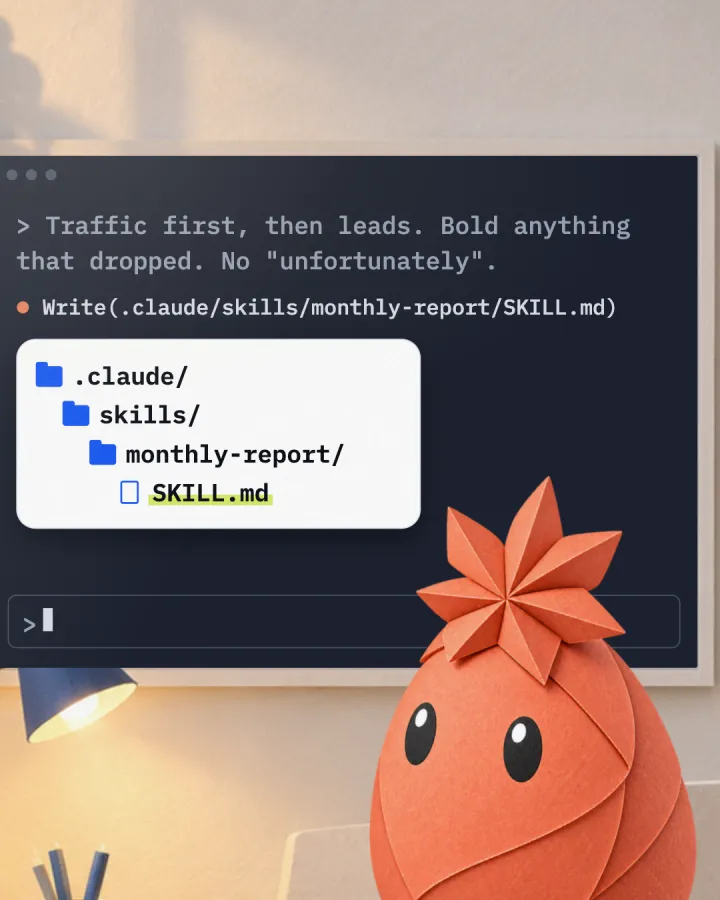
- 01A skill is a folder with one file inside called SKILL.md. That file holds your instructions in plain English.
- 02The top of the file has two short fields: name, which becomes the command you type, and description, which says what the skill does and when to use it.
- 03Personal skills live in ~/.claude/skills/<name>/ (the ~ means your home folder). They work in all your projects on that computer.
- 04Project skills live in .claude/skills/<name>/ inside one project folder. They work in sessions in that project.
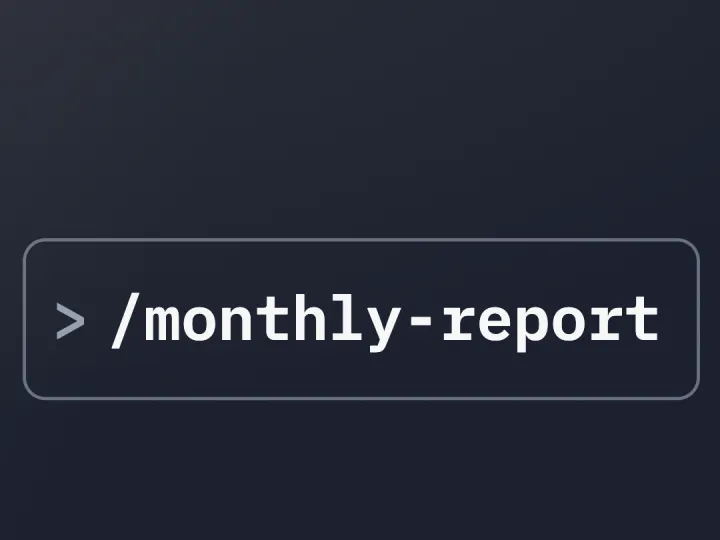
- 05To run a skill yourself, type / and its name, for example /monthly-report.
- 06Claude can also use a skill on its own when your request matches the skill's description.
Do it today
Save it in four steps
The four steps
- The next time you give Claude Code your monthly report instructions, ask it to save them as a skill. Copy the prompt below.
- Open the SKILL.md file it wrote and check it against the list further down.
- Next month, open Claude Code and type /monthly-report. Add this month's numbers or point it to the files.
- When your process changes, ask Claude to update the skill instead of explaining the change every month.
Save the steps I just gave you for the monthly client report as a skill called monthly-report, so next month I can just type /monthly-report.
Want the skill in every project on your computer, not just this folder? Add "as a personal skill" to the end of the prompt.
Step 2, what to check in SKILL.md
- 01The name reads monthly-report, so the command matches what you plan to type.
- 02The description says when to use it, for example when you ask for the monthly client report.
- 03The steps are in the order you want: traffic first, then leads.
- 04The words to avoid are written down, such as never using the word "unfortunately".
Update my monthly-report skill: from now on, add a short section on email sign-ups after the leads section. Show me the changed SKILL.md when you are done.
Copy and adapt
An example SKILL.md
Change the steps to match your own report. Keep the short block at the very top, between the two lines of three dashes, because that is where the name and description live.
---
name: monthly-report
description: Write the monthly client report. Use when I ask for the monthly report or a client report, or when I type /monthly-report.
---

# Monthly client report

Follow these steps in order.

1. Ask which client and which month, if I have not said.
2. Use only the numbers I give you or the files I point to. If a number is missing, ask me for it instead of guessing.
3. Start with traffic: total visits this month, the change from last month, and the top three pages.
4. Then leads: how many came in, where they came from, and the change from last month.
5. Put any number that dropped since last month in bold.
6. End with three short next steps for the coming month.

## Words to avoid

- Never use the word "unfortunately". State the drop plainly and say what happens next.

## Style

- Plain English and short paragraphs. No jargon the client would need to look up.

Use it again
Where this helps beyond reports
Three more jobs for a skill
- 01SEO or GEO checks you run the same way each time: the same pages, the same questions, the same summary layout.
- 02Slide decks that follow your house rules, such as the order of slides, the fonts and how many words fit on a slide.
- 03Client emails and proposals that need your tone, plus the phrases you always use or always avoid.
Files and links
- Official Claude Code docs: skillshttps://code.claude.com/docs/en/skills
Keep building
More from Aruntastic
Practical courses for people who want to build useful things with AI.

AI SEO Course 2026: From Zero to Page-One Results
Research search demand, structure useful pages, and work through technical and off-page SEO.
Open the course →
AEO, GEO, AI SEO: Get Cited by ChatGPT, Google, Perplexity
Study how AI search finds information, and make your pages clear enough to be cited.
Open the course →
Microsoft PowerPoint Presentation 2026 for Professionals
Learn visual hierarchy, slide composition, typography and animation through practical work.
Open the course →
AI Agents for Leaders Who Have No Time to Learn AI
If you can delegate to a person, you can delegate to an AI agent. You keep the judgment. For managers and founders.
Open the course →
Introduction to Agentic AI and AI Agents
Learn how to direct an AI agent at work, with agentic workflows, RAG and MCP explained from a real first run.
Open the course →Toolkits and programme
Go deeper

Toolkit
SEO Accelerator Toolkit
150+ copy-paste AI prompts for audience research, keywords, content, technical SEO and link building.

Toolkit
GEO Accelerator Toolkit
100 detailed AI prompts for GEO audits, entity building, content structure and client reporting.

Programme
GEO Authority Accelerator
A complete GEO programme on our learner platform: nine modules and a 30, 60, 90 day roadmap. The GEO Accelerator Toolkit is included.
Claude certification practice
Preparing for a Claude certification?
Practice exams written by Arun: 600 questions across 4 mock exams and 2 drill banks. Unofficial preparation, not affiliated with Anthropic.
 CCAR-F
 CCAO-F
 CCDV-F
 CCAR-P
Free skills pack
Seven ready-made Claude Code skills, free.
The First Seven is a free pack of seven Claude Code skills for marketers, SEO consultants and presentation professionals. The Claude Code Without Coding course teaches you to build your own skills step by step.
Get The First Seven Free on GitHub · No email form