Free guide · Claude skills
Draft LinkedIn posts that still sound like you
A reel with about 1.2 million views said Claude can now run your whole LinkedIn account. The tool behind it says something more useful: it drafts posts, comments and replies in your voice, and you post them yourself. This guide sets it up step by step.
 Arun Nagarathanam · 15 Oct 2026
Start here
What the tool really does
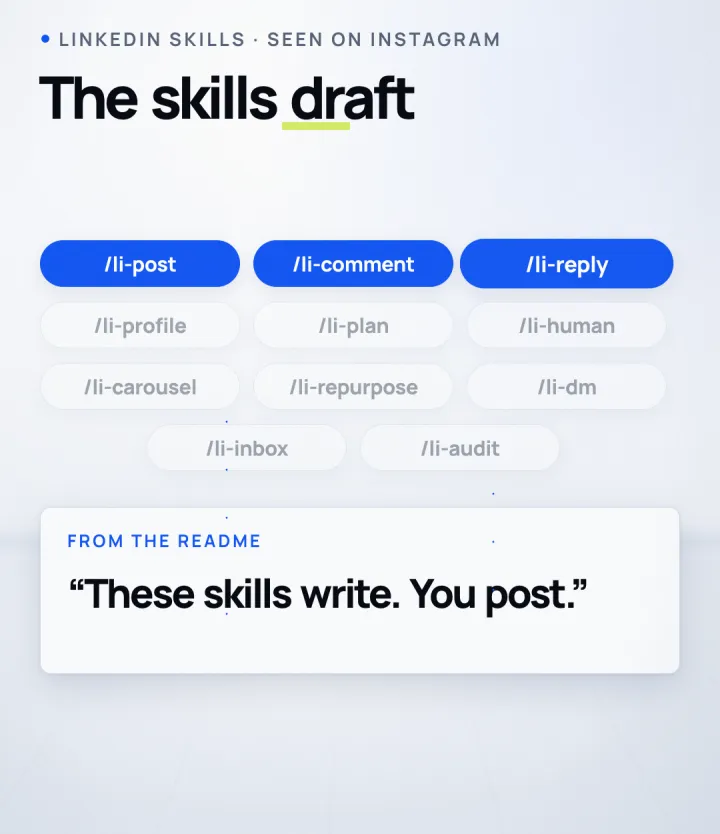
On 7 October 2026, Avi Grondin posted an Instagram reel that opens with "Claude just murdered LinkedIn" and says Claude now runs the entire account for you. The tool in the reel is linkedin-agent-skill, a free pack of 11 Claude skills on GitHub by Jake Schincariol (MIT licence, no signup, no API key).
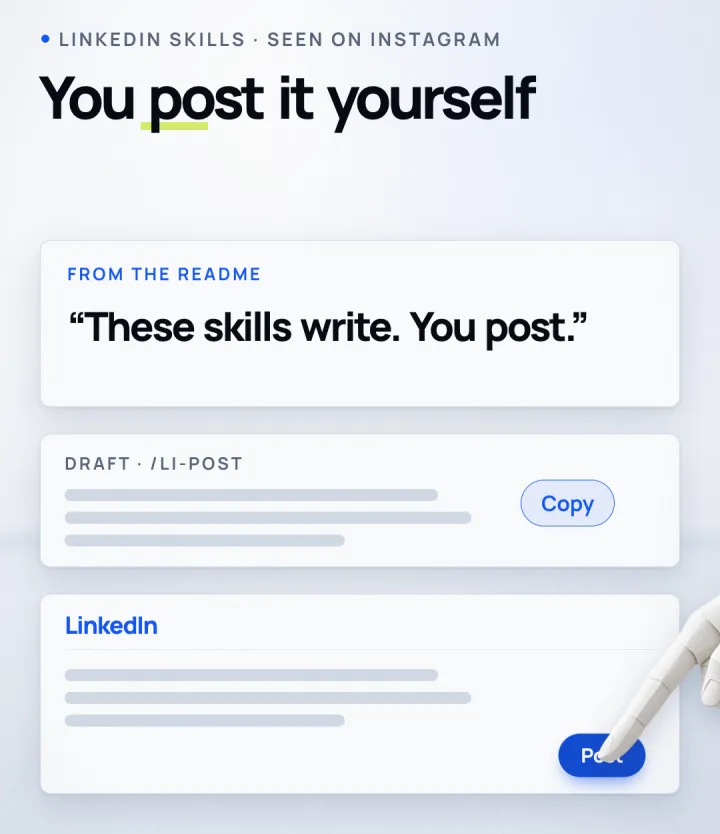
Its own README is clear about what it does: "Nothing gets posted until you say yes. These skills write. You post." There is no official way for a tool to post to a personal LinkedIn profile without an approved partner app, and automating LinkedIn with a browser or a third-party tool breaks LinkedIn's User Agreement and gets accounts restricted. So every skill ends with a block of text that you copy and paste into LinkedIn yourself.
Who it helps
- 01You have ideas for posts but the writing takes you an hour each time.
- 02You want help with comments and replies without sounding like a template.
- 03You worry that anything AI writes will sound like AI, and want a check before you post.
Ten minutes
Install the 11 skills
The full pack works in Claude Code, because two of its tools are small Python scripts that run on your computer. Pick one of the three routes below.
Three ways to install
- Easiest: open Claude Code and paste the repository link with the one-line request below. Claude installs the skills and checks that /li-post works.
- By hand, in a terminal: clone the repository and copy the li- folders into your skills folder.
- As a plugin, inside Claude Code: add the marketplace, then install the linkedin-agent plugin.
https://github.com/Jakeschincariol/linkedin-agent-skill

Install this skill, then confirm /li-post works.
git clone https://github.com/Jakeschincariol/linkedin-agent-skill.git
cp -r linkedin-agent-skill/skills/li-* ~/.claude/skills/
/plugin marketplace add Jakeschincariol/linkedin-agent-skill
/plugin install linkedin-agent
No Claude Code? You can paste any single SKILL.md from the repository at the top of a normal Claude chat and it works as a mode, but you lose the two Python tools, which are most of the point of the humanizer.
The step most people skip
Fill in your voice file first
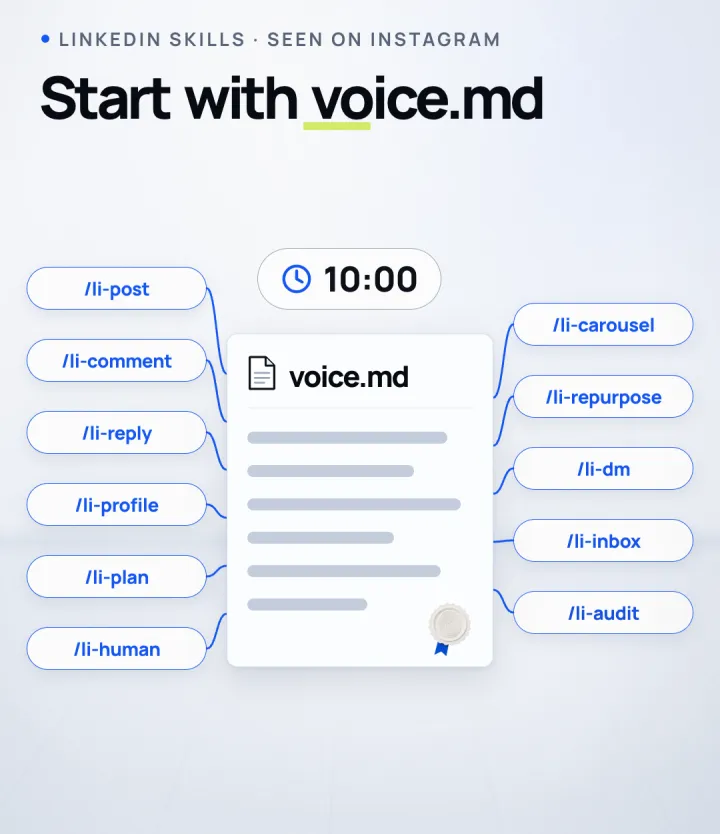
Every skill in the pack reads one file, voice.md: how you talk, what you never say, and who you are talking to. The README says to spend 10 minutes on it, and warns: "Skip it and everything comes out sounding like everyone else."
Two ways to make it
- Copy templates/voice.md from the repository to ~/.claude/linkedin/voice.md and fill it in.
- Or paste 3 of your own past posts into Claude and ask it to write the file for you (prompt below). Read what it wrote and fix anything that is not you.
Here are 3 of my own LinkedIn posts. Write my voice.md from these and save it to ~/.claude/linkedin/voice.md.

[paste post 1]

[paste post 2]

[paste post 3]
Your first post
Draft, humanize, then post by hand
From idea to posted
- Type /li-post followed by one specific, true thing that happened. A thin idea such as 'post about AI' gets a question back, not a post.
- Pick one of the three hook options it offers and read the full draft.
- If the draft needs a number you did not give, it leaves a placeholder instead of inventing one. Fill in your real figure.
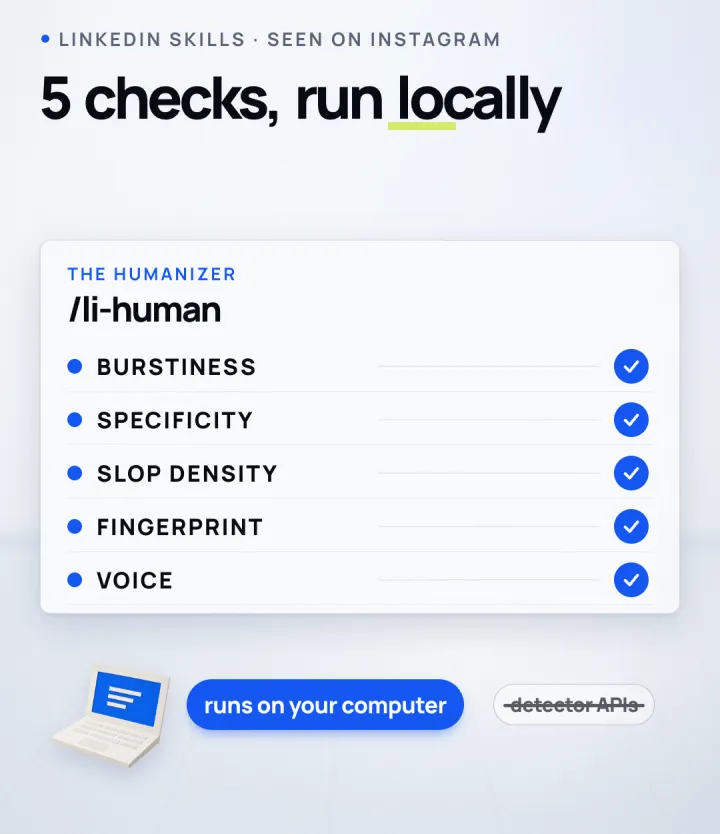
- Run /li-human on the draft. It removes em dashes, stock AI phrases and invisible characters, then scores the text on five local checks.
- Read it once more, copy it, and post it on LinkedIn yourself.
/li-post Last month our team stopped sending a weekly status email and moved the update into a 10-minute Monday call. Fewer replies, fewer missed items. I want a post about what we learned.
python3 humanize.py draft.txt --report      # clean it, show every change
python3 detect.py draft.txt                  # score it, five checks
The five checks are BURSTINESS, SPECIFICITY, SLOP DENSITY, FINGERPRINT and VOICE. The README calls them "local heuristics, not detector APIs": they do not call GPTZero, Originality or any other detector, and it says plainly that "Nobody can honestly sell you 'undetectable'". Treat the score as a reason to read the draft again, not a promise.
When you are ready
The other skills in the pack
All 11 commands
- 01/li-post: one idea into a post, three hook options, one draft.
- 02/li-comment: comments on other people's posts, picked by what the post is.
- 03/li-reply: sorts the comments under your post and drafts replies.
- 04/li-profile: scores your profile out of 100 and rewrites what lost points.
- 05/li-plan: the week, what to post, when, and 10 people to engage with.
- 06/li-human: the humanizer and its five checks.
- 07/li-carousel: slide-by-slide copy for document posts.
- 08/li-repurpose: one video, newsletter or transcript into a week of posts.
- 09/li-dm: the invite note, the first message and two follow-ups.
- 10/li-inbox: sorts your inbox into leads, recruiters, peers, asks and spam.
- 11/li-audit: ranks what you already published by engagement rate.
Files and links
- linkedin-agent-skill on GitHub (README and install)https://github.com/Jakeschincariol/linkedin-agent-skill
- LinkedIn User Agreementhttps://www.linkedin.com/legal/user-agreement
- Avi Grondin's reel on Instagramhttps://www.instagram.com/reel/DaISDvqSi2c/
Keep building
More from Aruntastic
Practical courses for people who want to build useful things with AI.

AI SEO Course 2026: From Zero to Page-One Results
Research search demand, structure useful pages, and work through technical and off-page SEO.
Open the course →
AEO, GEO, AI SEO: Get Cited by ChatGPT, Google, Perplexity
Study how AI search finds information, and make your pages clear enough to be cited.
Open the course →
Microsoft PowerPoint Presentation 2026 for Professionals
Learn visual hierarchy, slide composition, typography and animation through practical work.
Open the course →
AI Agents for Leaders Who Have No Time to Learn AI
If you can delegate to a person, you can delegate to an AI agent. You keep the judgment. For managers and founders.
Open the course →
Introduction to Agentic AI and AI Agents
Learn how to direct an AI agent at work, with agentic workflows, RAG and MCP explained from a real first run.
Open the course →Toolkits and programme
Go deeper

Toolkit
SEO Accelerator Toolkit
150+ copy-paste AI prompts for audience research, keywords, content, technical SEO and link building.

Toolkit
GEO Accelerator Toolkit
100 detailed AI prompts for GEO audits, entity building, content structure and client reporting.

Programme
GEO Authority Accelerator
A complete GEO programme on our learner platform: nine modules and a 30, 60, 90 day roadmap. The GEO Accelerator Toolkit is included.
Claude certification practice
Preparing for a Claude certification?
Practice exams written by Arun: 600 questions across 4 mock exams and 2 drill banks. Unofficial preparation, not affiliated with Anthropic.
 CCAR-F
 CCAO-F
 CCDV-F
 CCAR-P
Free skills pack
Seven ready-made Claude Code skills, free.
The First Seven is a free pack of seven Claude Code skills for marketers, SEO consultants and presentation professionals. The Claude Code Without Coding course teaches you to build your own skills step by step.
Get The First Seven Free on GitHub · No email form