Free guide · Kino and Claude Code
Turn raw footage into a first cut tonight
Raw footage tends to sit on the drive because the first edit takes a whole weekend. Kino is a free video editor that Claude Code can work inside. This guide covers installing it, connecting Claude Code, the first prompts for a cut, and the decisions that stay with you.
 Arun Nagarathanam · 30 Oct 2026

Start here
What Kino does
On 29 October 2026, Luke Igel introduced Kino on X as a way to "make videos end-to-end with Claude Code and Codex". His post describes dropping in your footage, getting highlights, editing together and sending links for feedback.
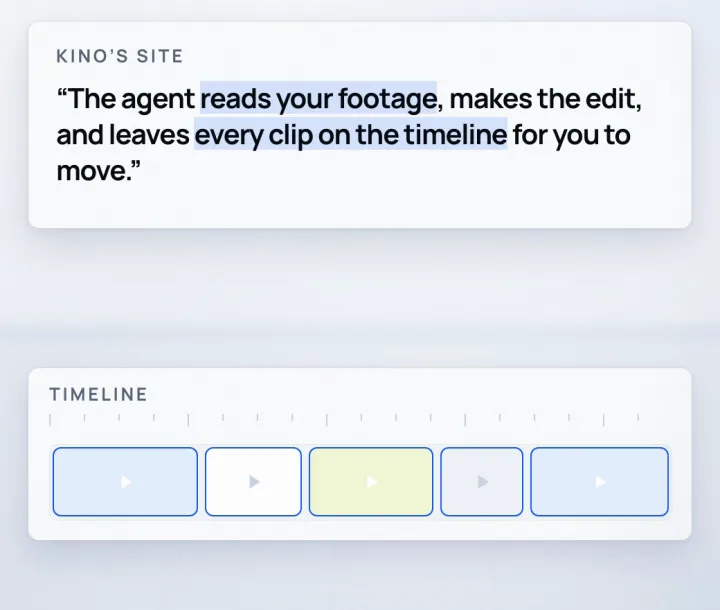
Kino's site puts the editing part like this: "Ask for the cut. The agent reads your footage, makes the edit, and leaves every clip on the timeline for you to move." The timeline is the strip where the clips sit in order. You get a first cut to watch, and you can still change all of it.
Ten minutes
Install Kino
What you need
- 01A computer running Mac, Windows or Ubuntu.
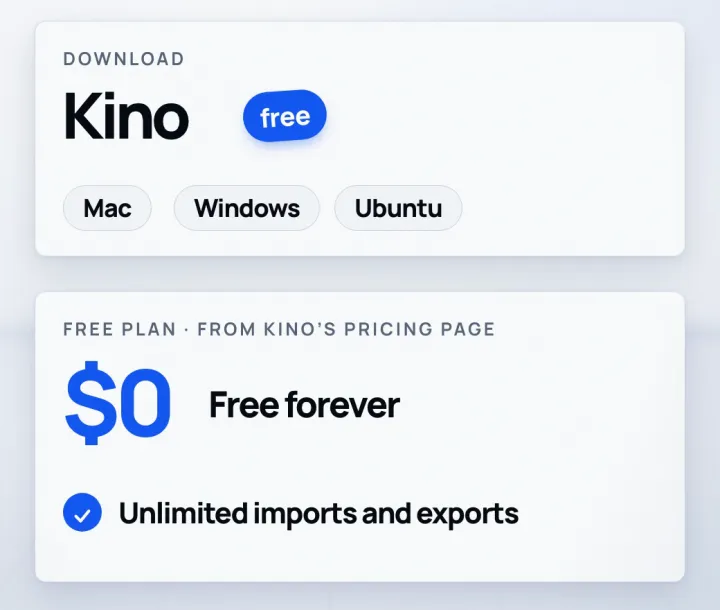
- 02Claude Code, on your own Claude plan. Kino's free plan covers the editor and the connection to your agent.
- 03A folder with the footage you want cut. Work on copies, not your only originals.
Install
- Download Kino for Mac, Windows or Ubuntu from trykino.com.
- Open it, then sign in or create an account.
- Leave the Kino app open. Claude Code reaches Kino through the app, so the connection only works while it is running.
One command
Connect Claude Code
claude mcp add kino --transport http http://127.0.0.1:45680/mcp --scope user
Then
- Press Enter. This adds Kino to Claude Code's connections, which are called MCP servers.
- Restart your Claude Code session so it picks up the new connection.
- Using Claude Desktop on a Mac instead? Kino installs it for you from Settings > MCP inside Kino.
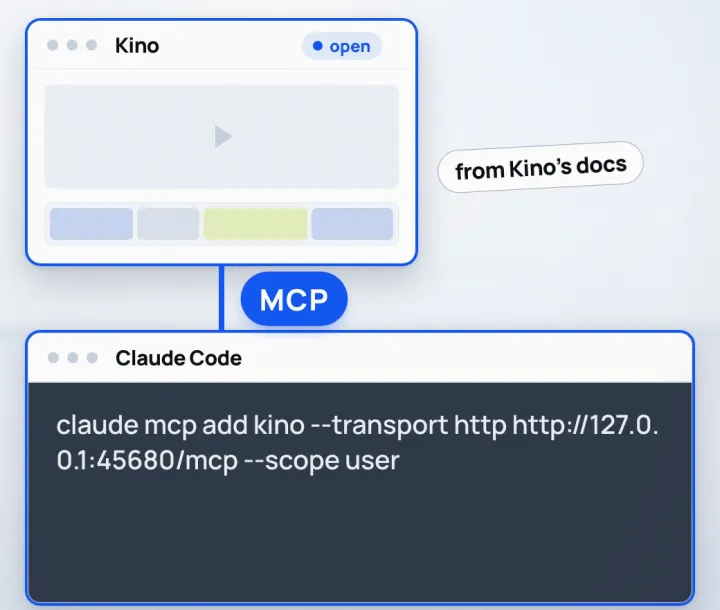
If Claude Code cannot see Kino (from Kino's docs)
- 01Check that the Kino desktop app is open.
- 02Restart the agent's session, then the agent app.
- 03Remove any duplicate Kino entry from the agent's MCP settings.
Copy and paste
Ask for the first cut
You ask for the cut in plain words. These two prompts come from Kino's own docs and home page.
Make a sick hype reel from the media on my Desktop. Keep the effects restrained but potent.
Turn this blog post into an explainer video.
When it finishes, open the project in Kino and play the cut from the start before you change anything.
Your part
What still needs you
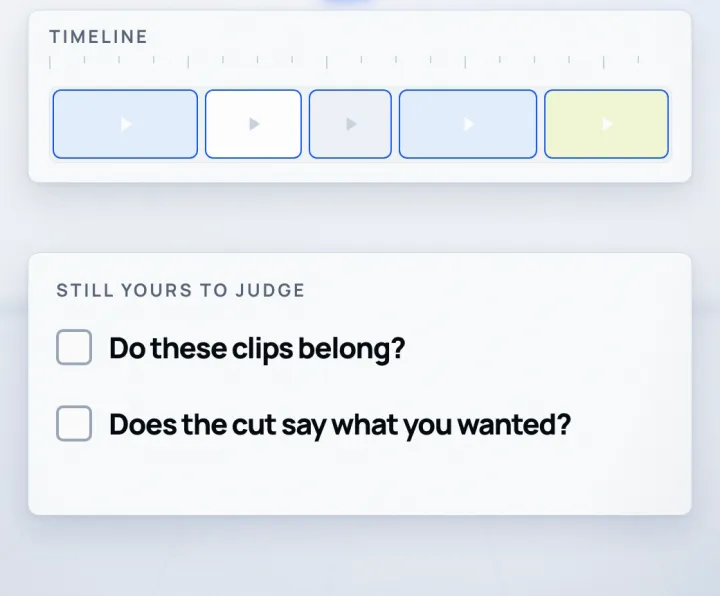
Decisions that stay with you
- 01Do the chosen clips belong in your video? Every clip stays on the timeline, so you can move them yourself.
- 02Does the cut say what you wanted? A first cut is a draft to react to, not the finished video.
- 03Which files the agent can reach: Kino's docs say a connected agent can search your footage and edit your projects, so point it at copies.
- 04Sharing: Kino's pricing page says footage shared through Kino is turned into 720p proxies and backed up to the cloud. Decide what you upload.
Files and links
- Kino: downloadhttps://trykino.com
- Kino docs: Working with agentshttps://trykino.com/docs/working-with-agents
- Kino pricinghttps://trykino.com/pricing
- Luke Igel's launch post on Xhttps://x.com/lukeigel/status/2115876931749200320
Keep building
More from Aruntastic
Practical courses for people who want to build useful things with AI.

AI SEO Course 2026: From Zero to Page-One Results
Research search demand, structure useful pages, and work through technical and off-page SEO.
Open the course →
AEO, GEO, AI SEO: Get Cited by ChatGPT, Google, Perplexity
Study how AI search finds information, and make your pages clear enough to be cited.
Open the course →
Microsoft PowerPoint Presentation 2026 for Professionals
Learn visual hierarchy, slide composition, typography and animation through practical work.
Open the course →
AI Agents for Leaders Who Have No Time to Learn AI
If you can delegate to a person, you can delegate to an AI agent. You keep the judgment. For managers and founders.
Open the course →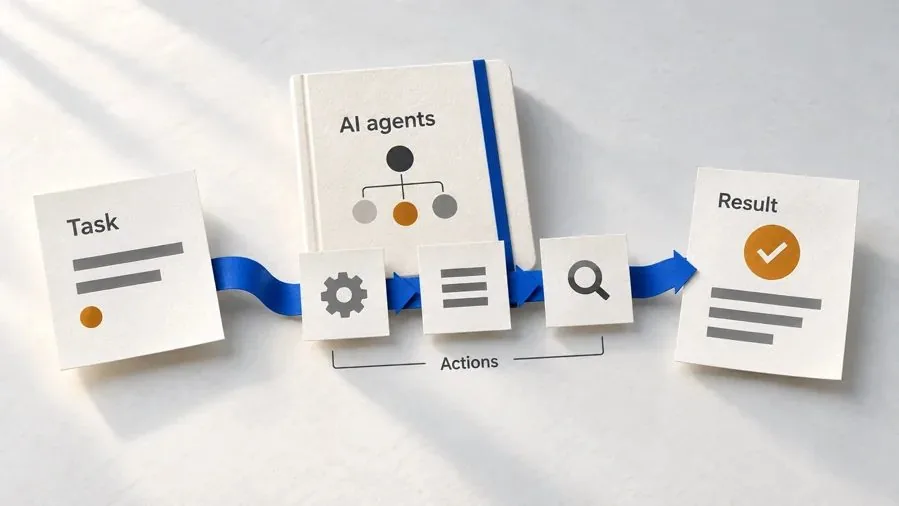
Introduction to Agentic AI and AI Agents
Learn how to direct an AI agent at work, with agentic workflows, RAG and MCP explained from a real first run.
Open the course →Toolkits and programme
Go deeper

Toolkit
SEO Accelerator Toolkit
150+ copy-paste AI prompts for audience research, keywords, content, technical SEO and link building.

Toolkit
GEO Accelerator Toolkit
100 detailed AI prompts for GEO audits, entity building, content structure and client reporting.

Programme
GEO Authority Accelerator
A complete GEO programme on our learner platform: nine modules and a 30, 60, 90 day roadmap. The GEO Accelerator Toolkit is included.
Claude certification practice
Preparing for a Claude certification?
Practice exams written by Arun: 600 questions across 4 mock exams and 2 drill banks. Unofficial preparation, not affiliated with Anthropic.
 CCAR-F
 CCAO-F
 CCDV-F
 CCAR-P
Free skills pack
Seven ready-made Claude Code skills, free.
The First Seven is a free pack of seven Claude Code skills for marketers, SEO consultants and presentation professionals. The Claude Code Without Coding course teaches you to hand repetitive work to Claude step by step.
Get The First Seven Free on GitHub · No email form