Free guide · Claude Code
Start directing AI on work you already do
In a 60 Minutes segment, Daron Acemoglu warned about AI and jobs, with a condition attached. This guide does not predict anything. It gives you a two-week plan for learning to direct an AI tool on tasks you already know well, with a prompt to copy and a way to check the results.
 Arun Nagarathanam · 14 Oct 2026
Why this helps
Why start with your own work
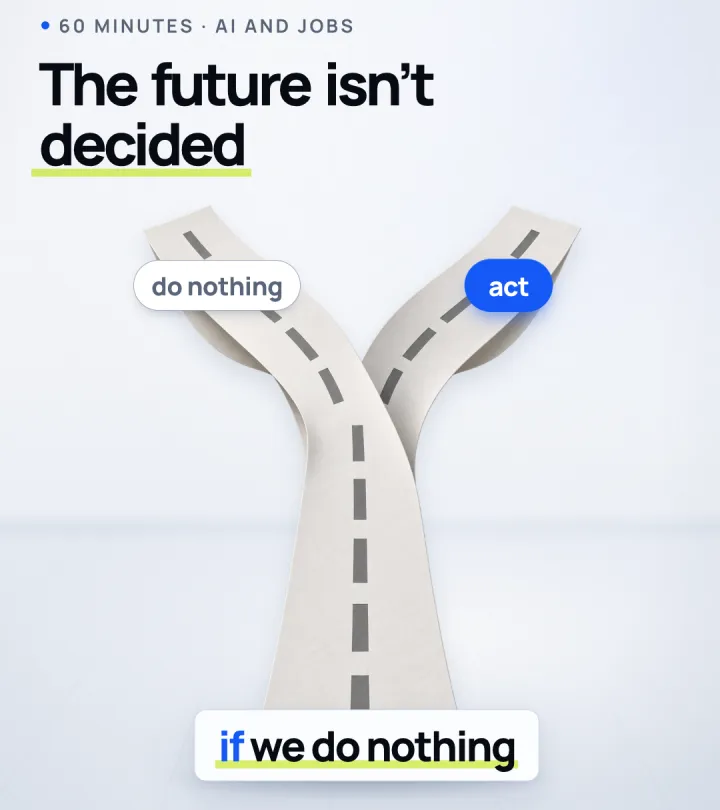
In a 60 Minutes segment, a guest said that all of the top 20 economists in America would expect more jobs in 10 years than today. Daron Acemoglu, an MIT economist who studies how technology changes work, answered: "No. No, not on our current trajectory." 60 Minutes reported that he fears unemployment could triple in the next decade "if we do nothing and continue on our current course".
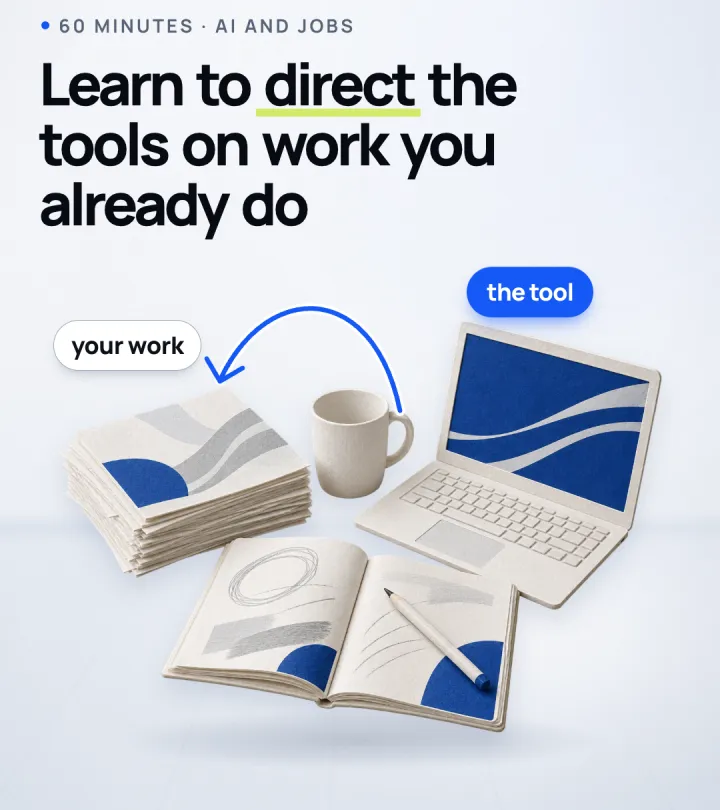
Read the condition in that sentence: "if we do nothing". The warning is not a decided future. No course and no tool can promise you a safe job, and this guide does not. What it offers is something inside your control: learning to explain what you need to an AI tool, using work where you already know what a good result looks like. You are the best judge of your own tasks, so you can tell quickly when the tool gets one wrong.
Choose well
Pick three tasks from your week
A good practice task is
- 01Repeated: you do it every week or every month, so you get many chances to improve your instructions.
- 02Familiar: you know what good looks like, so you can spot a weak result straight away.
- 03Low risk: a mistake costs you a few minutes, not a client or a deadline. A first draft that you will read before anyone else sees it is a good fit.
Examples: a weekly status update, a first draft of a client email, a summary of meeting notes, a short report from last month's numbers. Leave out anything where a hidden mistake could do real harm, such as legal text, payments or private data you must not share.
Do it this fortnight
Your first two weeks
One task every few days
- Days 1 to 2, task one. Describe the task and give the context: what you do, who it is for, and a past example of a good result. Use the brief prompt in the next section.
- Ask the tool to ask you questions first. Answer them. This is where you find out which details you had never written down.
- Check the result against what you would have done yourself. Mark what is right, what is wrong and what is missing.
- Write down what you had to correct, using the notes template in the last section. Then ask the tool to redo the task with your corrections.
- Days 4 to 6, task two. Start with your improved instructions from task one, and change only what is different for this task.
- Days 8 to 10, task three. Same routine. Notice what you no longer need to explain.
- Days 12 to 14, look back. Read your three sets of notes. The corrections that appear more than once are the instructions worth keeping.
This plan works in any AI chat tool. If you want to use Claude Code, open the Claude desktop app, click the Code tab, choose Local, then Select folder, and pick a folder holding the files for the task. Official tip: "Start with a small project you know well." (The Code tab needs a paid Claude plan.) In the mode selector next to the send button, choose Manual, where Claude asks before editing files or running commands, or Plan, where Claude proposes an approach without editing any files. Work on copies of your files, not the originals.
Copy and adapt
The brief prompt
Replace each part in angle brackets with your own words. The last two lines matter most: they make the tool ask before it guesses and admit what it does not know.
You are helping me with a task from my own job.

My role: <your role, for example "marketing manager at a small software company">
The task: <what you want done, in two or three sentences>
Material you can use: <what I am pasting or attaching, for example last month's report>
What good looks like: <how you would judge a finished result: length, tone, layout, who reads it>
What to avoid: <things you never want, for example "invented numbers", "jargon", "more than one page">

Before you write anything, ask me the questions you need, one at a time.
If you are unsure about a fact, say so and mark it. Do not fill gaps with guesses.
Keep what you learn
Review it and keep notes
How to review a result
- 01Compare it with what you would have written. What would you change first?
- 02Check every fact, name and number against your own material. Treat anything you cannot check as unconfirmed.
- 03Ask what it was unsure about. A tool that says nothing about its doubts is not a tool without doubts.
- 04Read it as the person who will receive it. Would you be comfortable sending it under your name?
Here is what I had to correct in your last result:
1. <correction one>
2. <correction two>
Please redo the task with these fixed. Then give me a short list of instructions, written as rules, that would stop these mistakes next time.
Task: <name of the task>
Date: <date>
What I asked for: <one line>
What I had to correct: <the list>
Instruction to add next time: <one sentence>
Your notes are how the instruction gets better. In Claude Code you can turn them into something it reads every time. The docs say a CLAUDE.md file is made of "instructions you write to give Claude persistent context", and that "Each Claude Code session begins with a fresh context window", so without it you start from zero each session. The docs suggest adding to CLAUDE.md when "You type the same correction or clarification into chat that you typed last session". Keep it short (the docs target under 200 lines). In a session, /memory lists your memory files and lets you open them.
Add these rules to CLAUDE.md in this folder, under the heading "How I like this task done". Keep them short and specific: <your rules>
If a task becomes a repeatable procedure with steps, a skill may fit better. The docs: "Create a skill when you keep pasting the same instructions, checklist, or multi-step procedure into chat." A skill is a SKILL.md file, stored for example at ~/.claude/skills/<skill-name>/SKILL.md for all your projects. If you are not using Claude Code, paste your best brief at the start of every new chat instead.
Files and links
- 60 Minutes reel on Instagramhttps://www.instagram.com/reel/DeF6Qlfx2i-/
- Official docs: how Claude remembers your project (CLAUDE.md)https://code.claude.com/docs/en/memory
- Official docs: skillshttps://code.claude.com/docs/en/skills
- Official docs: get started with the desktop apphttps://code.claude.com/docs/en/desktop-quickstart
- Official docs: best practiceshttps://code.claude.com/docs/en/best-practices
Keep building
More from Aruntastic
Practical courses for people who want to build useful things with AI.

AI SEO Course 2026: From Zero to Page-One Results
Research search demand, structure useful pages, and work through technical and off-page SEO.
Open the course →
AEO, GEO, AI SEO: Get Cited by ChatGPT, Google, Perplexity
Study how AI search finds information, and make your pages clear enough to be cited.
Open the course →
Microsoft PowerPoint Presentation 2026 for Professionals
Learn visual hierarchy, slide composition, typography and animation through practical work.
Open the course →
AI Agents for Leaders Who Have No Time to Learn AI
If you can delegate to a person, you can delegate to an AI agent. You keep the judgment. For managers and founders.
Open the course →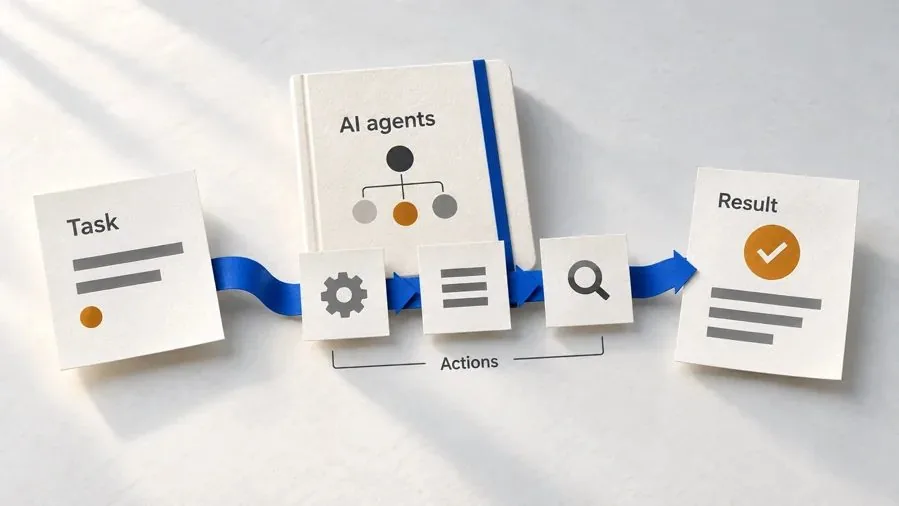
Introduction to Agentic AI and AI Agents
Learn how to direct an AI agent at work, with agentic workflows, RAG and MCP explained from a real first run.
Open the course →Toolkits and programme
Go deeper

Toolkit
SEO Accelerator Toolkit
150+ copy-paste AI prompts for audience research, keywords, content, technical SEO and link building.

Toolkit
GEO Accelerator Toolkit
100 detailed AI prompts for GEO audits, entity building, content structure and client reporting.

Programme
GEO Authority Accelerator
A complete GEO programme on our learner platform: nine modules and a 30, 60, 90 day roadmap. The GEO Accelerator Toolkit is included.
Claude certification practice
Preparing for a Claude certification?
Practice exams written by Arun: 600 questions across 4 mock exams and 2 drill banks. Unofficial preparation, not affiliated with Anthropic.
 CCAR-F
 CCAO-F
 CCDV-F
 CCAR-P
Free skills pack
Seven ready-made Claude Code skills, free.
The First Seven is a free pack of seven Claude Code skills for marketers, SEO consultants and presentation professionals. The Claude Code Without Coding course teaches you to build your own tools step by step.
Get The First Seven Free on GitHub · No email form