Free guide · Claude in Chrome
Take your address off people-search sites
Your home address and phone number may sit on websites you have never heard of. Maverick Maltin showed 4 prompts that ask Claude to find those sites, write the removal requests, submit them in Chrome and check again every week. This guide walks through each step and says plainly which parts you still do yourself.
 Arun Nagarathanam · 15 Oct 2026
Start here
Why your details are out there
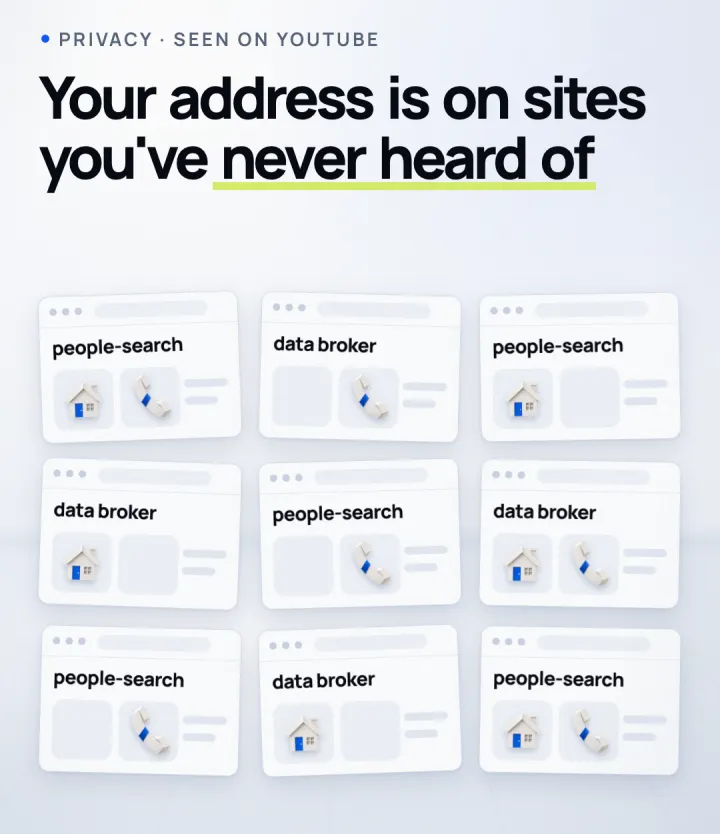
Data brokers and people-search sites collect names, addresses and phone numbers and show them to anyone who searches. Most people have never heard of the sites that list them. Each site has its own opt-out form, which is why removing yourself by hand takes so long.
On 11 October 2026, Maverick Maltin posted a YouTube Short showing 4 prompts that hand this work to Claude. He says Claude found sites he had never heard of showing his address and phone number, and that it removed him from "hundreds of websites". That is his result; yours depends on how many sites list you and what each one asks for.
Five minutes
Before you start
What you need
- 01A paid Claude plan: Claude in Chrome is available on Pro, Max, Team and Enterprise.
- 02Google Chrome on your computer, with the Claude in Chrome extension installed (step 4 below).
- 03A spare email alias for the removal forms, so the sites do not get your main address. Many removal guides suggest this.
- 04About an hour for the first round, and a few minutes each week after that.
You will be telling Claude your name and where you live so it can search for you. Share only what a site already shows about you, and nothing like ID numbers or bank details.
Copy and paste
The 4 prompts
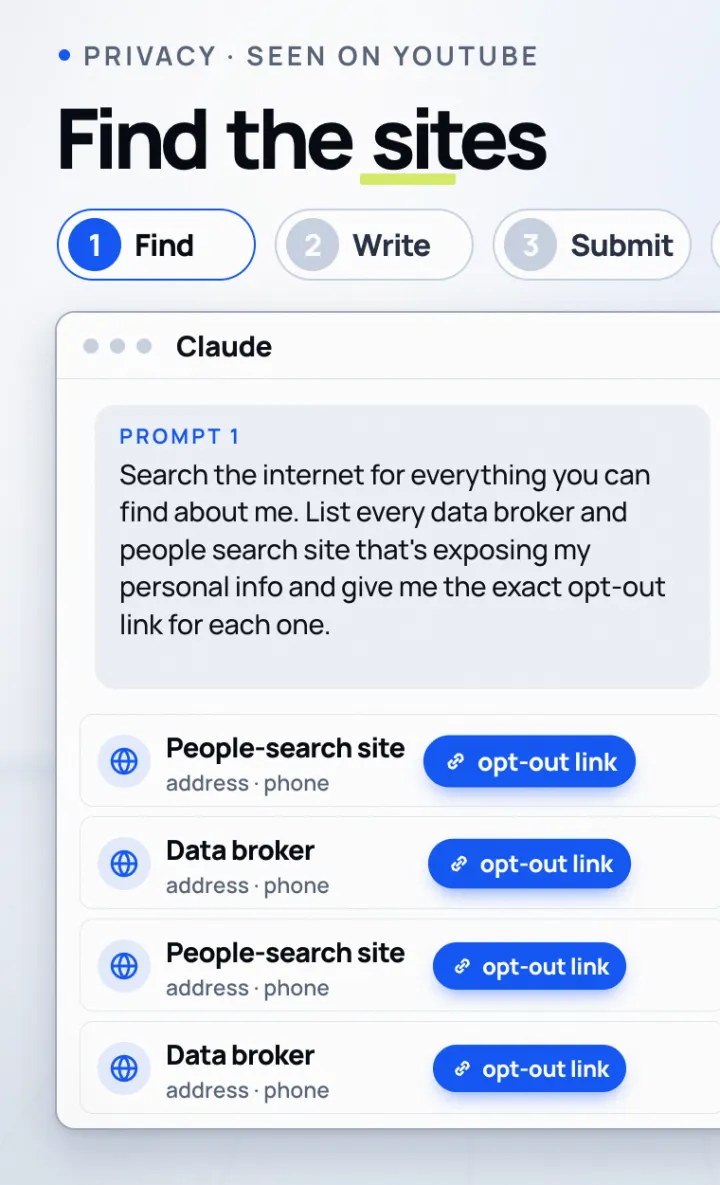
These are Maverick's prompts, word for word. Use them in order, in the same Claude chat, so Claude keeps the list it built in step 1.
Search the internet for everything you can find about me. List every data broker and people search site that's exposing my personal info and give me the exact opt-out link for each one.
Check the list before you go on. Open two or three of the links yourself and make sure the listing really is you.
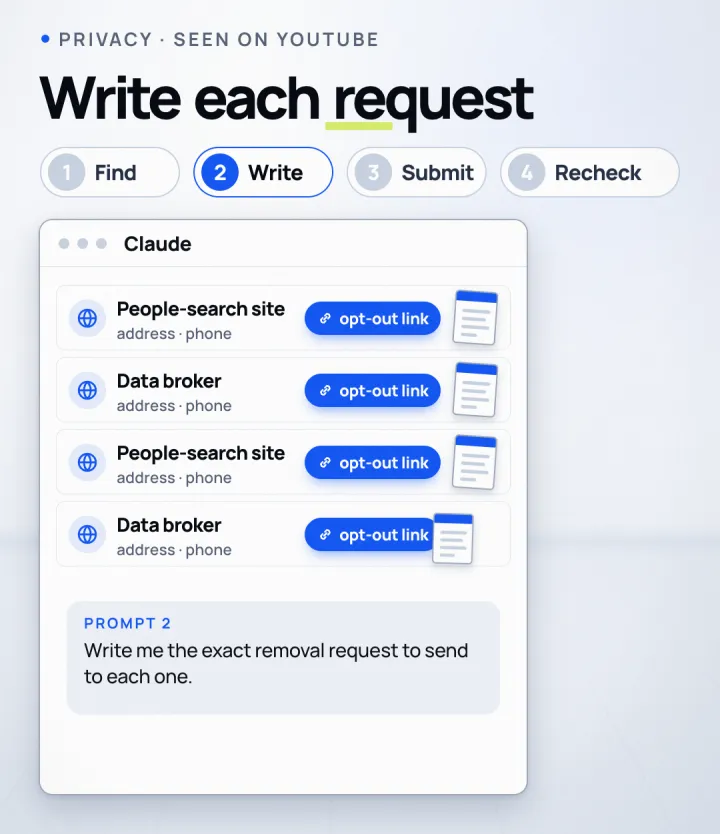
Write me the exact removal request to send to each one.
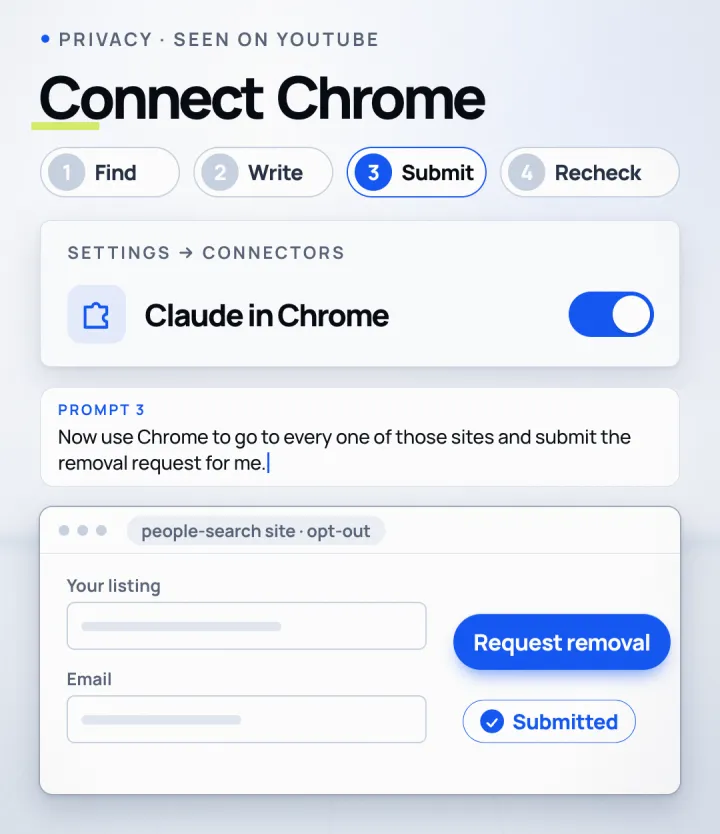
Now use Chrome to go to every one of those sites and submit the removal request for me.
Before you submit anything: never create an account, never enter payment details, and never start a free trial on any of these sites. If a site asks for a CAPTCHA, a phone call, an ID document or a code from my email, stop and tell me which site and what it needs, and I will do that step myself.
Now recheck every site every week and resubmit anything that gets ignored until I'm completely gone.
The browser step
Connect Claude in Chrome
Turn it on
- In the Claude app, click your initials in the lower-left corner and open Settings.
- Go to Connectors, find Claude in Chrome, click Configure and switch it on. Install the Chrome extension if Claude asks you to.
- It is off by default in each conversation: turn it on for this chat from the Connectors menu before you send prompt 3.
- Watch the first few sites. Claude pauses and asks for your approval when it needs it; say yes only when the page is the opt-out form you expected.
- For the weekly recheck, save prompt 4 as a shortcut and schedule it from the clock icon in the extension panel. Scheduled browser tasks run only while Chrome is open.
Anthropic's own help page calls Claude in Chrome "still risky", even with its safety checks. That is why the extra instruction above tells Claude to stop before accounts, payments, ID checks and CAPTCHAs.
Be ready for these
What still needs you
Steps that come back to you
- 01Verification emails: many sites send a link you must click, and on some sites it expires within a day. Check spam and promotions folders too.
- 02CAPTCHAs and phone or ID checks: you complete these yourself. Claude should stop and tell you which site needs one.
- 03Matching details: a request with details that do not match the listing can be ignored, so use what the site shows.
- 04Old addresses: if a site lists you more than once, each listing may need its own request.
- 05Records that come back: listings can reappear, which is what the weekly recheck in prompt 4 is for.
Files and links
- Anthropic help: get started with Claude in Chromehttps://support.claude.com/en/articles/12012173-get-started-with-claude-in-chrome
- California DROP (free, for California residents)https://privacy.ca.gov/drop/
- Maverick Maltin's Short on YouTubehttps://www.youtube.com/shorts/gaWJ7JPYFk4
Keep building
More from Aruntastic
Practical courses for people who want to build useful things with AI.

AI SEO Course 2026: From Zero to Page-One Results
Research search demand, structure useful pages, and work through technical and off-page SEO.
Open the course →
AEO, GEO, AI SEO: Get Cited by ChatGPT, Google, Perplexity
Study how AI search finds information, and make your pages clear enough to be cited.
Open the course →
Microsoft PowerPoint Presentation 2026 for Professionals
Learn visual hierarchy, slide composition, typography and animation through practical work.
Open the course →
AI Leadership: Gen AI for Leaders, A Practical Toolkit
A short course on using generative AI as a co-pilot, written for senior leaders.
Open the course →
Agentic AI Explained: How AI Agents Actually Work
Coming soon. Follow real agent work, then learn how models, tools, memory and checks fit together.
Join the waitlist →Toolkits and programme
Go deeper

Toolkit
SEO Accelerator Toolkit
150+ copy-paste AI prompts for audience research, keywords, content, technical SEO and link building.

Toolkit
GEO Accelerator Toolkit
100 detailed AI prompts for GEO audits, entity building, content structure and client reporting.

Programme
GEO Authority Accelerator
A complete GEO programme on our learner platform: nine modules and a 30, 60, 90 day roadmap. The GEO Accelerator Toolkit is included.
Claude certification practice
Preparing for a Claude certification?
Practice exams written by Arun: 600 questions across 4 mock exams and 2 drill banks. Unofficial preparation, not affiliated with Anthropic.
 CCAR-F
 CCAO-F
 CCDV-F
 CCAR-P
Free skills pack
Seven ready-made Claude Code skills, free.
The First Seven is a free pack of seven Claude Code skills for marketers, SEO consultants and presentation professionals. The Claude Code Without Coding course teaches you to hand repetitive work to Claude step by step.
Get The First Seven Free on GitHub · No email form