Free guide · Claude Code
Let an agent draft the report. You review it.
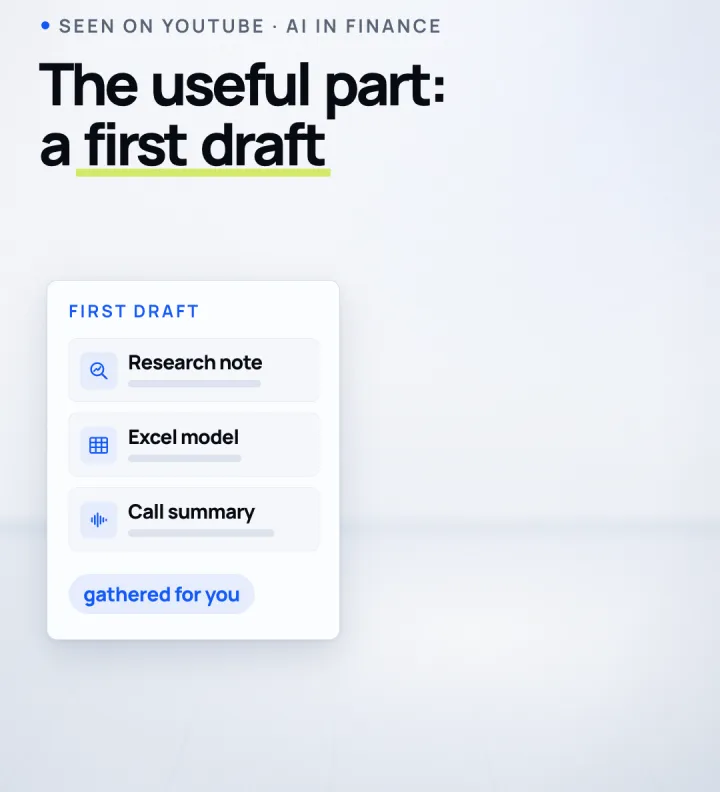
Alex Tavi's Short about Anthropic's finance agent templates ends on one point: the useful part is a draft gathered for you, and a person still reviews it. This guide shows a non-developer how to do both with Claude Code, using a monthly numbers summary from files in a folder as the example.
 Arun Nagarathanam · 14 Oct 2026
Why this helps
What the finance agents show
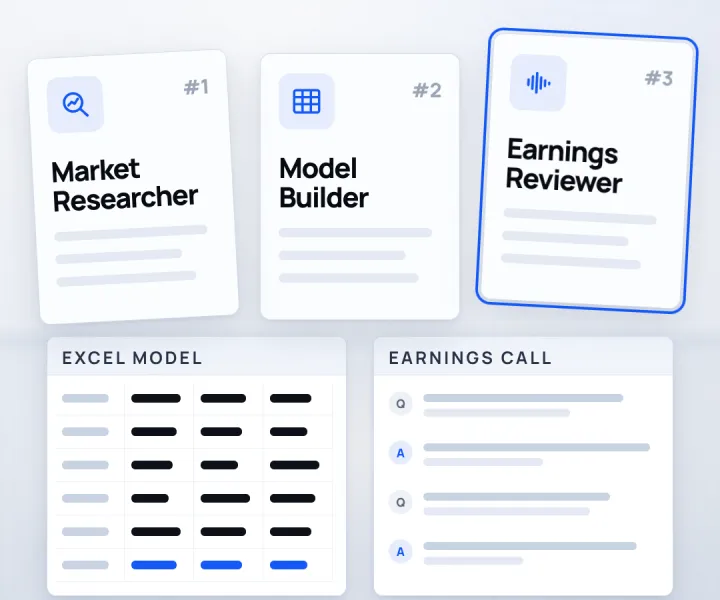
Alex Tavi's YouTube Short, "Claude just killed the finance industry", names three agents: a Market Researcher, a Model Builder that builds a financial model in Excel, and an Earnings Reviewer that breaks down an earnings call. The post behind this guide describes them as part of Anthropic's set of 10 agent templates for financial services, reported in May 2026 by trade coverage (marketsmedia, pulse2 and fundssociety). An agent here means an AI set up with instructions and tools to carry out a multi-step task, not just answer one question.
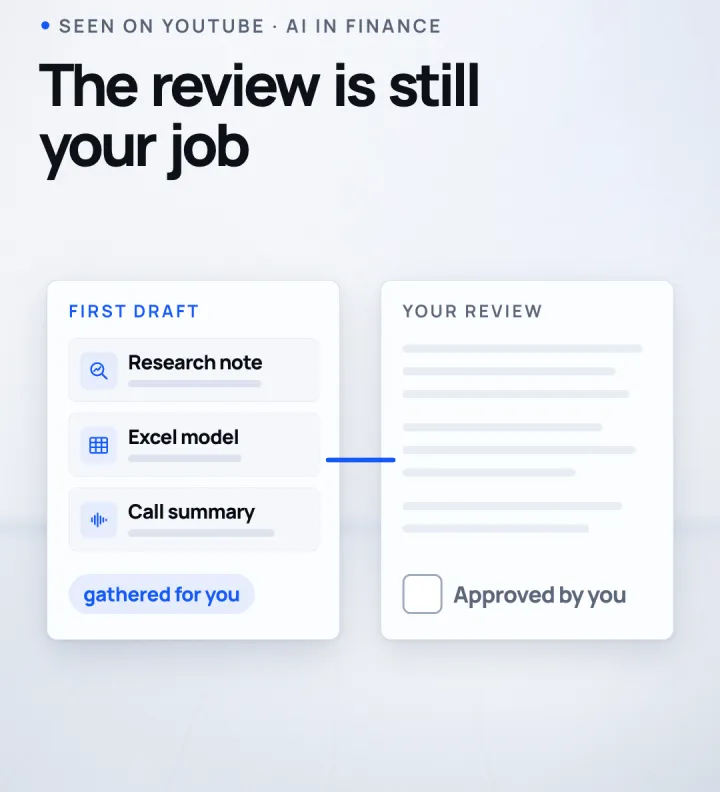
Anthropic's own GitHub page for the templates (github.com/anthropics/financial-services) calls them starting points, and says they draft work "for review by a qualified professional" and that "every output is staged for human sign-off". That is the part to copy. Let the agent gather and draft. You read, check and decide. This guide is about the method, not about finance: it does not give financial or investment advice, and it works for any report built from files you already have.
Do it first
Set up a safe working folder
Four steps before you ask for anything
- Make a new folder, for example Monthly-Summary. Inside it, make a folder called Copies and put copies of the spreadsheets or exported files in it. Never point the tool at your only copy.
- Open Claude Code on that folder. In the Claude desktop app, click the Code tab, choose Local, then Select folder. (The Code tab needs a paid Claude plan.)
- In the mode selector next to the send button, choose Plan or Manual. Plan means Claude proposes an approach without editing any files. Manual means Claude asks before editing files or running commands.
- Skip files that hold anything you must not share, such as other people's personal data.
Prefer the terminal? Install Claude Code with the one-line command on the official quickstart page, open a terminal in your folder, type claude and press Enter. Press Shift+Tab until the status bar shows plan mode.
Copy and adapt
Ask for the first draft
Swap the placeholders for your own details. The last four lines do the safety work: Claude asks first, leaves your files alone, shows where each number came from, and labels what it assumed.
I want a first-draft monthly summary from the files in this folder. It is a draft that I will review myself.

The files: <for example, the spreadsheets and exports for <month>, in the folder called Copies>
Who reads it: <for example, my manager>
What good looks like: <for example, one page: headline numbers, what changed from last month, and three points to discuss>
What to avoid: <for example, guessing, rounding without saying so, advice about what to do with money>

Before you start, ask me the questions you need, one at a time.
Do not change any of my files. Write the draft as a new file called draft-summary.md.
For every number, say which file (and sheet or row, if you can) it came from.
Where you had to assume something, label it "Assumption".
Read Claude's plan before you approve it. If it wants to change or delete files that are not new draft files, say no and tell it why.
The important part
Review it properly
Two follow-up prompts make the draft easier to check. Run them in the same session, after the first draft.
List every file you used for the draft, and for each file say which parts of the draft depend on it.
Then list what you are not sure about: numbers you could not trace, files that were unclear, and anything you assumed. Be specific. If there is nothing, say how you checked.
Take the five most important numbers in draft-summary.md. For each one, show me the source file and the exact cell or line, so that I can open it and check. Do not change the draft.
Then do your own check with this list. Copy it into a note and tick each line yourself.
[ ] Every number traced to a source file by me, not only by the tool
[ ] Totals add up when I add them myself
[ ] Each assumption is labelled and I agree with it
[ ] The tool's list of sources matches the files I gave it
[ ] The tool's list of uncertainties is resolved or still marked
[ ] Nothing says more than the data supports
[ ] A person has read the whole draft before it goes anywhere
Before it goes anywhere
Nothing leaves without a person reading it
Keep these rules
- 01A draft is a draft. Do not send, publish or file it until you have read all of it.
- 02Claude can be wrong in ways that sound confident. Your tracing of the numbers is the check, not the tool's own report.
- 03If a number matters for a decision, check it against the original source yourself, not only the copy.
- 04Keep the tool's list of sources and uncertainties with the draft, so the next reader can see what was checked.
- 05Do not use the draft as financial or investment advice for yourself or anyone else. Ask a qualified professional.
Once the routine works, you can reuse the same prompt next month on new copies of the files.
Files and links
- Alex Tavi's YouTube Shorthttps://www.youtube.com/shorts/my7169HPuXc
- Anthropic's financial-services templates on GitHubhttps://github.com/anthropics/financial-services
- Official docs: get started with the desktop apphttps://code.claude.com/docs/en/desktop-quickstart
- Official docs: permission modes and plan modehttps://code.claude.com/docs/en/permission-modes
- Official docs: Claude Code quickstart (terminal)https://code.claude.com/docs/en/quickstart
- Official docs: best practiceshttps://code.claude.com/docs/en/best-practices
Keep building
More from Aruntastic
Practical courses for people who want to build useful things with AI.

AI SEO Course 2026: From Zero to Page-One Results
Research search demand, structure useful pages, and work through technical and off-page SEO.
Open the course →
AEO, GEO, AI SEO: Get Cited by ChatGPT, Google, Perplexity
Study how AI search finds information, and make your pages clear enough to be cited.
Open the course →
Microsoft PowerPoint Presentation 2026 for Professionals
Learn visual hierarchy, slide composition, typography and animation through practical work.
Open the course →
AI Agents for Leaders Who Have No Time to Learn AI
If you can delegate to a person, you can delegate to an AI agent. You keep the judgment. For managers and founders.
Open the course →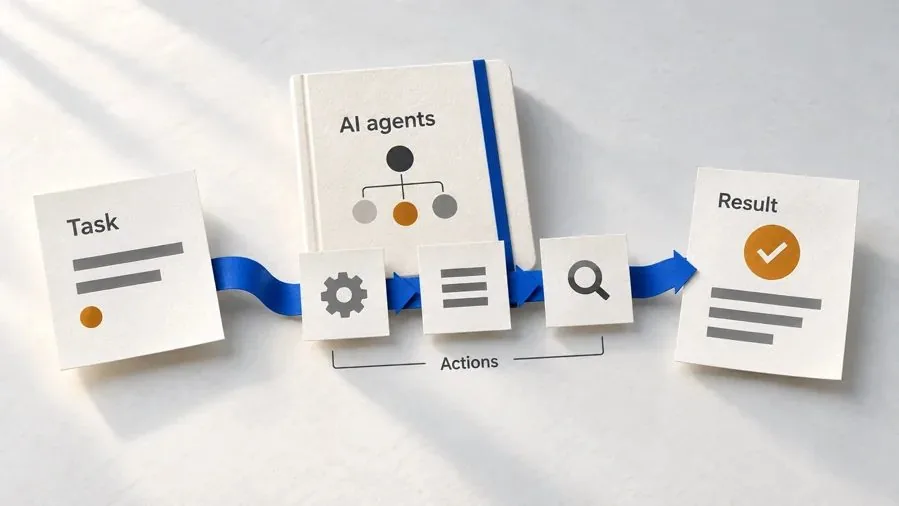
Introduction to Agentic AI and AI Agents
Learn how to direct an AI agent at work, with agentic workflows, RAG and MCP explained from a real first run.
Open the course →Toolkits and programme
Go deeper

Toolkit
SEO Accelerator Toolkit
150+ copy-paste AI prompts for audience research, keywords, content, technical SEO and link building.

Toolkit
GEO Accelerator Toolkit
100 detailed AI prompts for GEO audits, entity building, content structure and client reporting.

Programme
GEO Authority Accelerator
A complete GEO programme on our learner platform: nine modules and a 30, 60, 90 day roadmap. The GEO Accelerator Toolkit is included.
Claude certification practice
Preparing for a Claude certification?
Practice exams written by Arun: 600 questions across 4 mock exams and 2 drill banks. Unofficial preparation, not affiliated with Anthropic.
 CCAR-F
 CCAO-F
 CCDV-F
 CCAR-P
Free skills pack
Seven ready-made Claude Code skills, free.
The First Seven is a free pack of seven Claude Code skills for marketers, SEO consultants and presentation professionals. The Claude Code Without Coding course teaches you to build your own tools step by step.
Get The First Seven Free on GitHub · No email form