Free guide · Claude Code
Stop clicking Yes on every edit in Claude Code
Claude Code asks before it edits a file. That is there to protect your work. When you trust the job in front of you, one key lets Claude get on with it, and one file saves the preferences you keep repeating.
 Arun Nagarathanam · 14 Oct 2026

The prompt
Why Claude asks before every edit
When Claude Code wants to edit a file, run a command or reach the internet, it pauses and asks you to approve that action first. Nothing in your files changes until you say yes.
That pause is the permission prompt. It shows you which file Claude wants to change, so you always know what is being touched. The normal mode, called Manual, asks every time. The docs suggest it for sensitive work and whenever you want to review every action yourself.
Option one
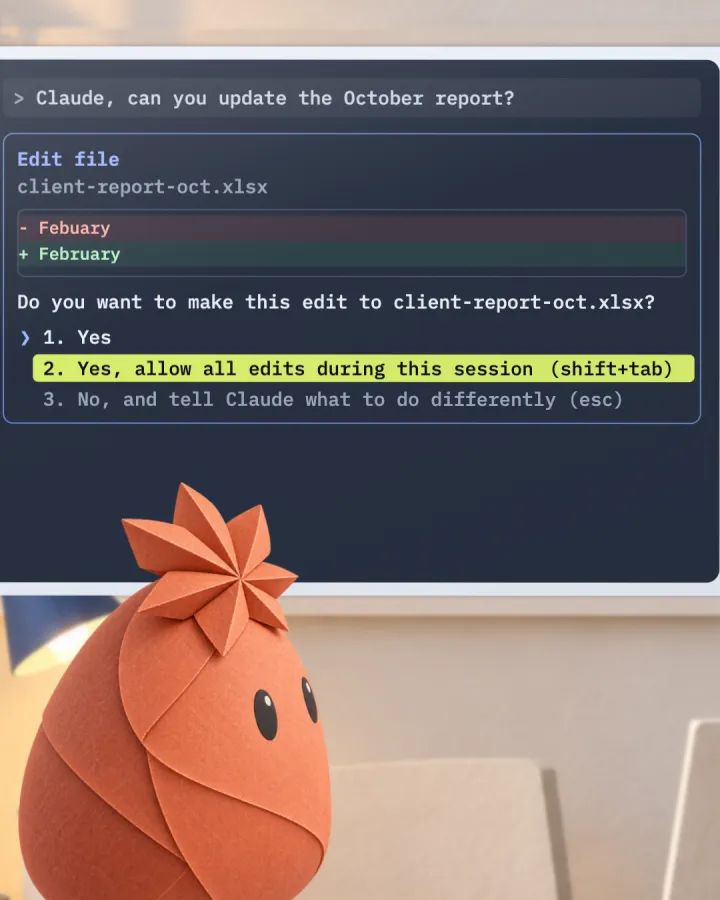
Allow edits for the rest of this session
The prompt offers more than a one-time yes. Next to it is an option that approves edits without asking again. In the desktop app the buttons read Deny, Always allow and Allow once.
What that choice does
- 01For file edits, the approval lasts until the session ends.
- 02It is not saved for later. Your next session starts asking again.
- 03Commands are different: a "don't ask again" approval for a command can be saved for that project. This guide is about file edits only.
Option two
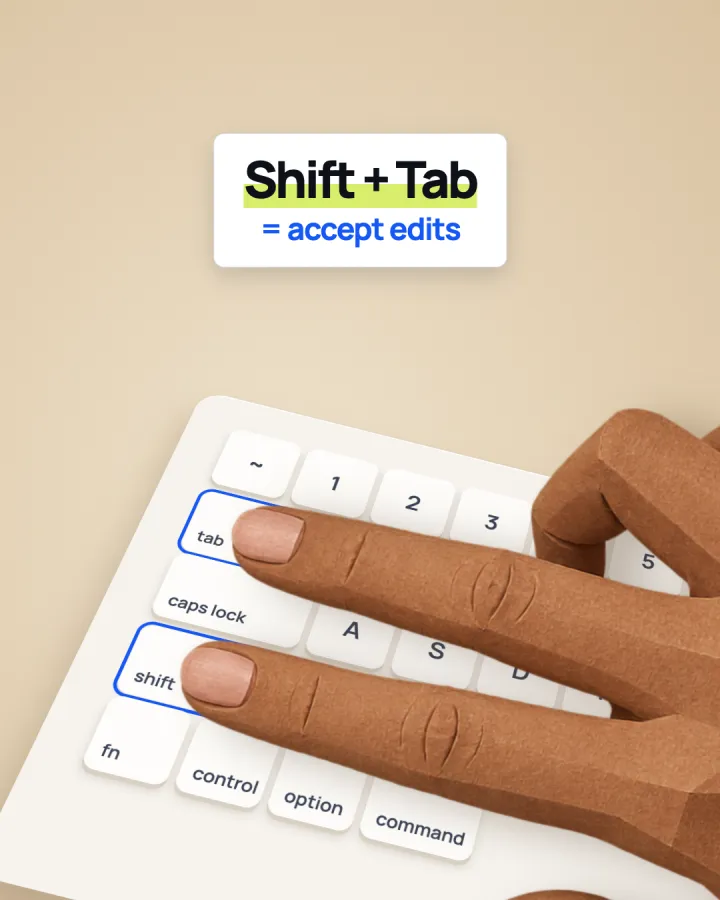
Switch modes with Shift+Tab
Permission modes set how often Claude stops to ask. Accept edits mode lets Claude create and edit files in your working folder without asking.
In the terminal
- Start Claude Code in the folder you are working in. You begin in Manual mode, which asks before every edit.
- Press Shift+Tab once. The status bar at the bottom now shows "accept edits on".
- Give Claude the job. It edits the files in that folder without stopping to ask.
- Press Shift+Tab again to move to the next mode. Keep pressing until you are back in Manual mode.
Good to know
- 01The order is Manual, then accept edits, then plan. If your account has extra modes such as auto, they appear after plan.
- 02In the desktop app there is no keyboard step: pick Accept edits from the mode selector next to the send button.
- 03The desktop app remembers the mode you pick for each folder, so check it the next time you open that folder.
Stay safe
When to keep the asking on
Accept edits removes a check, so turn it on for work you trust and would rather review afterwards.
What accept edits still asks about
- 01Files outside the folder you started in. Claude still asks before touching those.
- 02Protected places such as the .git and .claude folders. Writes there still need your yes.
- 03Most other commands. Only file edits and a short list of basic file commands skip the prompt.
What it does without asking
- 01Creates and edits files in your working folder.
- 02Creates, moves, copies and deletes files in that folder too. The docs list the commands mkdir, touch, mv, cp, rm and rmdir.
Keep Manual mode on when
- 01You want to see every change before it happens.
- 02The folder holds client files or anything you cannot easily get back.
- 03You do not yet know which files the job will touch.
After a run in accept edits, open the files and check the changes, the way you would check a colleague's work.
Stop repeating yourself
Save a standing preference in CLAUDE.md
CLAUDE.md is a plain text file of instructions that Claude Code reads at the start of every session. The docs call it the place to write down what you would otherwise explain again.
Add a preference
- In Claude Code, ask Claude to add the line to CLAUDE.md. Copy the prompt below and change the words to your own.
- Or type /memory, pick the CLAUDE.md file, and type the line in yourself.
- Next session, check that it loaded: type /context and look under Memory files.
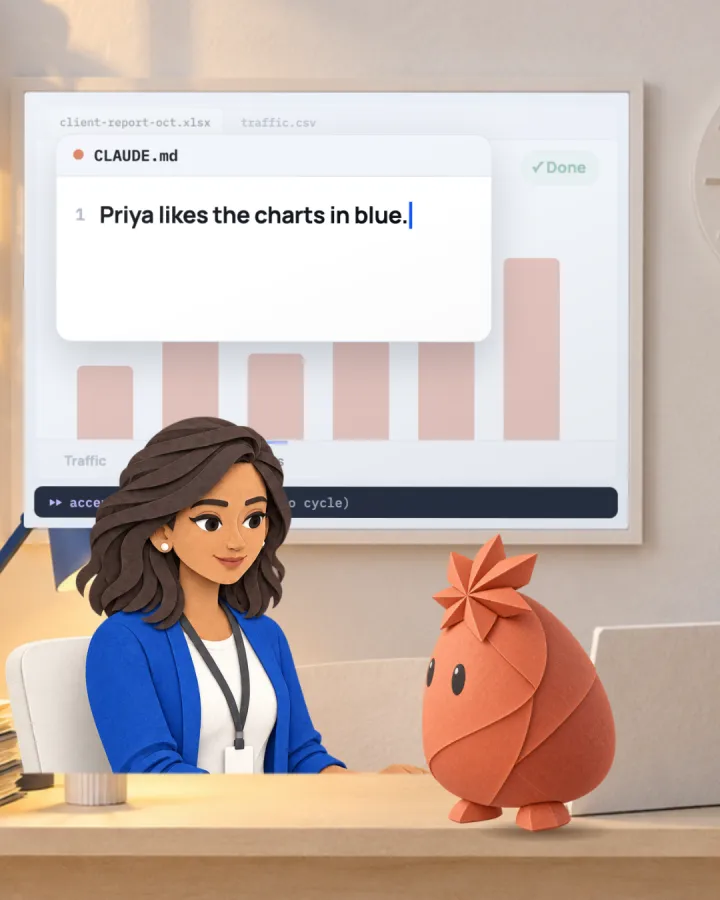
Add this to CLAUDE.md: In client reports, make every chart blue.
# Client reports

- Make every chart blue.
- Put traffic first, then leads.
- Use the month named in the file name. Never copy dates from last year's report.
Keep in mind
- 01Say "CLAUDE.md" in your request. If you only ask Claude to remember something, it saves the note to its auto memory instead.
- 02Short, specific lines work best. "Make every chart blue" is followed more reliably than "make the charts look nice".
- 03CLAUDE.md is guidance, not a lock. Claude reads it and tries to follow it, but check the result.
- 04For a preference that should apply in every project on your computer, type /memory and pick your user CLAUDE.md instead of the project one.
Files and links
- Official Claude Code docs: permission modeshttps://code.claude.com/docs/en/permission-modes
- Official Claude Code docs: CLAUDE.md and memoryhttps://code.claude.com/docs/en/memory
Keep building
More from Aruntastic
Practical courses for people who want to build useful things with AI.

AI SEO Course 2026: From Zero to Page-One Results
Research search demand, structure useful pages, and work through technical and off-page SEO.
Open the course →
AEO, GEO, AI SEO: Get Cited by ChatGPT, Google, Perplexity
Study how AI search finds information, and make your pages clear enough to be cited.
Open the course →
Microsoft PowerPoint Presentation 2026 for Professionals
Learn visual hierarchy, slide composition, typography and animation through practical work.
Open the course →
AI Agents for Leaders Who Have No Time to Learn AI
If you can delegate to a person, you can delegate to an AI agent. You keep the judgment. For managers and founders.
Open the course →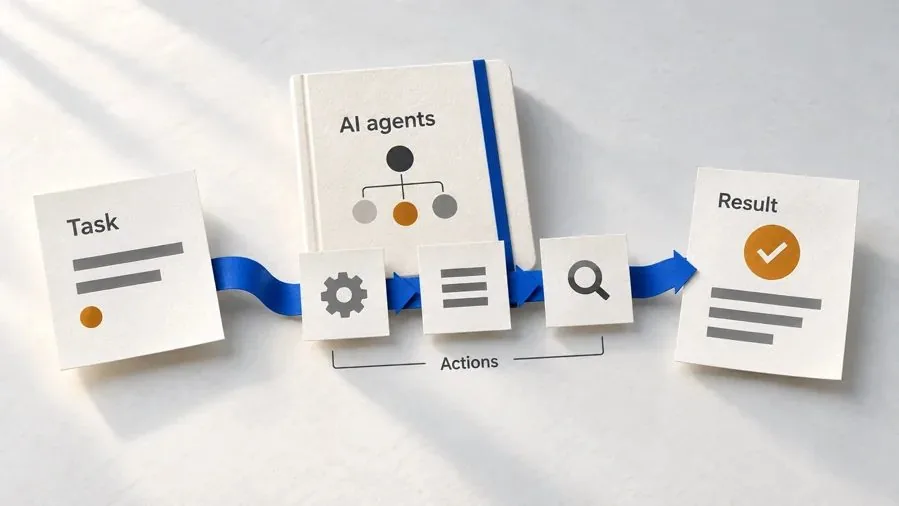
Introduction to Agentic AI and AI Agents
Learn how to direct an AI agent at work, with agentic workflows, RAG and MCP explained from a real first run.
Open the course →Toolkits and programme
Go deeper

Toolkit
SEO Accelerator Toolkit
150+ copy-paste AI prompts for audience research, keywords, content, technical SEO and link building.

Toolkit
GEO Accelerator Toolkit
100 detailed AI prompts for GEO audits, entity building, content structure and client reporting.

Programme
GEO Authority Accelerator
A complete GEO programme on our learner platform: nine modules and a 30, 60, 90 day roadmap. The GEO Accelerator Toolkit is included.
Claude certification practice
Preparing for a Claude certification?
Practice exams written by Arun: 600 questions across 4 mock exams and 2 drill banks. Unofficial preparation, not affiliated with Anthropic.
 CCAR-F
 CCAO-F
 CCDV-F
 CCAR-P
Free skills pack
Seven ready-made Claude Code skills, free.
The First Seven is a free pack of seven Claude Code skills for marketers, SEO consultants and presentation professionals. The Claude Code Without Coding course teaches permission modes, CLAUDE.md and skills step by step.
Get The First Seven Free on GitHub · No email form