Claude Code Without Coding · Section 7 · Notes
Notes: Stop Explaining Yourself Every Session
The ideas worth keeping from each lecture, the steps to follow, and one question to check yourself.
 Arun Nagarathanam · 5 Oct 2026 Notes · 54 of 80 in this course
Lecture 7.1
Re-Explaining Yourself Every Morning (Your CLAUDE.md File)
One short file ends the morning briefing, and it only has to hold most of the time to be worth writing. I also want you to see why it stays short.
Key ideas
- 01CLAUDE.md: A file in your project that Claude reads at the start of every session, before you type a word.
- 02Quiet misses: Claude Code sometimes ignores a rule and says nothing. I find out when the work comes back wrong.
- 03The real alternative: Me remembering to say it every morning, on every project, for as long as I keep working.
- 04The file fills up: Workarounds get added for problems that later get fixed, and nobody goes back to check which ones.
Why write a rule that is only followed some of the time? Because of what I compare it with. The alternative is me remembering to say the same thing every morning, and that fails far more often than the file does.
Boris Cherny, who leads Claude Code at Anthropic, told a room of founders in July 2026 two things that sound opposite and are not:
- Anthropic cut about 80 percent of the standing instructions it gives Claude Code, because they corrected mistakes the model no longer makes.
- He kept going after the clip most people share: you put a rule back only when you watch the model stumble on the same thing again and again.
So the file does not break. It fills up, and what loads every morning ends up mostly answering questions nobody is asking any more.
A twice-a-year habit. Empty the file out and put back only what the model still gets wrong. I treat the file as a note I would leave for someone starting on Monday, and I keep it short for the same reason I would keep that note short.
Lecture 7.2
Where Do Your Cost Rules Actually Go? (Your Project's Memory)
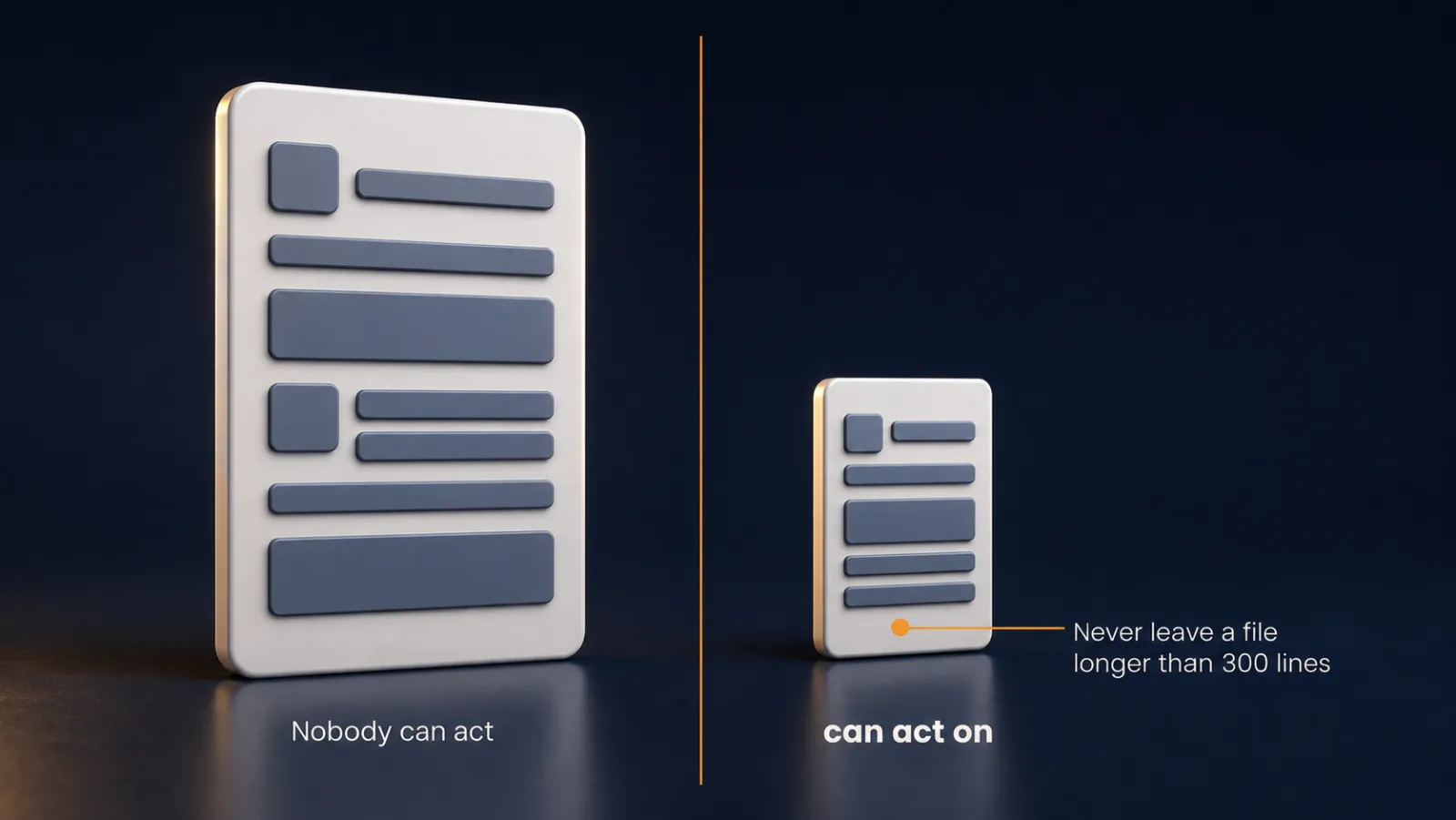
A rule you decided once becomes a line in a file, and Claude follows it before you type. Every line has to earn its place, because the file is part of what each session costs.

Key ideas
- 01The delete question: If I delete this line, will Claude Code get something wrong? If not, the line costs something and buys nothing.
- 02Two lines that fail it: A note about this week's job, which stays true for 3 days and loads for 2 years, and a rule worded too politely to follow.
- 03Read at session start: Claude reads the file when a session opens. A line I add mid-session waits for the next session.
- 04It travels with the project: The file goes to GitHub when I push. Anything private belongs in CLAUDE.local.md, which stays out of what I share.
Capitals matter. A file called claude.md may seem to work on a Mac, because the Mac treats both spellings as the same file. On Linux or another machine it is never found, and Claude behaves as though you wrote nothing.
The comparison I ran had three parts:
- The same request with no rules file, so I had something to compare against.
- The two cost rules written into the file, by Claude, with me checking the path before I allowed it.
- The same request again in a fresh session, with no reminder from me.
The second run checked its own work in the browser before telling me the job was done. That was my second rule, and I never mentioned it.
A demonstration, not proof. Claude answers differently on different days, so one run before and one after is a good sign and nothing more. The test that gives evidence comes later in this section.
Calling this project memory is a little off. Nothing is remembered. Somebody hands a note across at the start of every shift, to the person who was not there for the last one.
Make it yours
- Freelancer or consultant
- Your input
- My own project folder and two habits I want kept
- Ask Claude
- Create a CLAUDE.md in .claude with these two rules
- Check
- The path says .claude/CLAUDE.md before I allow the write
- Small business owner
- Your input
- The shop or site I run, and one rule I keep repeating
- Ask Claude
- Put this rule in the project's CLAUDE.md
- Check
- A fresh session follows it without a reminder
- On a team at work
- Your input
- A shared repository and a convention people forget
- Ask Claude
- Add the convention to the project CLAUDE.md
- Check
- Nothing private is in it, because it goes to GitHub
Lecture 7.3
Which Rules Follow You Everywhere? (Project vs Personal CLAUDE.md)
Some rules belong to the project and some belong to you. One question sorts them, and moving a rule is a cut and a paste.

Key ideas
- 01Project file: Applies only inside that project, and goes with it when somebody else opens the folder.
- 02User-level file: Lives in .claude inside your user folder and loads into every project you open, including ones other people built.
- 03Subfolder files: A CLAUDE.md inside a subfolder loads when the work goes there, and the memory list will not show it.
- 04Imports: @ followed by a path inside CLAUDE.md pulls another file in as though I had typed it.
The sorting question. Would a stranger who inherited this folder need this rule to do the job properly?
The answer decides where a rule goes:
- Yes: it is a project rule and stays in the project file.
- No, it is only true because of how I like to work: it follows me, so it goes in the user-level file.
In my demo, "never tell me a job is finished until you have run the site" stayed, because a new person has no way of knowing this site gets checked. "Never rewrite a whole file when a small edit would do" moved, because it would be just as true on a spreadsheet tool.
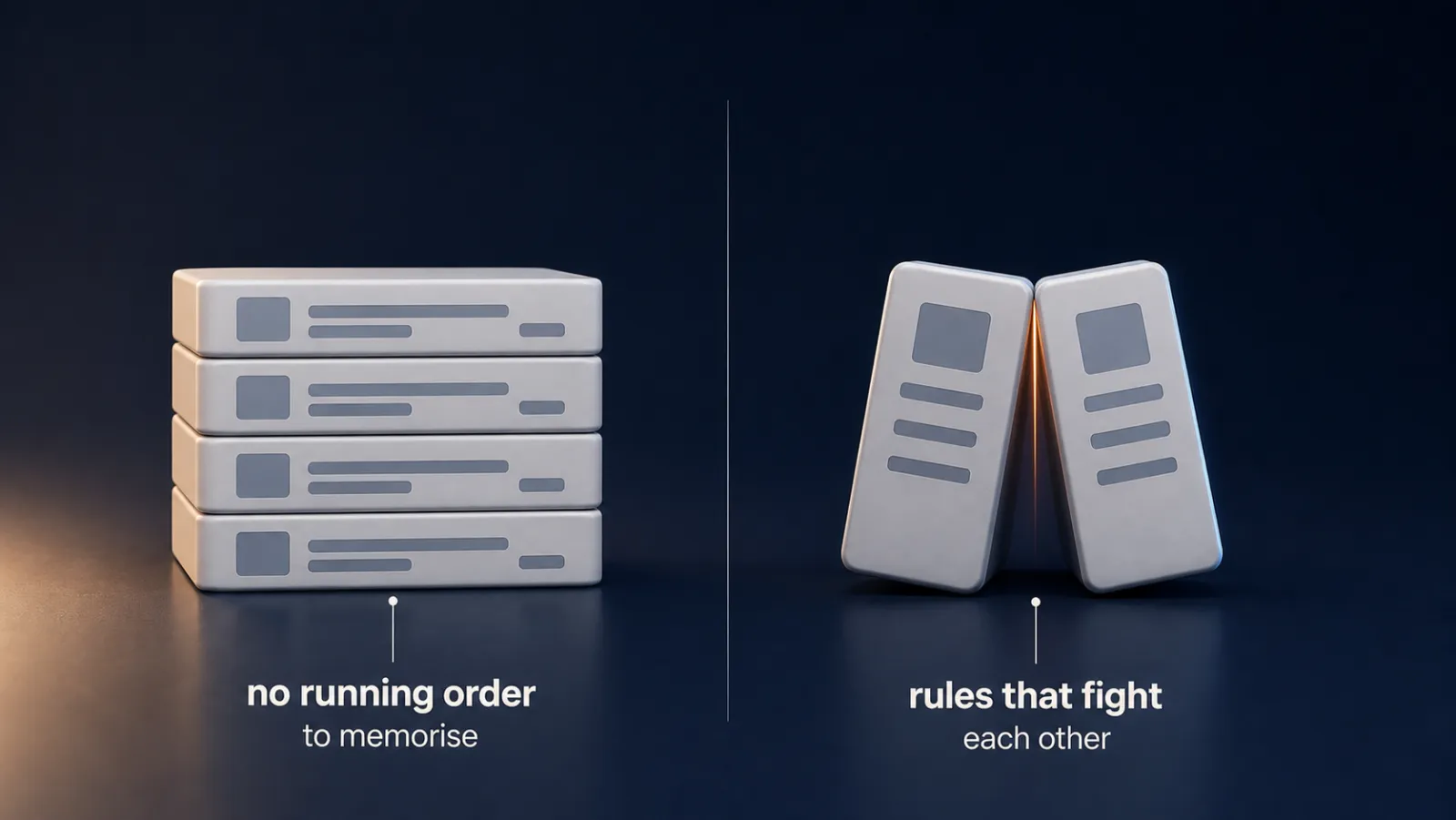

Keep the personal file narrow. It arrives in projects you did not set up, including a client's. A preference that makes no sense there confuses whoever picks the project up after you.
Contradictions. If two rules have to sit side by side, I write the answer into the file: "On this project, ignore my usual preference and do it this way." Start with one page, and split it into imported files on the day you catch yourself scrolling to find something.
Make it yours
- Freelancer or consultant
- Your input
- Two projects for different clients, with a habit of mine that shows up in both
- Ask Claude
- Move my habit into the user-level file and leave the client rule in the project
- Check
- The project file drops to the client rule, and the habit loads in the next session
- Small business owner
- Your input
- A shop site and a second project I will start next month
- Ask Claude
- Which of these rules would a stranger need?
- Check
- One rule left in the project, written once for me elsewhere
- On a team at work
- Your input
- A team repository with my own working preferences mixed in
- Ask Claude
- Separate team rules from my personal ones
- Check
- No personal preference sits in a file the team will inherit
Lecture 7.4
What Is Claude Writing Down About You? (Auto Memory)
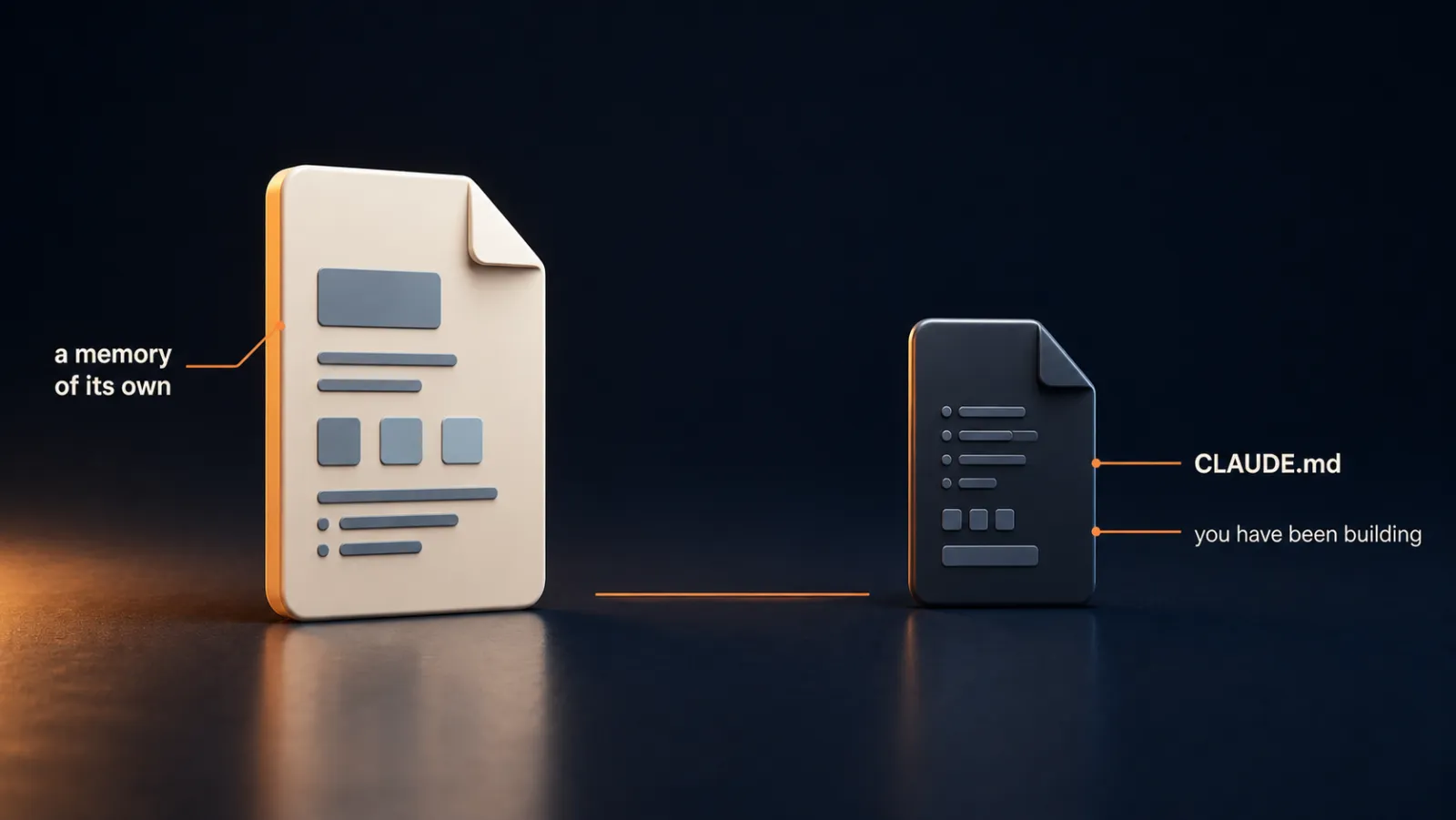
Claude keeps its own notes about you, and those notes can be wrong. Reading them now and then costs a minute and saves you from blaming the model.
Key ideas
- 01Auto memory: Notes Claude writes during a session about your corrections and the practical things it worked out.
- 02MEMORY.md: The index of those notes. The blue lines are links to separate topic notes.
- 03Stays on your machine: The notes are plain markdown outside your project folder, so they do not go to GitHub.
- 04Decided versus concluded: Your CLAUDE.md is what you decided. Auto memory is what Claude concluded.
Why the notes can hurt. Claude saves its own reading of what you said, and that reading can be wrong. It can misread an instruction or settle on a wrong diagnosis halfway through a task and never go back.
A wrong note goes into the file with the same confidence as a right one. It then loads at the start of every later session and looks identical to a true one, so people who never look end up with a memory that works against them.
The habit is small:
- Open MEMORY.md every so often.
- Read it the way I would read a handover note from a colleague before acting on it.
- Delete anything wrong. It is my file.
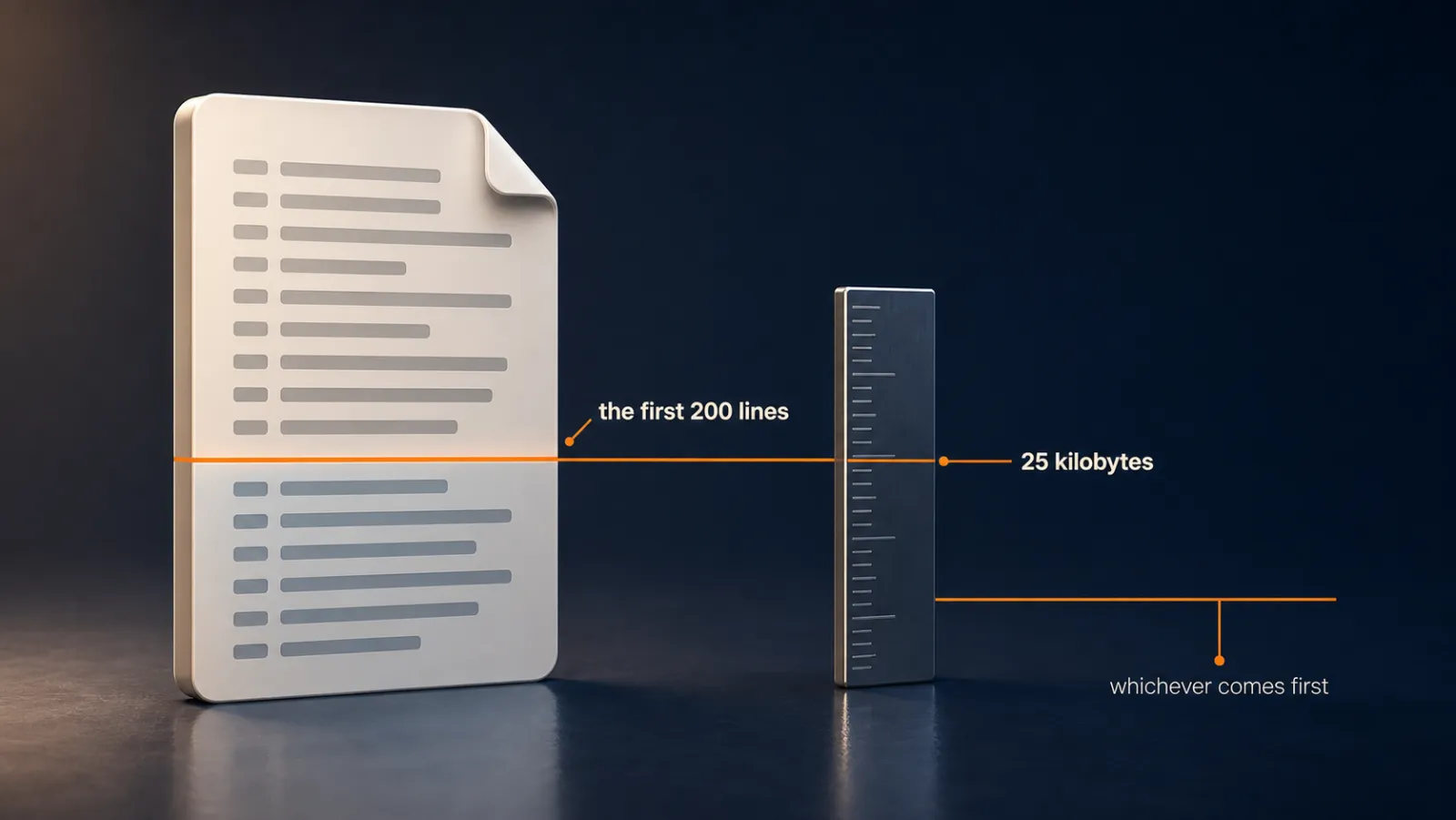
If I tidy it by hand, I keep one line per entry, because the first 200 lines are all that loads. If I would rather Claude did not do this on a project, one setting turns it off, and managing everything by hand is a fair choice.
Make it yours
- Freelancer or consultant
- Your input
- A project where I have corrected Claude several times
- Ask Claude
- Open MEMORY.md and read what it has noted about me
- Check
- I delete or fix any note that is wrong
- Small business owner
- Your input
- My own business project, used most days
- Ask Claude
- Show me what you have written down about how I work
- Check
- The notes match what I would tell a new assistant
- On a team at work
- Your input
- A shared project folder on my machine
- Ask Claude
- List the notes you keep for this project
- Check
- Nothing in them is a guess about teammates I should not store
Lecture 7.5
Can Claude Write CLAUDE.md For You? (Draft It, Then Check Its Guesses)
/init gives you a first draft in a minute. Your job is to read every line, because only you know whether it is true about you.
Key ideas
- 01/init: Reads your folder and writes a first draft. If a file exists, it proposes improvements and the lines you wrote by hand survive.
- 02Fair catch: Claude told me an old file was solid after checking that the sections existed, not that they were accurate. I asked, and it then found two real gaps.
- 03Typist, not author: Claude does the typing and you do the deciding. Every line is there because you decided it belonged.
- 04ETH Zurich result: A context file did not generally help agents finish the task and added more than 20 percent to the cost of each run.
Three piles. I go through each line of the draft and it falls into one of three piles:
The three piles:
- I recognise it straight away, so it just saved me the typing.
- I do not recognise it, so it is a guess. My own blank face is the signal, and I do not need to understand the claim.
- It is true, but it could describe any project shaped like mine. A sentence about what the folder already shows is a sentence I pay for on every run and gain nothing from.
In my demo the old AuraScribe file listed GPT-4o mini, which I do not use. I clicked view source, fixed the line myself and saved.
Why the study does not contradict the command. Those projects were established ones, already carrying read-me files and years of written convention. Mine carries none of that yet, so I am closer to the run where the file earns its place.
If I run the command and keep whatever appears, I have handed my judgment to something that has never met me. If I run it and correct the guesses, I have stayed the author.
Make it yours
- Freelancer or consultant
- Your input
- A project folder with no CLAUDE.md yet
- Ask Claude
- Run /init, then read every line it wrote
- Check
- I can name one line as a guess and one as true
- Small business owner
- Your input
- A site folder where I never updated the old file
- Ask Claude
- Run /init on it and ask whether it checked accuracy
- Check
- Every line is true about my business
- On a team at work
- Your input
- A repository with a README and a stale CLAUDE.md
- Ask Claude
- Run /init and propose improvements only
- Check
- Lines the README already says are not repeated
Lecture 7.6
What Actually Breaks a Rule in Your CLAUDE.md? (50 Rules, 3 Broken)
A rule is a nudge and not a switch, and the two things that weaken it are not the ones people warn you about. The failure is silent, so you find out by looking.
Key ideas
- 01The 50-rule test: Claude Code followed most of 50 rules in a clean session and broke 3. None of the 3 announced itself.
- 02IFScale: With 500 instructions the best of 20 models followed 68 percent. A short list gets a rule slightly wrong, and a long one stops mentioning it.
- 03The session study: Across 1,650 sessions, file size, rule position, file structure and a conflicting line in a neighbouring file made no measurable difference.
- 04Session depth: Each further piece of work in the same session carried roughly 5.6 percent lower odds that a rule still held.
The fear is real and the usual shape is wrong. The rules that went were not at the bottom of the file, and the file was not being ignored. I only found the three because I asked Claude to judge its own work rule by rule, with a table and a checkbox for each.
What I take from the studies, with the limits attached:
- 500 instructions is not 50, and that test used the models of the year before.
- The position finding is weaker than the size finding. They looked and found nothing, which is not the same as proving nothing is there.
- A shorter file does not buy obedience, and anyone who promises it is selling something.
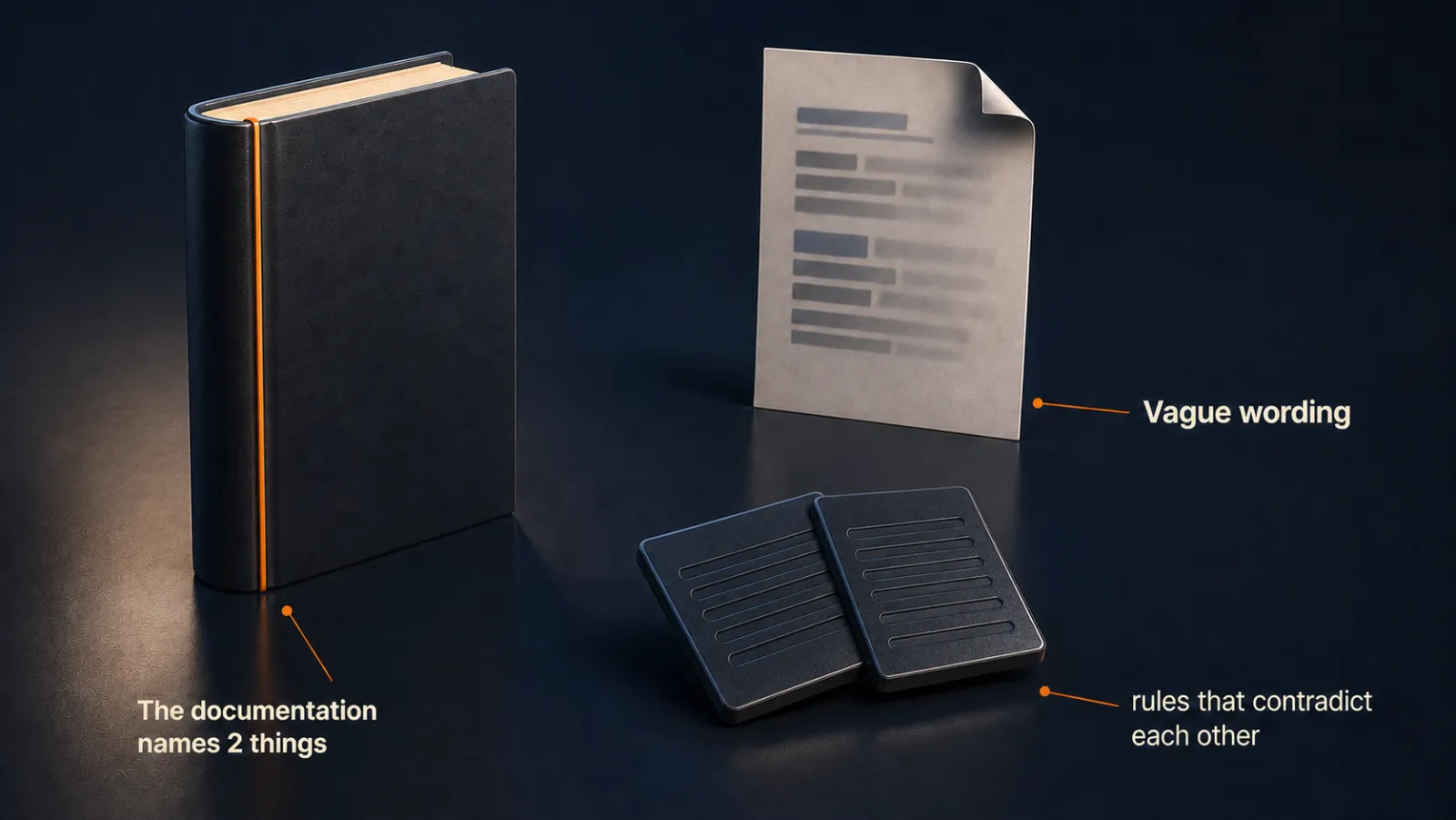
Specific does two jobs. It makes a rule checkable, and it makes a rule win when two collide. In my test, "keep all styling in main.css" lost quietly to "gallery styles go in projects.css", because the second named the thing I asked about. Claude said nothing about the one it dropped.
Emphasis such as IMPORTANT does help, until several lines are shouting at once. Mark 3 rules and those 3 are louder. Mark 30 and the whole file is louder.
Lecture 7.7
How Much Should the File Explain? (Onboarding, Not Configuring)
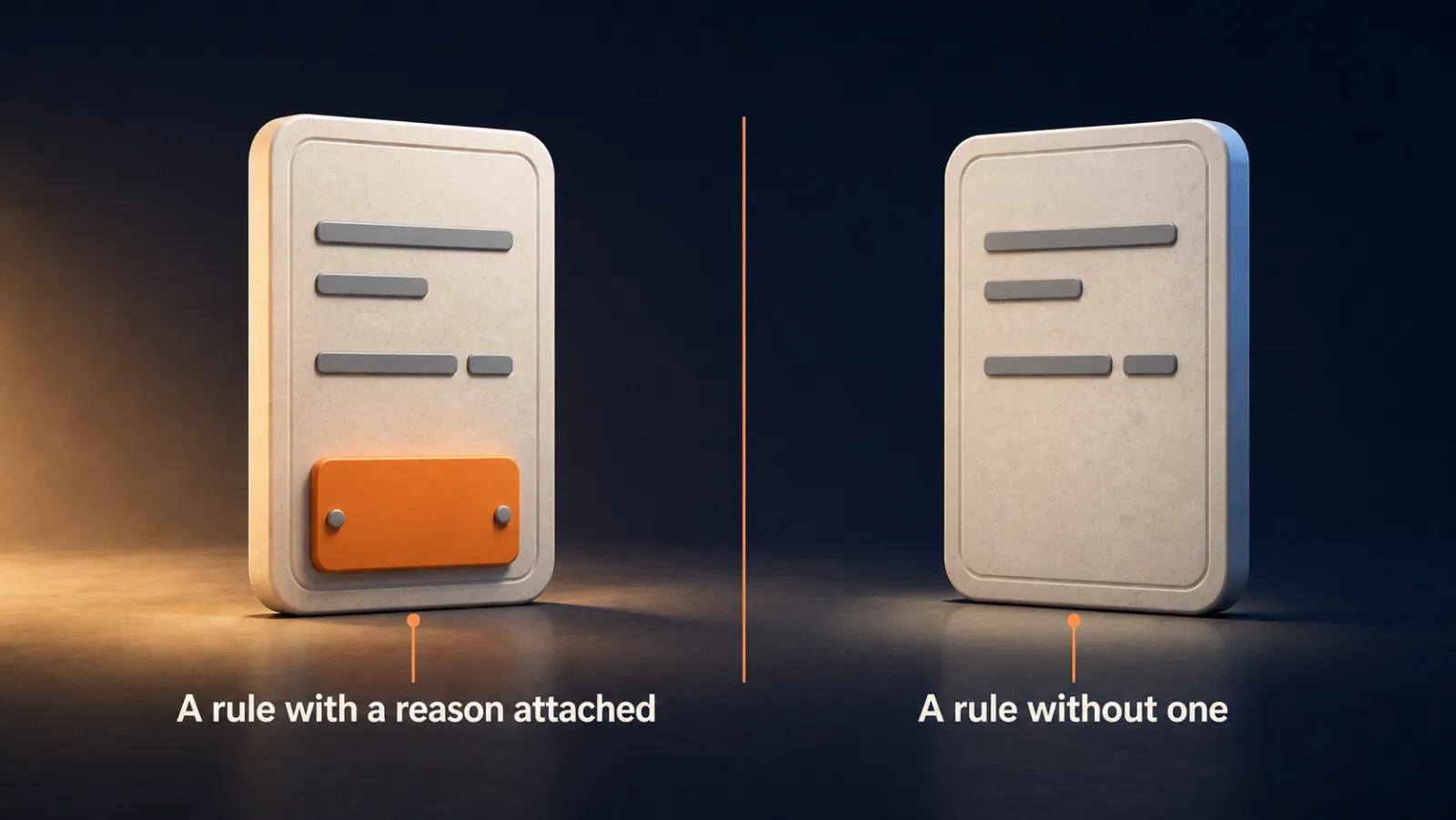
Brief the file the way you would brief a clever person starting on Monday, with 10 minutes to spare. A rule with its reason survives situations you never pictured.
Key ideas
- 01Briefing, not configuring: What the business is, what you are trying to do this quarter, then the 2 or 3 things that cause trouble and why.
- 02Reason attached: A rule with a reason covers cases I never thought of. A bare rule covers only the case I pictured.
- 03No secrets: The file is sent along with my work every time a session opens, so a secret in it is handed over several times a day for no benefit.
- 04The out-of-date signal: The day I correct Claude on something the file should already say, I open the file that evening.
Which file could you work from? The weak one is tidy, every line an instruction, and tells a new starter nothing about what the project is or why anybody built it. The better one opens with two sentences on what the project is and who it is for, then what it is built with, then the few things that matter, each with a reason.
The hard part is describing your own work clearly enough that somebody who has never seen it can follow, which has nothing to do with software, and a holiday handover note takes an hour longer than planned for the same reason.

If you have always been the person who explains what needs building, you have been undersold. That is the skill this file asks for, and you already have it.
Who keeps it current? For now, me. There is a way to make that happen on its own, and it comes later in the course, in the lecture on work that runs while you are asleep.
Lecture 7.8
Why Does Claude Skim Your File? (Loading vs Reading Context)
When the file did not change and a rule still slips, the session is what changed. The repair is to empty the conversation and not the file.

Key ideas
- 01Context rot: Anthropic's name for a model recalling less accurately as it holds more, across all their models.
- 02Attention budget: The model weighs each new piece against everything already there, so cost climbs faster than the amount loaded.
- 03/clear: Empties the conversation from context and loads CLAUDE.md again. Nothing leaves the project or the saved conversation.
- 04Holding versus fetching: A huge window is not all equally useful. Part of it the model thinks across, and part it can only fetch from.
Loaded is not the same as attended to. My rule says to report back in one plain sentence with no bullets. It held on 4 of 5 requests, wobbled once on the third, and came back on its own. That wobble is the shape to expect, and it grows with depth.
To check any rule I write:
- Edit the file.
- Start a new session.
- Read the very next answer. A rule about how Claude reports back tells me whether it took, with no need to ask.
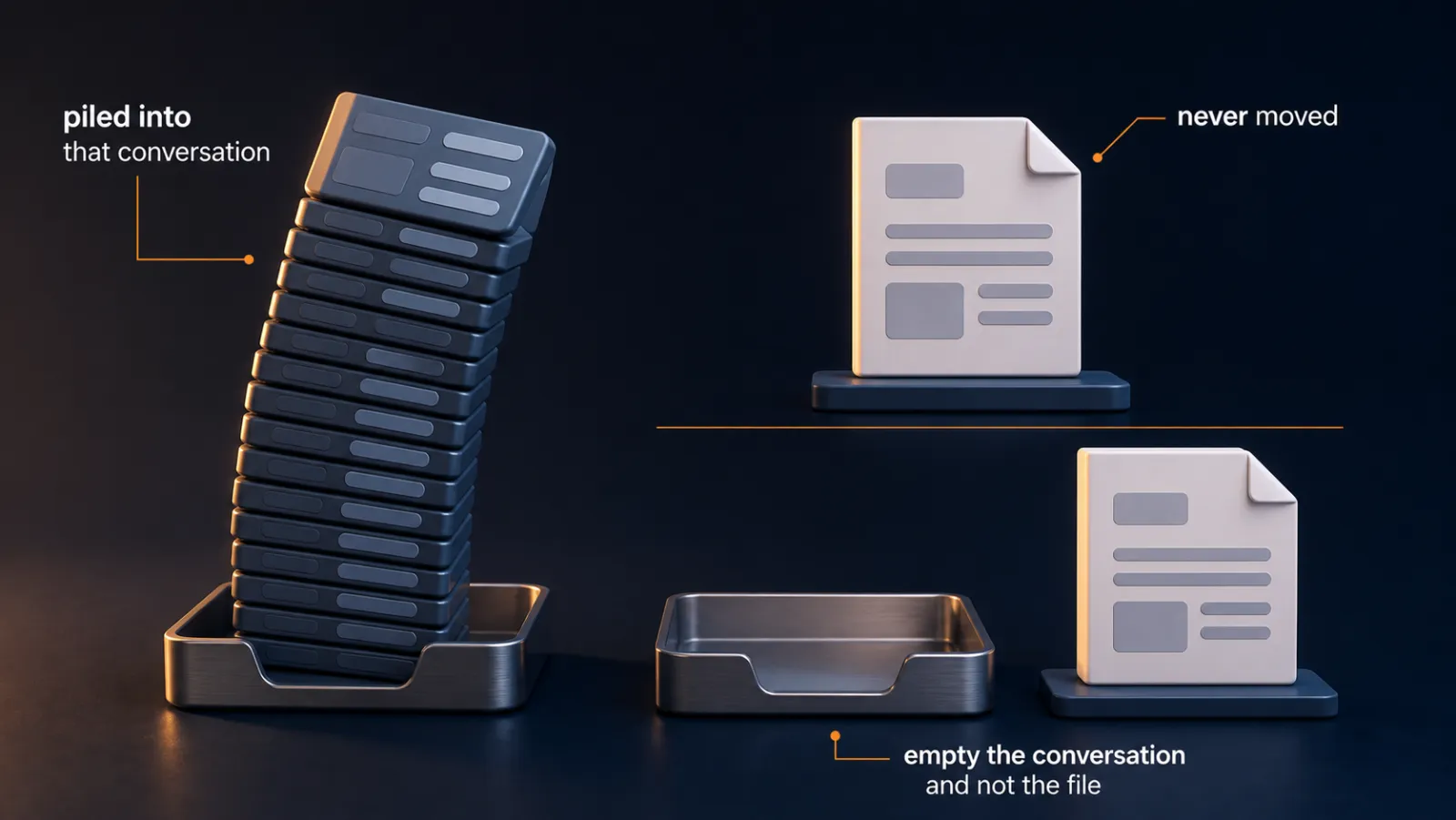
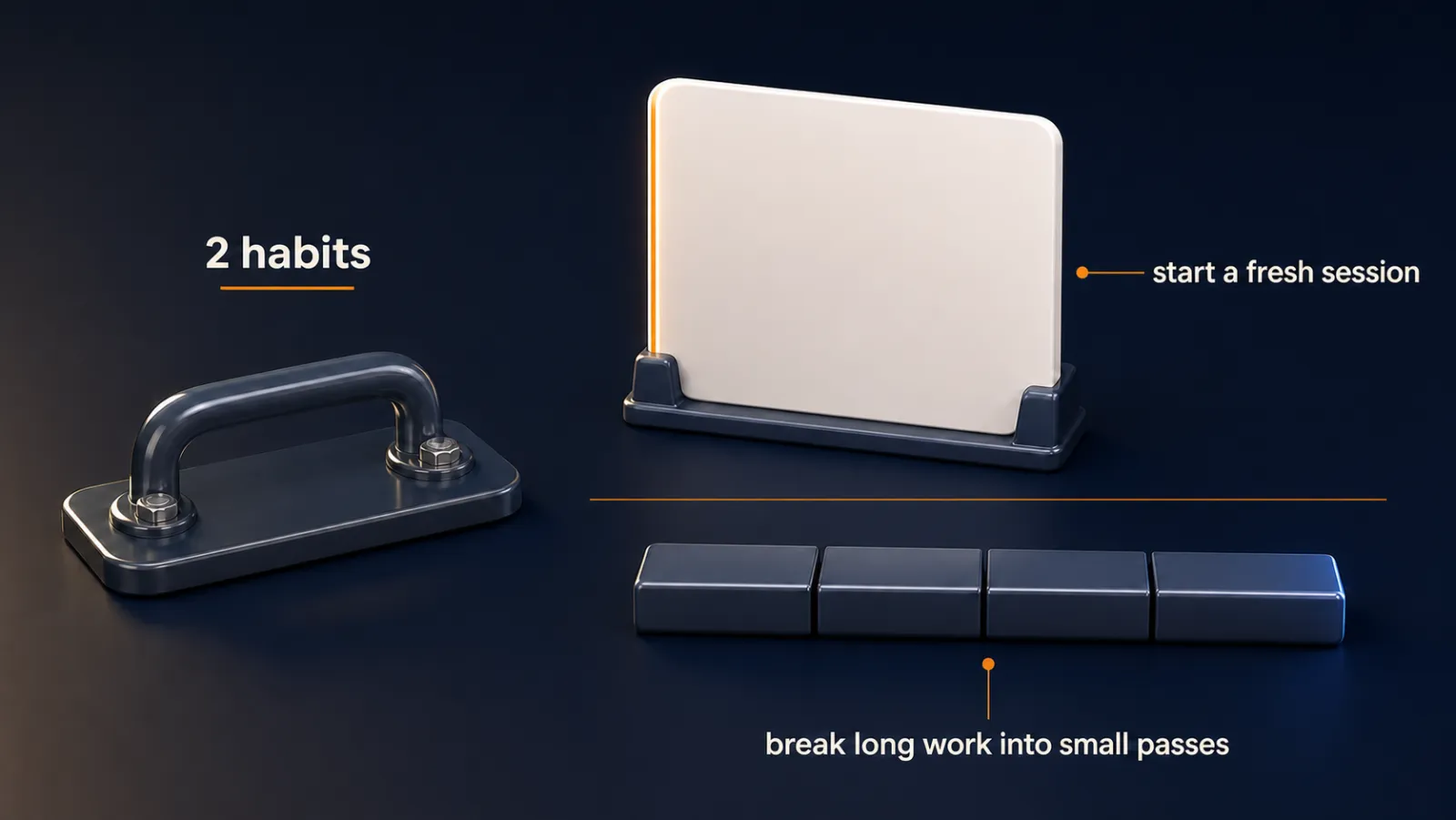
When a long session starts contradicting itself, that is the signal to start fresh rather than push harder. The decline is gradual and does not arrive at a particular number.
Small passes cost more. Every pass carries the conversation around it, so the total is higher than one big load. What I buy is an answer that used all of my document. On work that matters that is a good trade, and on something I am only skimming the cheap version is the right choice.
Make it yours
- Freelancer or consultant
- Your input
- A long session where a rule has started to slip
- Ask Claude
- Run /clear, then make the same kind of request
- Check
- The next answer follows the rule again
- Small business owner
- Your input
- A rule about how Claude reports back to me
- Ask Claude
- Make a small change and reply in one plain sentence
- Check
- The reply is one sentence in a fresh session
- On a team at work
- Your input
- A long document the team needs read closely
- Ask Claude
- Work through it in several small passes
- Check
- The answer covers the whole document, not most of it
Lecture 7.9
How Do You Know Your CLAUDE.md Is Working? (Two Checks You Can Run)
There are two checks, and they work on any project on any ordinary day: did the file arrive, and does a rule show up in the answer.

Key ideas
- 01Arrived: The context ring lists the memory files Claude Code opened itself. It does not list files those files pull in.
- 02Visible rule: Pick a rule where following it and ignoring it give two answers that do not look alike, such as a three-column table.
- 03Stale but working: A rule I added while setting a project up can quietly block something I want weeks later, and it still works as written.
- 04Freshness: How much of the file is followed depends on how much of it is still true, and that part is mine.
If the file is not on the list, five places to look:
Check these in order:
- Where it sits: the project root, or the .claude folder inside the project.
- The name, in capitals.
- Which folder this session was opened in.
- Whether I made the file during this session, which means it has not loaded. /compact, /clear or a new session fixes that.
- For the personal file only, that it sits in .claude inside my user folder.

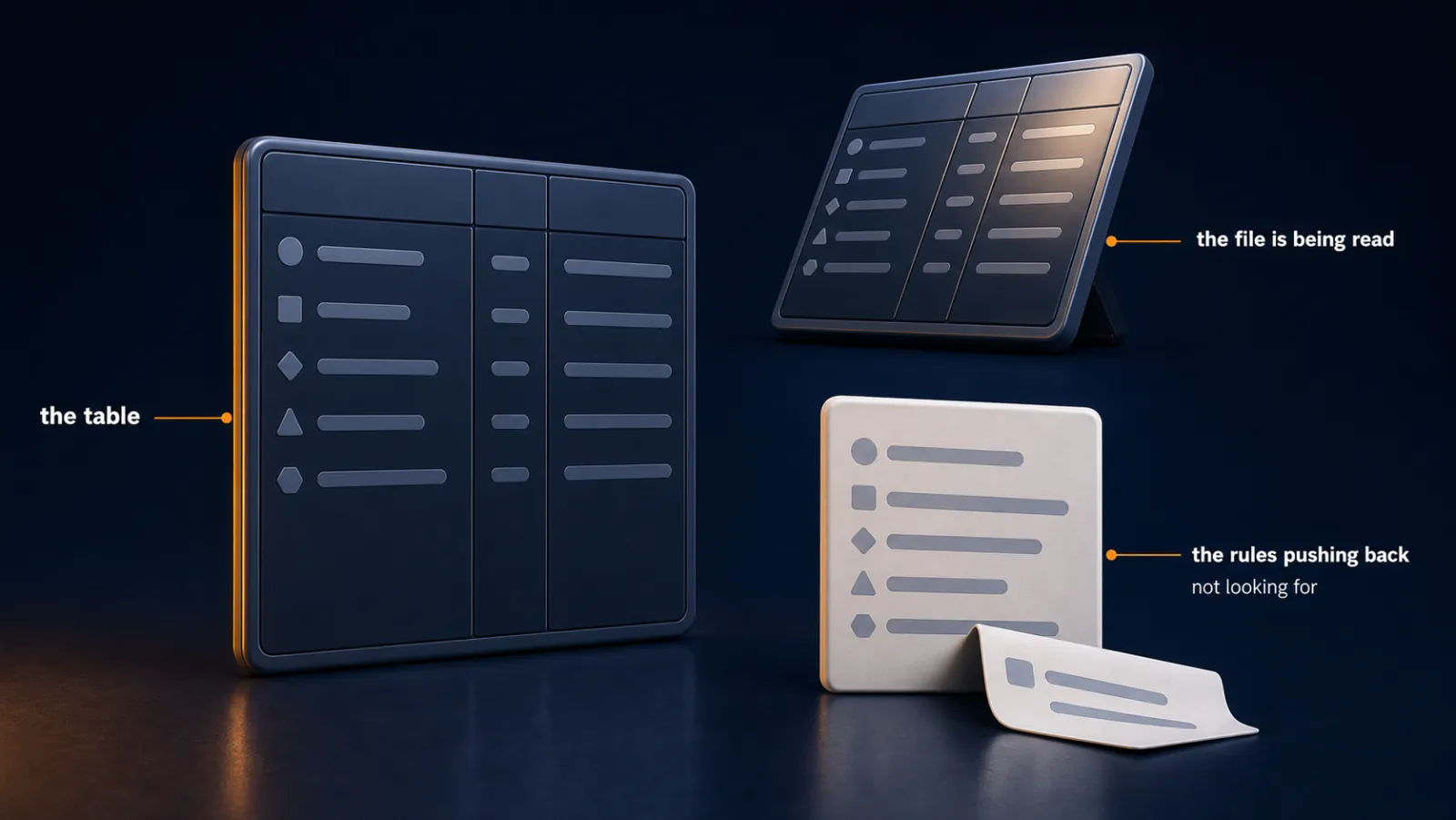
The visible rule. I changed rule 50 to "give me a table with 3 columns: what is done, what is next, what you need from me." Either the table is in the answer or it is not. Then I asked for a huge job on purpose.
Before it changed anything, Claude said my own rules stood in the way, and named rules 29, 30, 37 and 38. Both sides came from me, and the file won, because that is what a rule is for. Run both checks on any project, and whenever something feels off.
Make it yours
- Freelancer or consultant
- Your input
- My CLAUDE.md and a project where I doubt it is being read
- Ask Claude
- Open the context ring and check the memory files list
- Check
- Both my files appear, or I know which of the five places to fix
- Small business owner
- Your input
- My rules file for the business
- Ask Claude
- Change one rule to something visible, then run a request
- Check
- The visible rule shows up in the answer
- On a team at work
- Your input
- A shared project with rules several people added
- Ask Claude
- Tell me which of my rules block this request
- Check
- I can name any rule that has gone stale
Lecture 7.10
The Other Filename Every Other AI Tool Reads (AGENTS.md and CLAUDE.md)
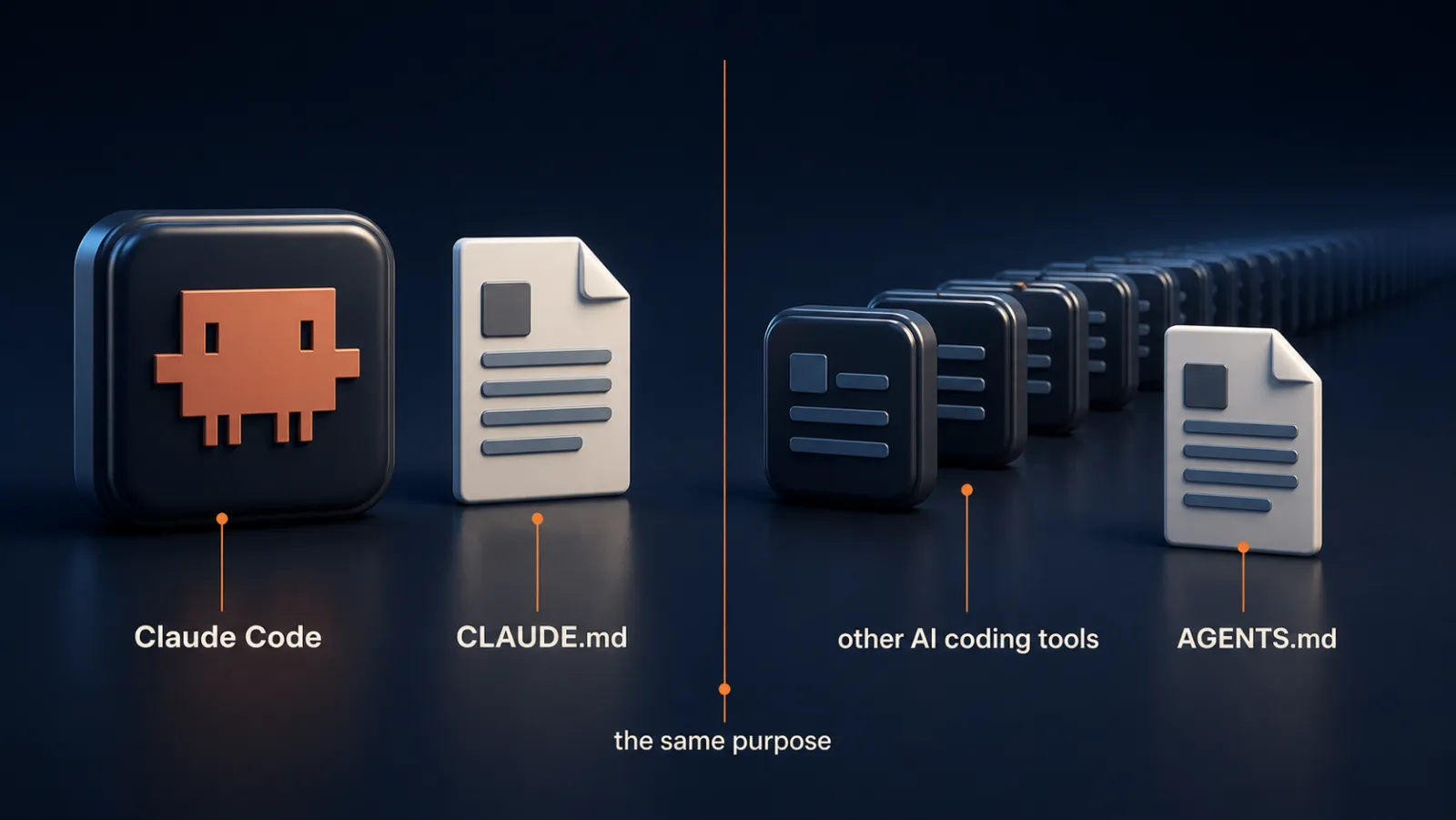
Write the knowledge once in AGENTS.md and let CLAUDE.md point at it with one line, so two files never drift apart.
Key ideas
- 01AGENTS.md: The filename more than 20 other coding tools read, already sitting in over 60,000 open-source projects.
- 02They write to it too: Other tools add what they learn to AGENTS.md, so it fills up on its own while CLAUDE.md only grows when I add to it.
- 03The import line: @AGENTS.md in CLAUDE.md. Claude reads the other file at the start of every session.
- 04Direction matters: Knowledge in AGENTS.md, the one line in CLAUDE.md, because the other tools cannot follow a line back the other way.
Why not fill in both? That leaves me copying the same knowledge into two places by hand, forever, and six weeks later one of them is true and I cannot tell which.
What I did:
- Asked Claude to reference AGENTS.md in CLAUDE.md, without saying how.
- Approved one added line, third from the top.
- Cleared the session so everything loaded fresh.
- Asked "Can you tell me my house rules?" and the rules came back.

The memory files list showed only my two CLAUDE.md files and not AGENTS.md. Claude was reading it anyway, because the list shows what Claude opens itself and not what those files pull in.
I install nothing. It is one line in a file I already have open, and it costs nothing to split the knowledge across two names. The Claude Code study found no measured difference in how well rules were followed.
Make it yours
- Freelancer or consultant
- Your input
- A project that already has an AGENTS.md in its root
- Ask Claude
- Reference AGENTS.md from CLAUDE.md so both are read
- Check
- One import line was added, and the house rules still come back after a clear
- Small business owner
- Your input
- A tool I use that added an AGENTS.md without asking
- Ask Claude
- Point CLAUDE.md at it and keep the knowledge in one place
- Check
- I have one file to keep true, not two
- On a team at work
- Your input
- A repository where teammates use other coding tools
- Ask Claude
- Add the single import line to CLAUDE.md
- Check
- The knowledge stays in AGENTS.md where their tools can see it
Lecture 7.11
How Long Should Your CLAUDE.md Be? (Cut It Down to Yours)
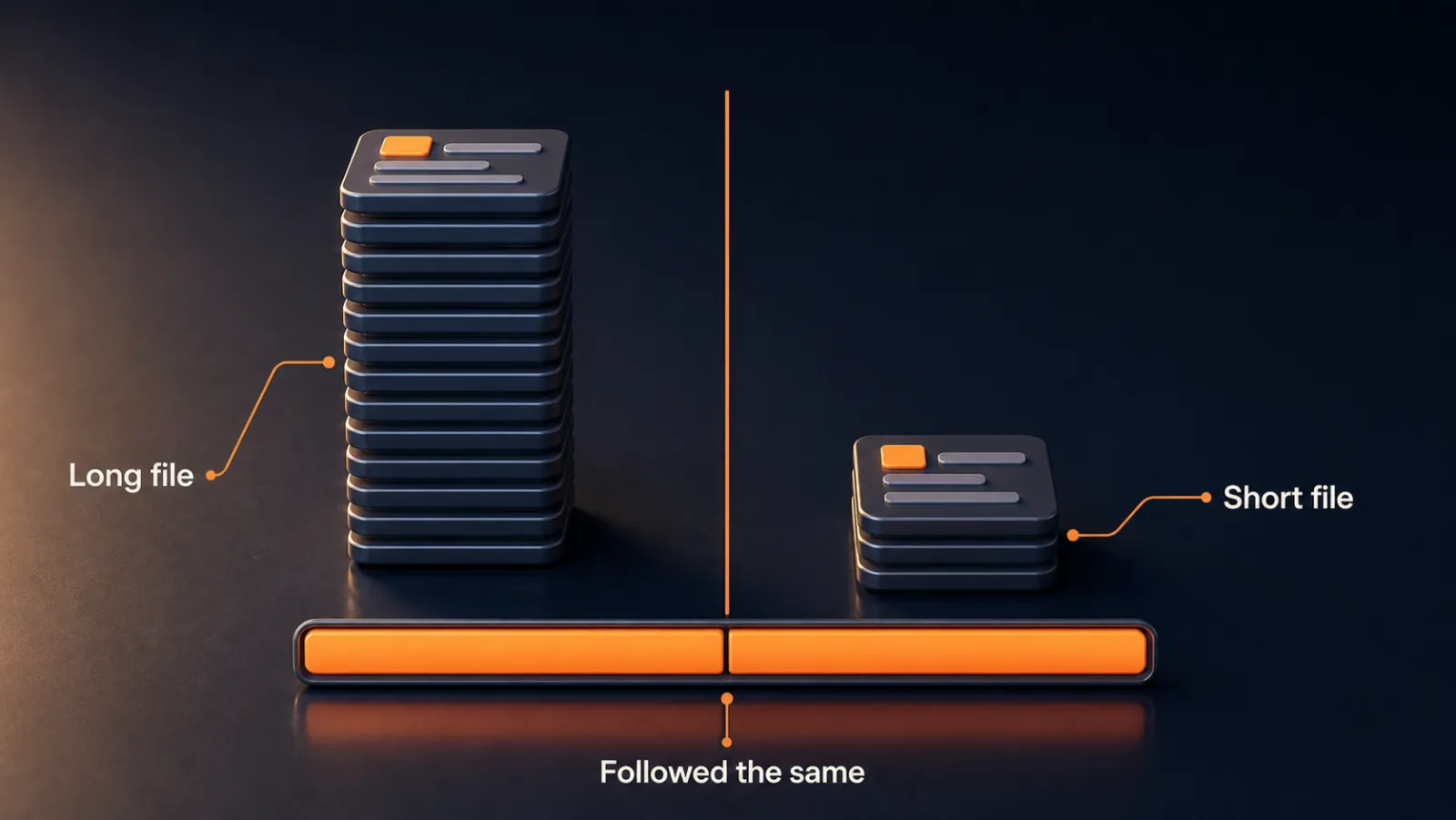
The reason to cut the file is not obedience. A long file is harder to keep honest, and one test, based on time, says what moves out.
Key ideas
- 01Under 2 screens: Anthropic's ceiling: short enough to take in without scrolling, a cheat sheet and not documentation.
- 02Nobody deletes: A study of nearly 1,900 projects found these files more than tripled in length, gaining about 5 lines per round of changes.
- 03The time test: Will this still be true tomorrow, next month and a year from now? If yes it stays. If it changes often, it moves.
- 04A note, not an import: A sentence pointing at notes.md lets Claude open that file only when the work needs it, unlike an import line.
What moves out. Lines about how I like to work, and anything true for as long as the project lives, stay in CLAUDE.md. Anything that changes often, such as a file list or a status line, goes into notes.md, with one sentence in CLAUDE.md pointing at it. Nothing leaves the project.
Hand over the test, not the lines. I never named the lines I wanted moved. Claude moved the status, and after a second request moved the file list. It kept the accessibility notes, because they quote an outside standard, and the deployment steps, because they are a repeatable way of working. Both reasons were right.

That works only because I handed over a test. Next time, in six months, I do not need to know how to edit the file. I need to know that this is the kind of thing that happens, and that managing it is my job.
The compactor Skill in this lecture's resources backs the file up first, moves lines and does not delete them, and checks at the end that no live rule went missing. I run it about twice a year.
Make it yours
- Freelancer or consultant
- Your input
- A CLAUDE.md that has grown over a year
- Ask Claude
- Apply the time test and move changing lines to notes.md
- Check
- Only the lines that change moved, and Claude gave a reason for each it kept
- Small business owner
- Your input
- My business file with a status line and a file list
- Ask Claude
- Move anything that could change to notes.md and reference it
- Check
- CLAUDE.md is short and notes.md holds the rest
- On a team at work
- Your input
- A team file several people have added to
- Ask Claude
- Run the test and tell me which lines you left, and why
- Check
- No live rule went missing after the pass
Lecture 7.12
The Session Already Knows Your Project (What You Actually Built)
What you built is a test you can run, and not just a set of files. It works on projects that do not exist yet, and it points at what comes next.
Key ideas
- 01The test: A request whose result looks different depending on whether a rule was followed, run on a file that worked and one that did not.
- 02Plain notes: A tiny set of plain text files in the project folder is what people carry who ship real products without writing code by hand.
- 03Projects that do not exist yet: The same check works on any project you open next month.
- 04The explaining moved: Rules now hold, and you describe the same job from scratch again each week.
What is worth being pleased about. Not the files. You wrote a request whose result would look different depending on whether a rule held, ran it on a file that worked and one that did not, and watched the difference yourself.
That is rarer than it sounds. The complaint this section started from, that you write the file and it gets ignored, comes from people who never had a way to find out.
What the file still cannot do. It tells Claude what the project is, and it says nothing about how to do the job you do every Tuesday. So you find yourself describing that job again, exactly as you did last week.
The explaining did not stop. It moved, and the next section is where it moves into something you build once.
Quick reference
Where the files live
| Project CLAUDE.md | Inside the project's .claude folder, or the project root. Applies only to that project. |
|---|---|
| User-level CLAUDE.md | In the .claude folder inside your user folder. Loads into every project you open. |
| CLAUDE.local.md | A private version for one project. Claude Code adds it to the gitignore when you commit or push. |
| Subfolder CLAUDE.md | Loads when the work goes into that folder. The memory list does not show it. |
| Auto memory | Outside the project, in a projects folder inside your user folder. MEMORY.md is the index. |
| AGENTS.md | In the project root. Knowledge goes here, and CLAUDE.md carries one import line. |
| notes.md | Where lines that change often move. CLAUDE.md keeps one sentence pointing at it. |
Commands and clicks
| /context | Lists what the session holds, including memory files and what each costs. |
|---|---|
| /memory | In the terminal, lists the memory files and an Open auto memory folder line. |
| Context ring | Click it, expand the context window, then memory files, in the desktop app. |
| /init | Reads the folder and writes a first draft, or proposes improvements to an existing file. |
| /clear | Empties the conversation and loads CLAUDE.md again. Nothing leaves the project. |
| /compact | Also reloads the file in a session where you just made it. |
| @ plus a path | Inside CLAUDE.md, pulls another file in as though you had typed it. |
If the file does not arrive
| 1. Location | Project root, or .claude inside the project. |
|---|---|
| 2. Name | CLAUDE.md in capitals. Lowercase may work on a Mac and fail elsewhere. |
| 3. Folder | Check the session was opened in the project you think it was. |
| 4. Timing | A file made this session has not loaded. Compact, clear or start a new session. |
| 5. Personal file | Must sit in .claude inside your user folder. |
Use X when / Y when
| Project or user-level file | Project if a stranger inheriting the folder needs the rule. User-level if it is only true because of how you work. |
|---|---|
| CLAUDE.md or auto memory | CLAUDE.md for what you decided. Read auto memory now and then for what Claude concluded. |
| Draft with init or write by hand | Init for the typing, then read every line. You stay the author. |
| Stay in the file or move to notes.md | Stays if it will be true for as long as the project lives. Moves if it changes often. |
| Import line or a pointing sentence | An import loads the file every session. A sentence is a note, and Claude opens it when needed. |
| Clear the session or edit the file | Clear when a rule slips after a long session. Edit when the rule itself is vague or contradicts another. |
| One long pass or small passes | Small passes when you need an answer that used all of the document. One pass when you are only skimming. |
Numbers from the recordings
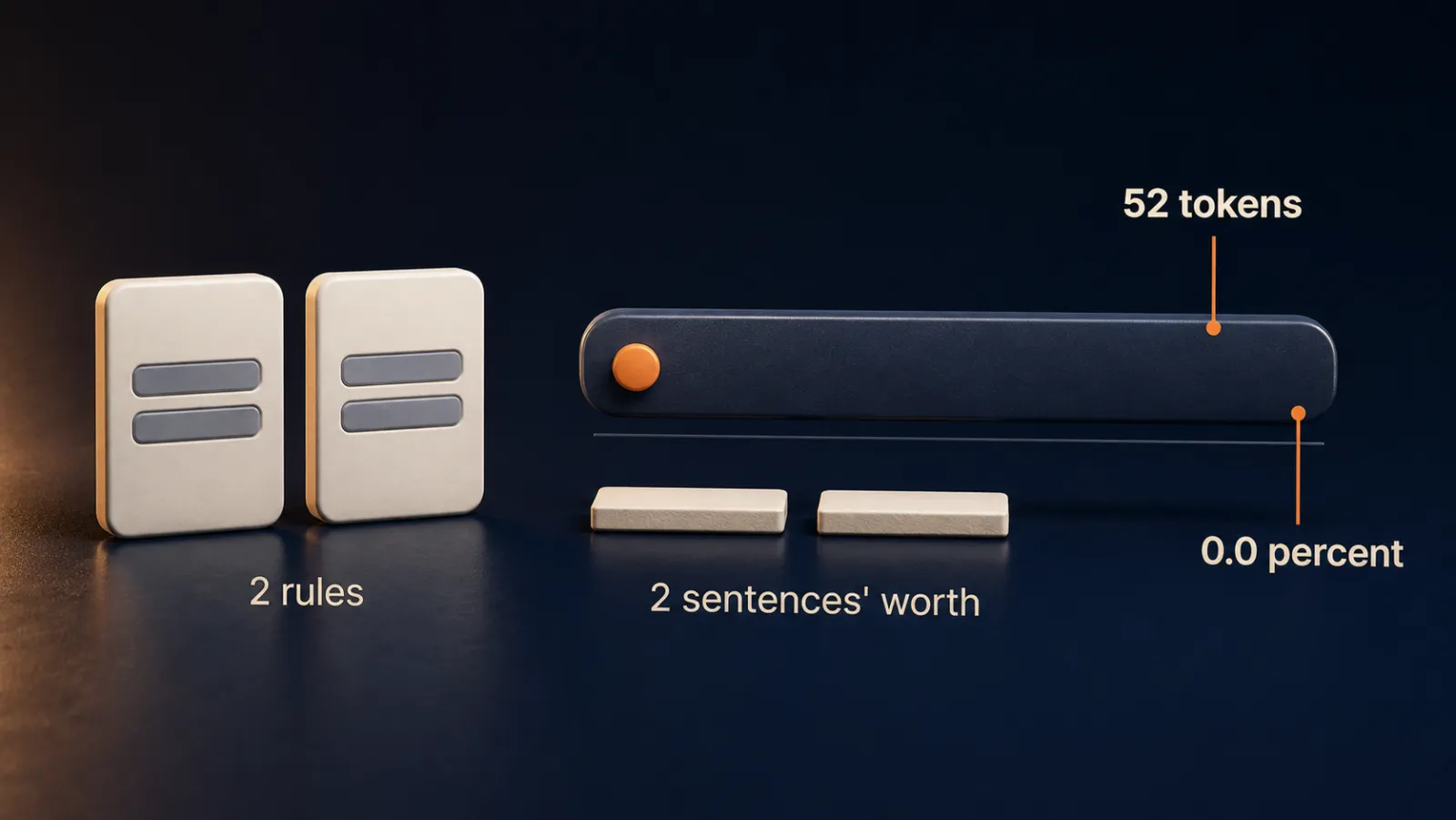
| Two cost rules | 52 tokens, shown as 0.0 percent of a window close to a million. |
|---|---|
| 50-rule test | 3 broken in a clean run: a missing comment, a skipped check, a missing plan. |
| IFScale | 20 models, 10 to 500 instructions. The best followed 68 percent at 500. |
| Session study | 1,650 sessions, 16,050 chances to follow a rule. About 5.6 percent lower odds per further piece of work. |
| Auto memory loads | First 200 lines or 25 kilobytes, whichever comes first. |
| Context rot test | 11 of 13 models scored below half on harder recall at 32,000 tokens. |
| ETH Zurich | More than 20 percent added to the cost of each run, with no general gain in finishing the task. |
| AGENTS.md | More than 20 tools read it, in over 60,000 open-source projects. |
| File growth | Nearly 1,900 projects. More than tripled in length, about 5 lines per round. |
| Anthropic's ceiling | Under 2 screens. |
More in this section
Keep going
Keep building
More from Aruntastic
Practical courses for people who want to build useful things with AI.

AI SEO Course 2026: From Zero to Page-One Results
Research search demand, structure useful pages, and work through technical and off-page SEO.
Open the course →
AEO, GEO, AI SEO: Get Cited by ChatGPT, Google, Perplexity
Study how AI search finds information, and make your pages clear enough to be cited.
Open the course →
Microsoft PowerPoint Presentation 2026 for Professionals
Learn visual hierarchy, slide composition, typography and animation through practical work.
Open the course →
AI Agents for Leaders Who Have No Time to Learn AI
If you can delegate to a person, you can delegate to an AI agent. You keep the judgment. For managers and founders.
Open the course →
Introduction to Agentic AI and AI Agents
Learn how to direct an AI agent at work, with agentic workflows, RAG and MCP explained from a real first run.
Open the course →Toolkits and programme
Go deeper

Toolkit
SEO Accelerator Toolkit
150+ copy-paste AI prompts for audience research, keywords, content, technical SEO and link building.

Toolkit
GEO Accelerator Toolkit
100 detailed AI prompts for GEO audits, entity building, content structure and client reporting.

Programme
GEO Authority Accelerator
A complete GEO programme on our learner platform: nine modules and a 30, 60, 90 day roadmap. The GEO Accelerator Toolkit is included.
Claude certification practice
Preparing for a Claude certification?
Practice exams written by Arun: 600 questions across 4 mock exams and 2 drill banks. Unofficial preparation, not affiliated with Anthropic.
 CCAR-F
 CCAO-F
 CCDV-F
 CCAR-P
See Where You Stand
This resource is one piece of a much bigger system.
Take the free Claude Code Readiness Quiz. It is 15 short situations, scored out of 100, and it tests how you handle a job rather than what you know about a tool, so you can take it without ever having opened Claude Code.
Take the Claude Code Readiness Quiz 15 situations · Scored out of 100 · Free